Business Tips

9 Best Field Service Management Software for Plumbers in 2026

Running a plumbing business means your crew is always moving. Jobs need estimates. Invoices pile up. The right FSM software handles it all. This guide compares 9 options for 2026 with features, pricing, and the one tool that fills your calendar while the others organize it.

11 min readPublished July 23, 2026

Running a plumbing business means your crew is always moving. Jobs need estimates. Invoices pile up. Customer calls come in while your team is under a sink. Scheduling gets messy. Paperwork gets lost between the truck and the office.

Field service management software fixes this. The right tool handles scheduling, dispatch, estimates, invoices, and customer management. All from one platform. All from your phone if needed.

In 2026, the best FSM tools do more than organize paperwork. They answer calls, follow up on estimates, and book jobs automatically. The fastest-growing shops use software that handles admin. Techs focus on the work.

This guide covers the 9 best FSM software options for plumbing companies. We compare features, pricing, and who each tool fits best.

Part of the Business Tips section in the Plumbing Business Blog.
All 9 tools at a glance

#

Software

Best For

Starting Price

Mobile

Key Strength

1

CloseCrew

Shops losing jobs to missed calls

Custom

Yes

AI answers 24/7 and books into calendar

2

Housecall Pro

Growing residential teams (1-15 trucks)

$59/mo

Yes

Scheduling + payments + online booking

3

Jobber

Budget-conscious small shops

$69/mo

Yes

Most affordable all-in-one

4

FieldEdge

QuickBooks-first shops

~$100/user/mo

Yes

Real-time dispatch + QuickBooks sync

5

Service Fusion

Multi-truck teams wanting flat pricing

$225/mo

Yes

Unlimited users. No per-seat fees

6

Fergus

Job costing and profitability tracking

$48/mo

Yes

Real-time cost tracking per job

7

Workiz

Teams needing built-in phone + scheduling

$198/mo

Yes

VoIP phone tied to every booking

8

ServiceTitan

Large operations (15+ trucks)

~$398/tech/mo

Yes

Deepest dispatch + capacity planning

9

GorillaDesk

Solo plumbers and 2-3 person crews

$49/mo

Yes

Simplest setup. Fastest learning curve

1. CloseCrew

Most FSM tools manage jobs after they're booked. CloseCrew starts earlier. It captures the lead that becomes the job.

Here's what happens in most plumbing shops every day. A homeowner calls about a burst pipe at 7 PM. Your team is off the clock. The call goes to voicemail. The homeowner calls the next plumber on Google. That plumber answers. That plumber books a $2,000 emergency repair.

Your schedule shows an open slot the next morning. You'll never know why.

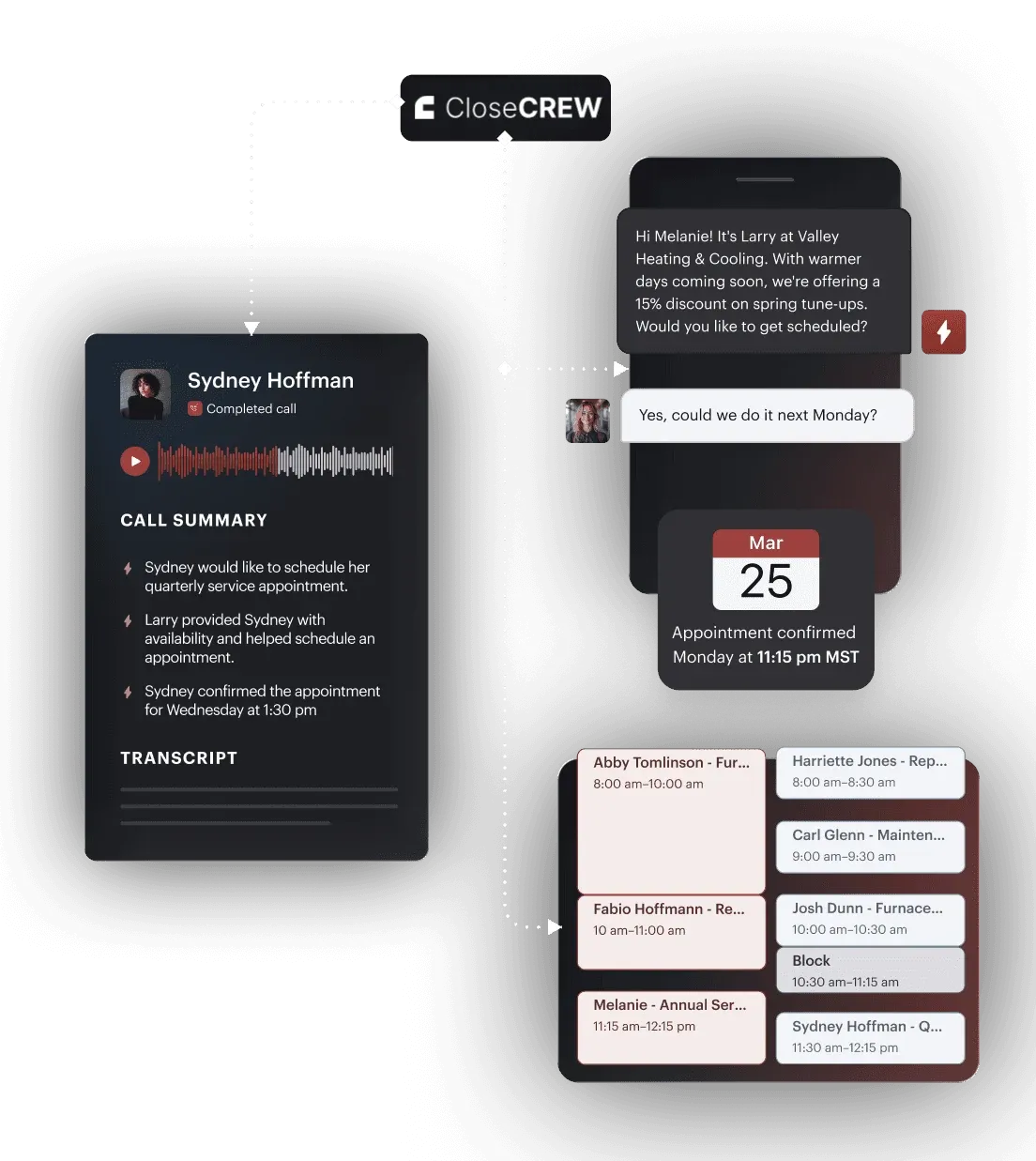
Larry, CloseCrew's AI Employee, answers every call 24/7. He qualifies the job. He books directly into your calendar. He sends a confirmation text. He follows up on open estimates automatically.

41% of plumbing bookings come after hours. 78% of customers hire whoever responds first. Larry makes sure that's you.

CloseCrew also handles scheduling, dispatching, customer profiles, job history, digital forms, invoicing, and performance tracking. But the 24/7 call answering is what sets it apart. No other FSM tool on this list does it.

Contractors who switched saw real results. Arctic Air added 30% more revenue in one year. Air Texas booked a $20,000 job after hours. Premier Heating cut response time to under 1 minute. Air Design added 13 extra appointments in 30 days.

re-engagement.webp

Most plumbing businesses lose $30,000+ per year to unanswered calls. That's revenue that should fund your next truck. Your next hire. Your next level of growth. The FSM tool that fills your calendar matters more than the one that organizes it.

2. Housecall Pro

housecallpro.webp

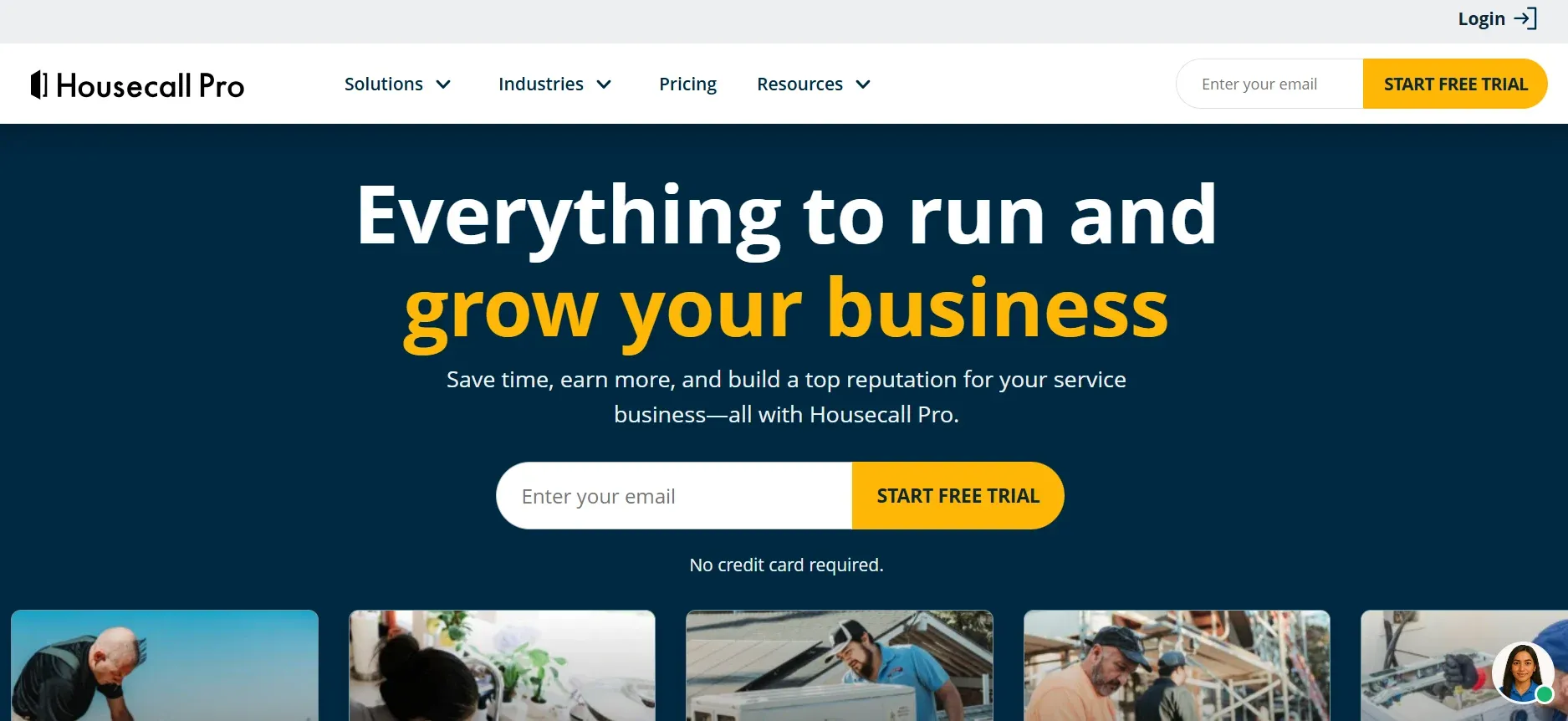
The most popular FSM for small residential plumbing teams. Drag-and-drop scheduling. Automated appointment reminders that cut no-shows by 30%. Online booking from your website.

Techs build estimates on-site. Present good-better-best options on a tablet. Capture signatures. Collect payment before leaving. The full quote-to-invoice flow happens in the field.

Built-in financing helps customers afford bigger jobs. A $6,000 repipe becomes "$125/month." Financed tickets run 3-4x higher than cash.

Pros: Easy to learn. Fast setup. Built-in financing. Strong mobile app.

Cons: Limited for commercial work. Reporting thins past 15 trucks.

Best for: Residential shops with 1-15 trucks wanting fast deployment.

3. Jobber

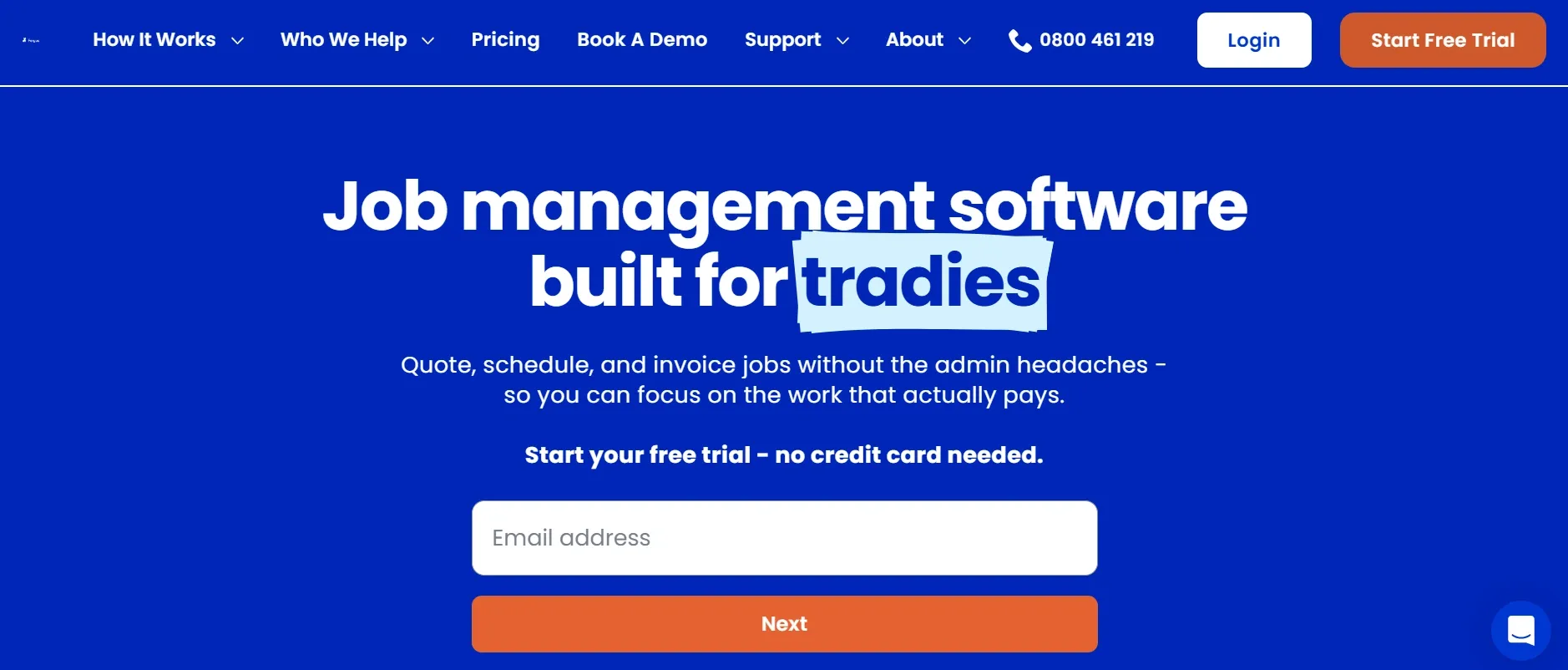
jobber.webp

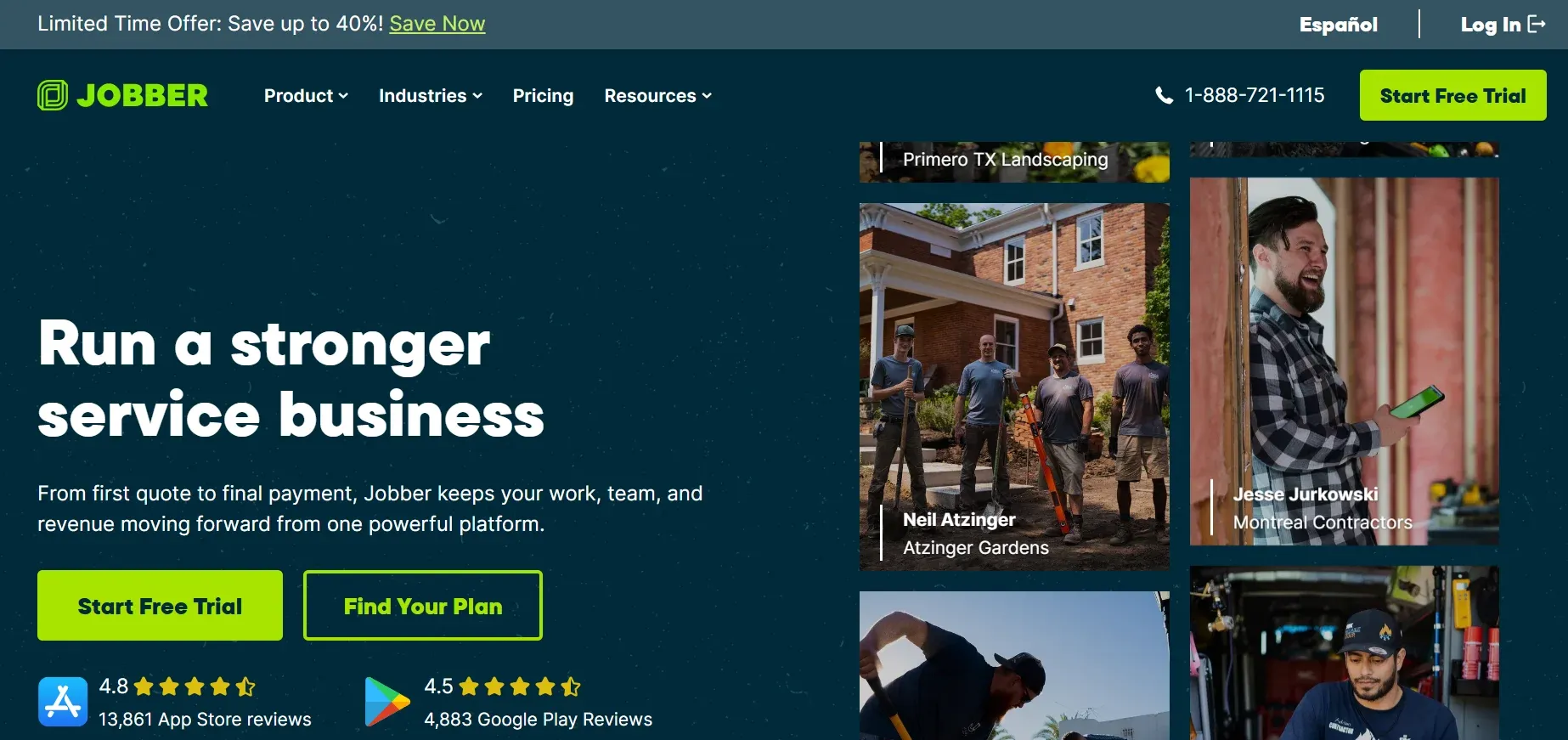
Most affordable all-in-one at $69/month. Clean interface. Solid scheduling. Client portal for self-service approvals. QuickBooks and Xero integration. Batch invoicing saves admin time.

Pros: Budget-friendly. Simple workflow. Client self-service hub.

Cons: Lacks plumbing-specific pricebooks. Basic reporting. Limited at scale.

Best for: Small shops getting off paper for the first time. If you're starting a plumbing business, Jobber is a solid first tool.

4. FieldEdge

fieldedge.webp

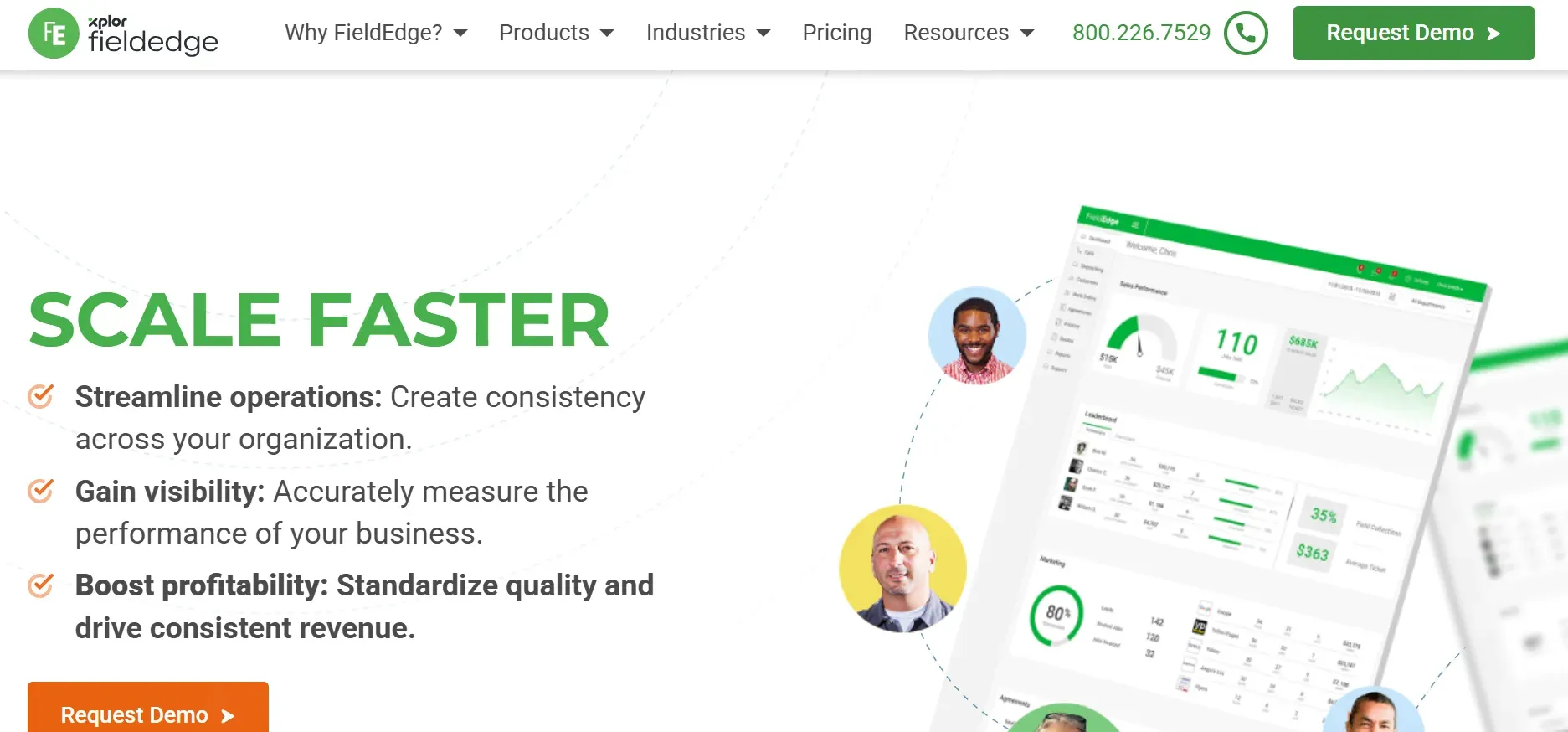
Best for shops that live in QuickBooks. Every estimate and invoice syncs automatically. Real-time dispatch board shows tech locations and job status. Deep pricebook with thousands of plumbing parts.

Techs see full customer history on every call. Past jobs. Declined estimates. Equipment records. That context helps techs make better recommendations.

Pros: Seamless QuickBooks sync. Real-time dispatch. Customer history per address.

Cons: Per-user pricing climbs. Advanced features locked behind higher tiers.

Best for: Established shops wanting tight accounting integration.

5. Service Fusion

service fusion.webp

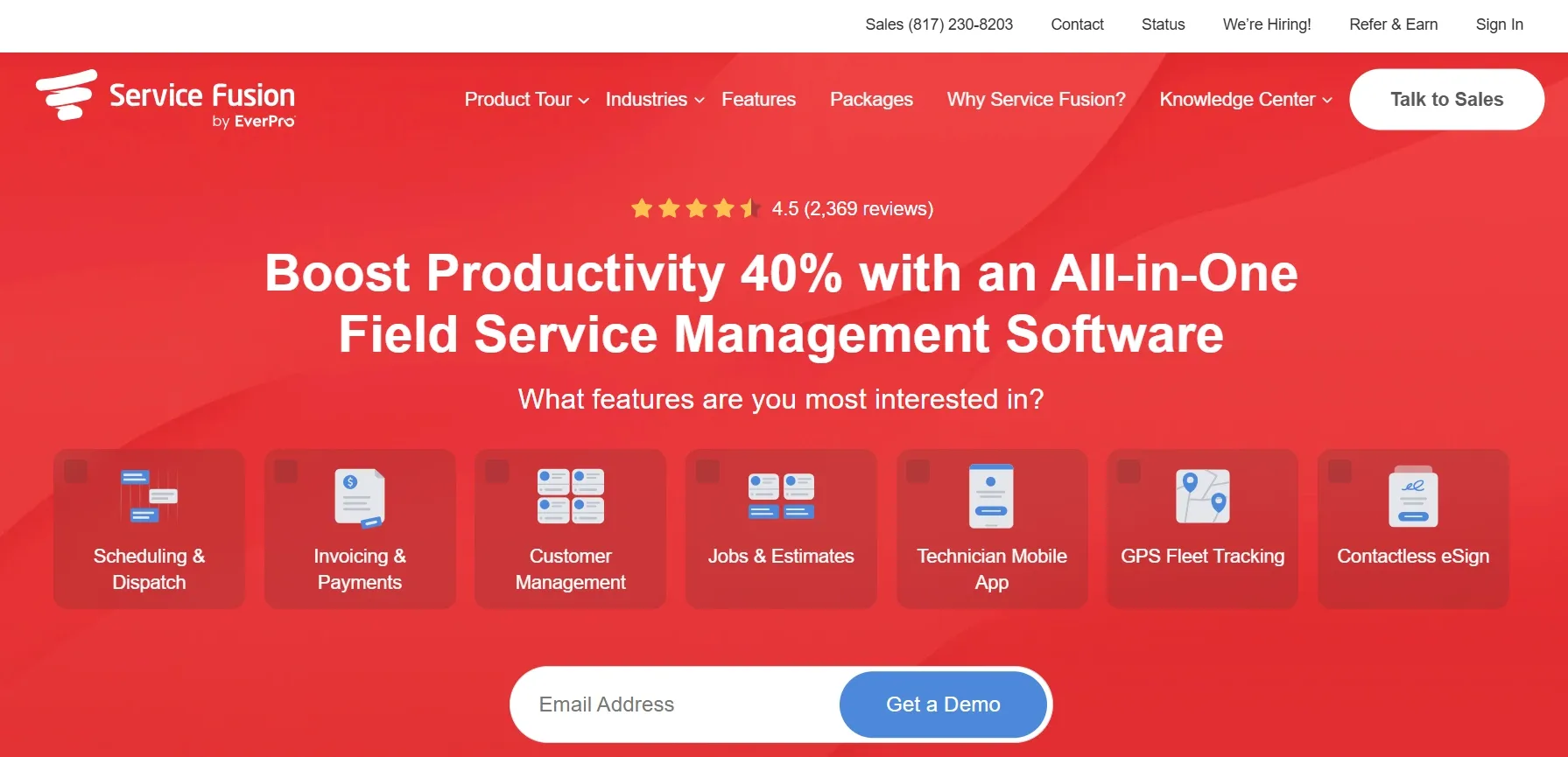
One feature sets it apart: unlimited users for a flat monthly fee. No per-seat pricing. Whether you have 5 techs or 25, it costs $225/month. For shops adding trucks every quarter, this prevents cost creep.

Scheduling, dispatch, GPS fleet tracking, and automated confirmations included. Customer management tracks every interaction.

Pros: Flat pricing regardless of team size. GPS tracking. No per-user fees.

Cons: Feature depth doesn't match Housecall Pro or FieldEdge. Mobile app gets mixed reviews.

Best for: Growing teams that want predictable software costs.

6. Fergus

fergus.webp

Fergus puts job costing front and center. Track labor, materials, and expenses as jobs progress. Know exactly where each job stands financially. No surprises at invoicing time.

Connect estimates, quotes, and job progress in one view. See if a job is on track, running over, or under budget. Turn completed jobs into invoices with correct costs already built in.

Pros: Strong job costing focus. Prevents budget overruns. Good for multi-day jobs.

Cons: More features than low-volume solo plumbers need. Higher pricing for small teams.

Best for: Plumbing contractors handling larger installs or repiping projects. For help with job pricing, our pricing apps guide covers complementary tools.

7. Workiz

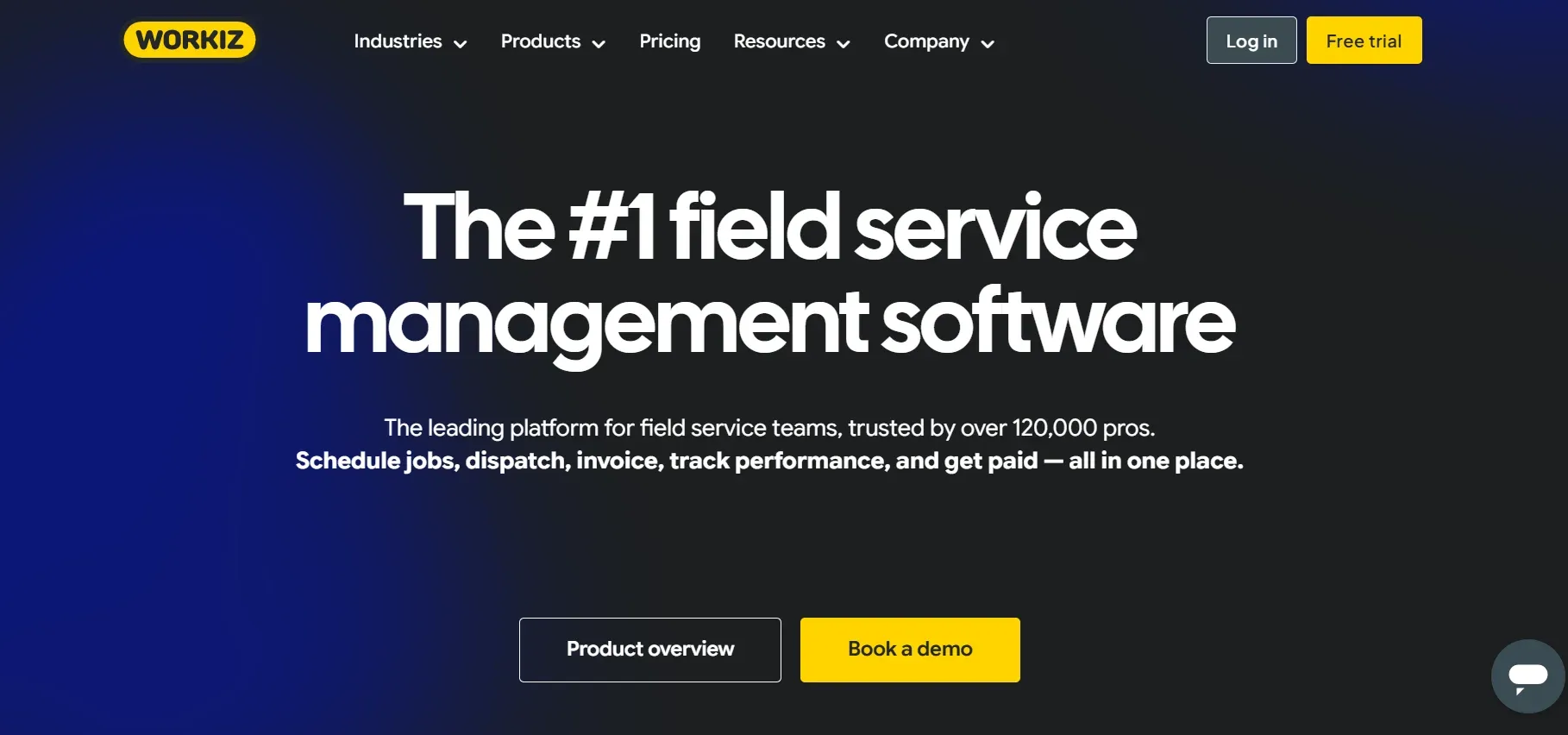
workiz.webp

Built-in VoIP phone system tied to every booking. Every call is recorded and connected to a customer profile. Dispatchers see caller info pop up automatically.

Text-to-approve estimates. Visual scheduling board. Lead source tracking shows which marketing channel generated each booked job.

Pros: Built-in phone system. Call recording. Lead source tracking.

Cons: Phone quality depends on internet. Minimum 2-user pricing at $198/month.

Best for: Shops that want phone and scheduling in one tool.

8. ServiceTitan

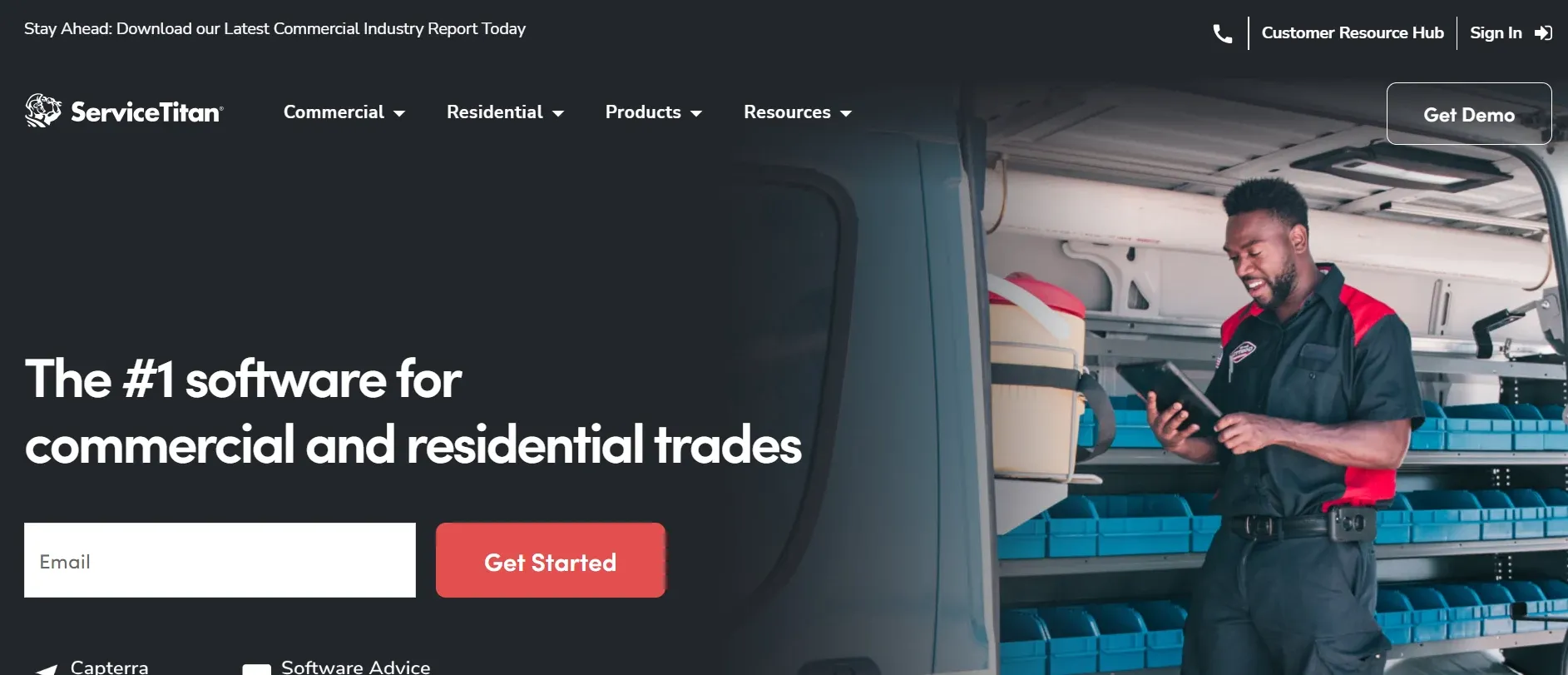
servicetitan.webp

Enterprise platform for large plumbing operations running 15+ trucks. Deepest dispatch and capacity planning features. Call booking integration. Marketing attribution.

Pros: Most advanced dispatch. Capacity planning. Marketing ROI tracking.

Cons: ~$398/technician/month. Steep learning curve. 6-10 week setup. Overkill for shops under 15 trucks.

Best for: Large operations that need enterprise-grade dispatch. For a broader comparison, see our plumbing estimating software guide.

9. GorillaDesk

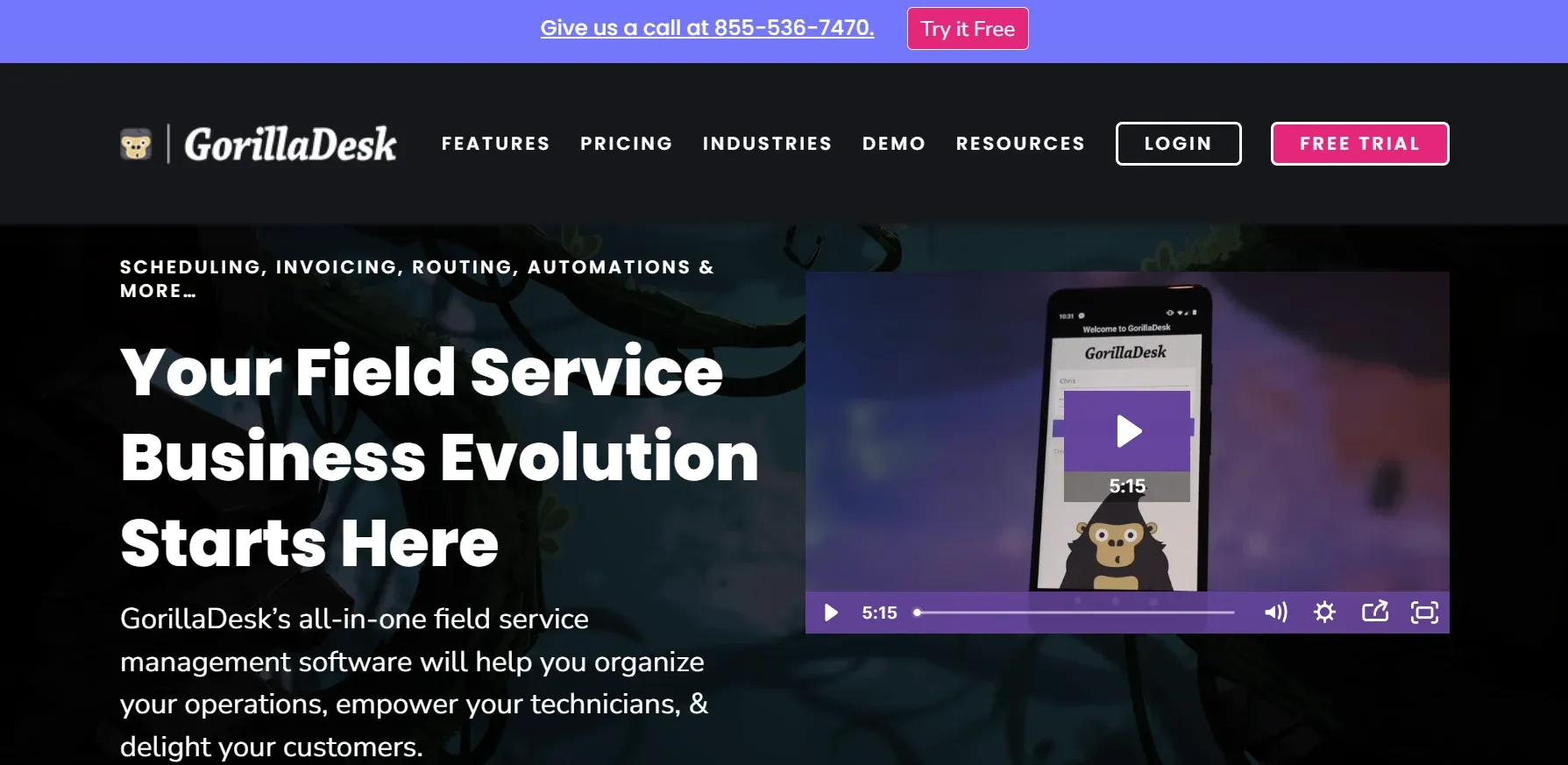
GorillaDesk.webp

Simplest option on this list. Solo plumbers and 2-3 person crews. Clean interface. Fast setup. Same-day deployment. Route optimization included.

Pros: Lowest learning curve. Fastest setup. Budget-friendly at $49/month.

Cons: Limited scalability past 5-7 techs. Basic reporting. Few integrations.

Best for: Solo plumbers wanting to get off paper with zero friction.

How to choose the right FSM for your plumbing business

If your shop...

Start with...

Loses jobs to missed calls and voicemails

CloseCrew (24/7 AI answering + booking)

Runs 1-3 trucks, just getting started

GorillaDesk ($49/mo, same-day setup)

Runs 1-10 trucks, residential service

Housecall Pro ($59/mo) or Jobber ($69/mo)

Needs QuickBooks integration

FieldEdge (seamless sync)

Adding trucks every quarter

Service Fusion (flat pricing, unlimited users)

Handles large installs or repiping

Fergus (job costing + profitability tracking)

Wants phone system built into FSM

Workiz (VoIP + scheduling in one)

Runs 15+ trucks

ServiceTitan (enterprise dispatch)

Features that actually matter for plumbers

Mobile access. Your team is in the field all day. Every feature must work on a phone. Building estimates. Updating jobs. Sending invoices. Collecting payments. If it requires a desktop, it slows your team down.

On-site estimating with options. Good-better-best presentations close at 55-65%. Single-price quotes close at 30-40%. The tool must let techs present options on a tablet.

Automated appointment reminders. Text reminders cut no-shows by 20-30%. Two messages: 24 hours before and 1 hour before. Every no-show is a slot that could have been revenue.

Customer history per address. When a tech arrives, they should see past jobs, declined estimates, and equipment records. Context reduces diagnostic time. It also helps techs make relevant upsell recommendations.

Online booking. 70% of consumers prefer scheduling online. If your only option is calling, you lose the customers who don't want to pick up the phone.

Invoicing and payment collection. Create invoices on-site. Collect payment before leaving. Digital invoicing gets you paid 2-3 weeks faster than mailing paper invoices.

For marketing strategies that feed your FSM with leads, see our marketing guide.

The feature no other FSM includes

Every tool on this list organizes your schedule. Manages your customers. Handles your invoices. They all do this well.

None of them answer your phone at 9 PM on a Friday.

That's the gap. Your FSM is full of features. Your calendar has open slots. But the homeowner who called after hours went to voicemail. They booked with the plumber who picked up.

Your tools organized the business perfectly. They just couldn't fill it.

CloseCrew fills the gap. Larry answers every call. Books every lead. Follows up on every estimate. Your FSM organizes the work. Larry generates it.

Think of it like a restaurant. Great kitchen. Locked front door. The food is ready. Nobody can get in. The food is ready. Nobody can get in.

Larry unlocks the door. 24 hours a day. 7 days a week. Every lead walks in. Every job gets booked. Every estimate gets followed up.

That's not a feature upgrade. That's a revenue upgrade.

Common FSM mistakes plumbers make

  • Installing software and not training the team. A $200/month FSM is worthless if techs revert to paper. One training day pays back in weeks.

  • Choosing features over simplicity. A tool with 50 features your team uses 5 of is worse than a tool with 10 features they use all 10.

  • Not tracking which leads become jobs. Without source tracking, you can't tell which marketing channels actually fill your calendar.

  • Skipping online booking. Phone-only booking loses customers who prefer scheduling on their own time.

  • Using separate tools for everything. Scheduling in one app. Invoicing in another. Customer data in a third. Each handoff creates errors and wastes time.

What switching to FSM software actually feels like

The first week feels like extra work. You're entering customer data. Setting up templates. Learning the interface. This is normal.

By week two, your team sees the payoff. Estimates go out faster. Invoices get paid sooner. The schedule is visible to everyone. No more "who's on that job?" phone calls.

By month two, you wonder how you ran without it. Customer data lives in one place. Every tech has context before arriving. Invoices generate automatically from completed jobs. Payments come in 2-3 weeks faster than paper billing.

The shops that struggle with FSM adoption share one pattern. They try to use every feature on day one. Don't do that. Start with scheduling and invoicing. Add dispatch tracking in week two. Add customer management in week three. Layer features gradually.

32% of field service software users report measurable financial gains within six months. Faster payments. More billable hours. Better customer retention. The ROI is real and it shows up quickly.

The biggest win isn't any single feature though. It's having everything in one system. No more five apps held together with duct tape. One platform. One login. One source of truth for your entire plumbing operation.

Your FSM organizes the work. CloseCrew fills the calendar.

The best FSM software keeps your plumbing business organized. But an organized business with empty slots is still an empty business. The tool that fills those slots matters as much as the one that manages them.

CloseCrew fills the calendar. Larry answers 24/7. Follows up on estimates. Automates review requests. One system that turns missed calls into booked jobs. Your best plumbing tools handle the work. Larry handles the front desk.

Stop losing leads to voicemail. Stop chasing estimates manually. Stop wondering why the schedule has gaps when the marketing is working. The answer is almost always the same. Calls came in. Nobody picked up.

Larry picks up. Every time.

Ready to see how it works for your shop?

Frequently asked questions

What is the best FSM software for a small plumbing shop?

Housecall Pro or Jobber for 1-10 trucks. Both handle scheduling, estimates, invoicing, and payments at $59-$69/month. GorillaDesk at $49/month is simplest for solo plumbers. Pair any of them with CloseCrew for 24/7 call answering.

$49-$69/month for entry-level (GorillaDesk, Jobber). $59-$225/month for mid-tier (Housecall Pro, Service Fusion). $100-$398+/user/month for advanced (FieldEdge, ServiceTitan). Service Fusion offers unlimited users at flat $225/month.

Yes. Every tool on this list supports mobile estimating. Quality varies. Housecall Pro and Jobber have the best mobile apps. Test on your actual phone before buying.

Yes. Digital invoicing with on-site payment collection gets you paid 2-3 weeks faster than paper invoices. Automated payment reminders reduce outstanding balances. Some tools include financing options that increase approval rates on big jobs.

1-2 weeks for simple tools (GorillaDesk, Jobber). 2-4 weeks for mid-tier (Housecall Pro, FieldEdge). 6-10 weeks for enterprise (ServiceTitan). CloseCrew onboards within 48 hours.

Start with the pain they feel most. If techs hate paperwork, show them mobile invoicing. If dispatchers hate phone tag, show them the dispatch board. Solve their biggest frustration first. Adoption follows.

Related tools

Run the numbers before you update your price book or field software.

Contractor Blog

Cross-trade guides on hiring, marketing, and operations for every home services business.

View all guides

Plumbing Licensing

State licensing requirements, exams, and renewal rules for plumbing contractors.

View states

Meet Larry

AI receptionist built for Plumbing — answers calls, books jobs, and follows up on leads 24/7.

See Larry for Plumbing

Related articles

business-tips

10 Winter Plumbing Tips Every Plumber Needs for 2026

Excerpt: Winter is your busiest and most profitable season. Frozen pipes. Burst lines. Water heater failures. But it's also the riskiest. This guide covers 10 winter tips that help plumbing businesses work safer, faster, and more profitably when temperatures drop.

Read guide
business-tips

Plumbing Van Setup and Organization: The Complete Guide (2026)

Your efficiency disappears the moment you dig through a cluttered van for a missing wrench. This guide covers how professional plumbers organize their vans to save time, cut costs, and complete more jobs per day. Storage systems, tool lists, vehicle recommendations, and the habits that keep everything in order.

Read guide

Never miss a Plumbing service call again. Let Larry, your AI receptionist, book jobs while your crew is in the field.