Business Tips

9 Best Plumbing Estimating Softwares for 2026

The right plumbing estimating software helps contractors create accurate quotes faster, improve profit margins, and streamline daily operations. This guide compares the top tools for plumbing businesses in 2026 to help you choose the best solution.

12 min readPublished July 10, 2026Updated July 14, 2026

The estimate is where plumbing jobs are won or lost. A homeowner with a leaking water heater calls three plumbers. The first one to put a clear, itemized estimate in front of them usually wins. Quotes delivered same-day close at roughly 38-42%. Quotes delivered three days later close at 18-22%. That's half the win rate for a 72-hour delay.

Yet most plumbing businesses still build estimates by hand. A tech jots notes on a clipboard. Someone at the office looks up part prices, builds a spreadsheet, and emails a PDF the next morning. By then, the homeowner has already booked with the contractor who quoted on-site.

Dedicated estimating software reduces bid preparation time by 50-70% compared to spreadsheets. It also protects your margins. A 5% pricing error on a $4,000 water heater replacement quietly erases $200 of profit. Across 50 installs per year, that's $10,000 in margin walking out the door.

This guide ranks the 9 best plumbing estimating software options for 2026, explains what features actually matter, and shows how the right estimating process connects to faster quotes, better margins, and more booked jobs.

Part of the Business Tips section in the Plumbing Business Blog.
All 9 tools at a glance

#

Tool

Best For

Starting Price

Mobile

Key Strength

1

Housecall Pro

Small residential teams (1-15 trucks)

~$79/mo

Yes

Fast on-site quoting with good-better-best

2

Jobber

Budget-conscious small shops

~$69/mo

Yes

Most affordable all-in-one option

3

FieldEdge

QuickBooks-first shops

~$100-$125/user/mo

Yes

Deep pricebook + QuickBooks sync

4

BuildOps

Commercial plumbing contractors

Custom

Yes

Real-time job costing tied to estimates

5

Workiz

Growing residential teams

~$198/mo (2 users)

Yes

Built-in phone system + lead tracking

6

Service Fusion

Mid-size shops wanting flat pricing

~$225/mo (unlimited users)

Yes

No per-user fees. Unlimited users

7

GorillaDesk

Solo plumbers and 2-3 person crews

~$49/mo

Yes

Simplest interface. Fastest learning curve

8

mHelpDesk

Shops growing past 5 trucks

~$169/mo

Yes

Strong automation and custom workflows

9

Synchroteam

Multi-location service businesses

~$36/user/mo

Yes

GPS tracking + route optimization

The 9 best plumbing estimating tools

1

Housecall Pro

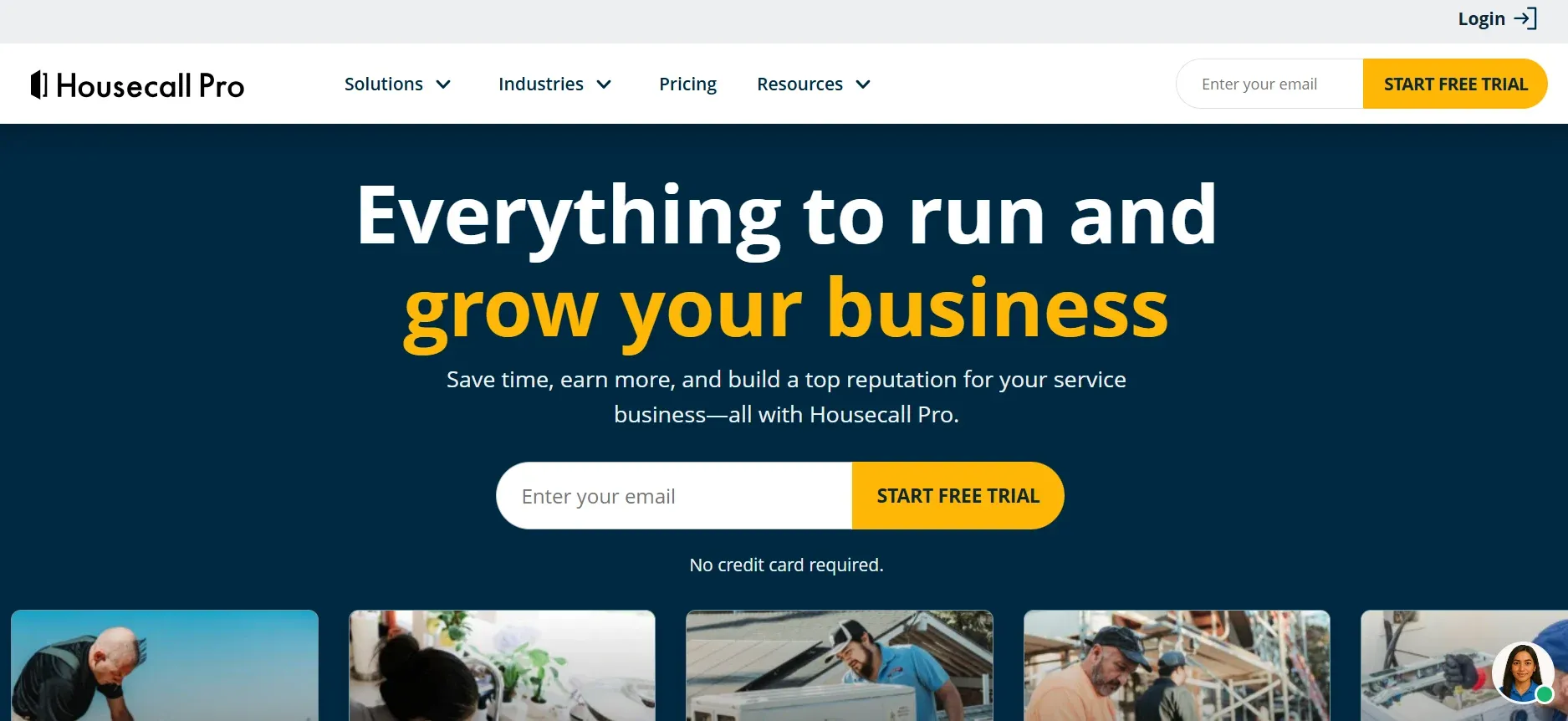
Housecall Pro is the most popular choice for small residential plumbing teams, and for good reason. Techs can build itemized estimates on-site, present good-better-best packages on a tablet, capture digital signatures, and collect deposits before leaving the house. The entire quote-to-invoice flow happens in the field.

Built-in financing helps homeowners afford larger jobs like water heater replacements and whole-house repiping. When a $6,000 repipe becomes "$125/month," more customers say yes. Financed tickets typically run 3-4x higher than cash tickets.

Automated estimate follow-ups chase open bids so techs don't have to remember who they quoted last Tuesday. Online booking and a customer portal give homeowners self-service access to approve estimates, schedule appointments, and pay invoices.

Pros: Easy to learn. Fast deployment (1-2 weeks). Built-in financing. Good-better-best estimate presentation. Strong mobile app.

Cons: Limited for complex commercial jobs. Reporting becomes thin as you scale past 15 trucks. Per-user pricing adds up for larger teams.

housecallpro.webp
2

Jobber

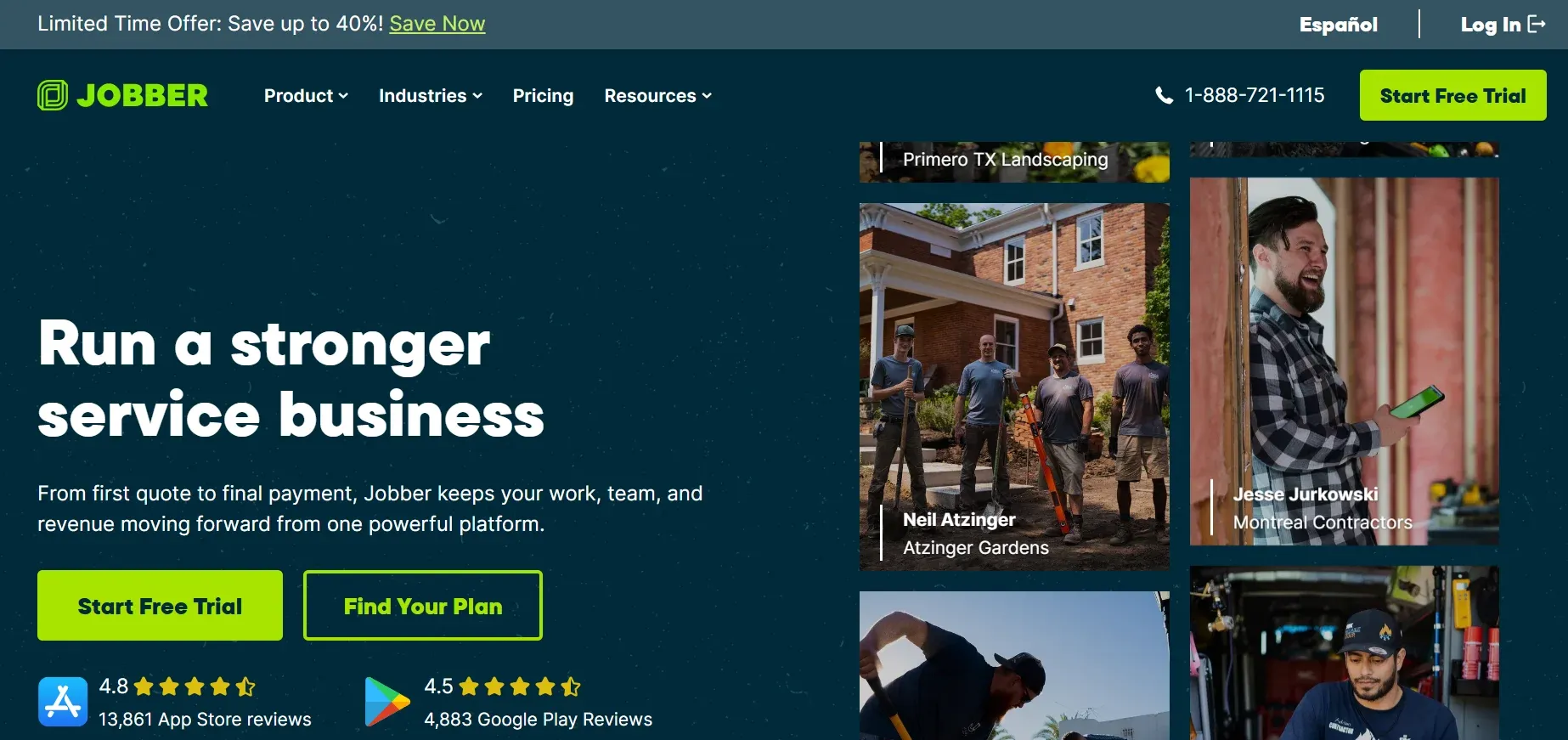
Jobber is the most affordable all-in-one option for small plumbing shops. Clean interface, solid quoting tools, and useful automations for follow-ups and invoicing. Custom estimate templates let you build quotes fast. The client hub gives homeowners a self-service portal to approve estimates and pay invoices online.

Jobber connects with QuickBooks and Xero for accounting, and integrates with Stripe and Square for payments. The scheduling features are good enough for small teams but may feel limited as you grow past 10 jobs per day.

Pros: Budget-friendly at $69/month. Simple workflow. QuickBooks and Xero integration. Client self-service hub.

Cons: Lacks plumbing-specific flat-rate pricebooks. Limited features for scaling operations. Reporting is basic.

If you're just getting started, our guide on how to start a plumbing business covers the full setup process, including choosing your first software stack.

jobber.webp
3

FieldEdge

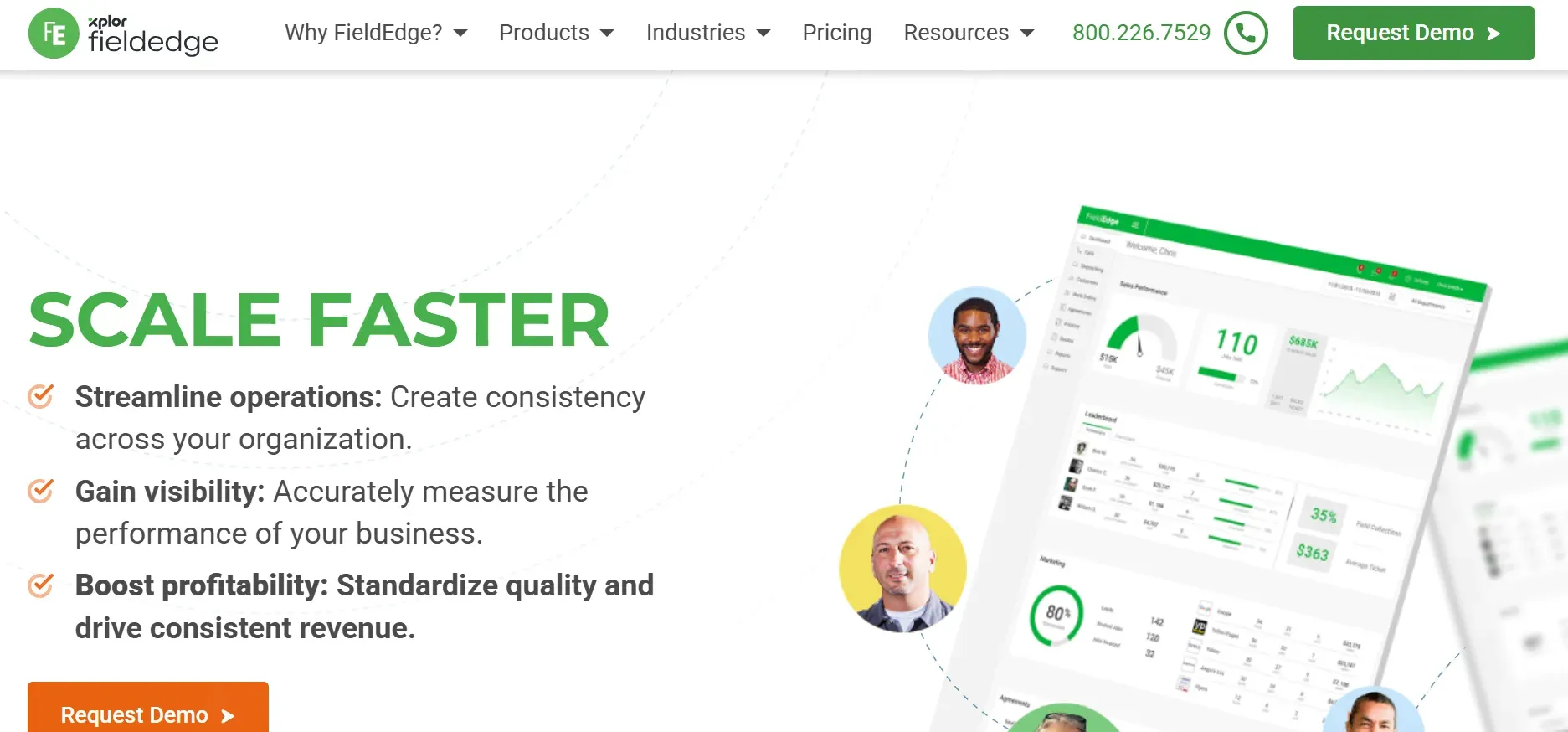
FieldEdge is the best choice for shops that live in QuickBooks. Every estimate syncs directly with your accounting. No manual data entry, no reconciliation headaches. The pricebook includes thousands of plumbing parts with real-time pricing from major distributors.

Techs see full customer service history tied to each address. When they arrive at a job, they know what was quoted last time, what was declined, and what equipment is on-site. That context helps techs make relevant recommendations without guessing.

Pros: Seamless QuickBooks integration. Real-time parts pricing. Customer service history on every call. Good for flat-rate plumbing work.

Cons: Advanced features locked behind higher-tier plans. Per-user pricing climbs for larger teams. Interface feels dated compared to newer platforms.

For help building flat-rate pricing that protects your margins, see our guide to the best plumbing pricing apps.

fieldedge.webp
4

BuildOps

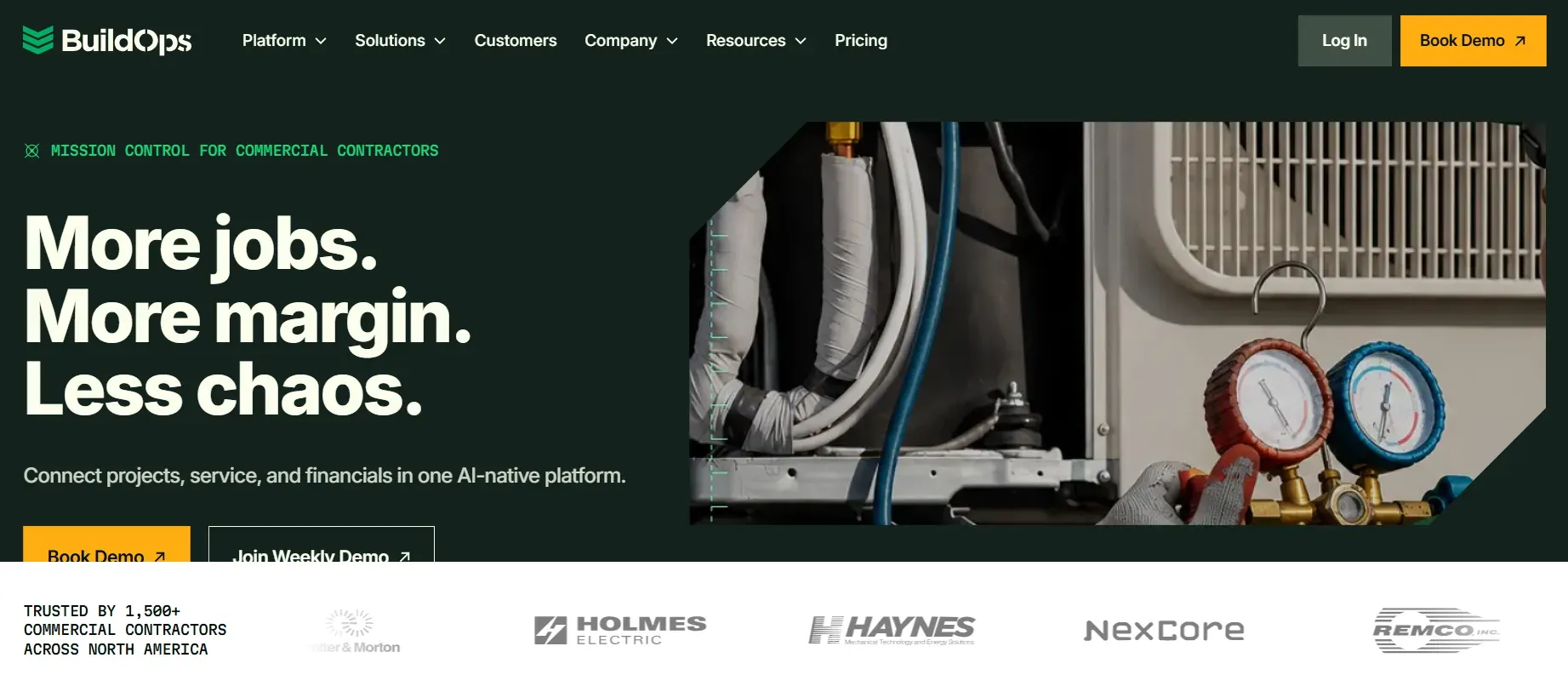
BuildOps is built for commercial plumbing contractors. It connects estimating directly to project management, scheduling, dispatching, and invoicing on a single platform. Real-time job cost tracking compares estimated vs actual costs as work progresses. You see margin erosion as it happens, not when the books get reconciled two weeks later.

The platform handles complex multi-day commercial jobs with multiple techs, subcontractors, and change orders. Proposal generation draws on customizable templates featuring pre-built plumbing assemblies.

Pros: Full commercial workflow in one system. Real-time profitability tracking per job. Handles complex multi-day projects. Strong dispatching.

Cons: Commercial-focused. Not ideal for small residential service shops. Custom pricing requires a demo. Longer onboarding (4-6 weeks).

buildops.webp
5

Workiz

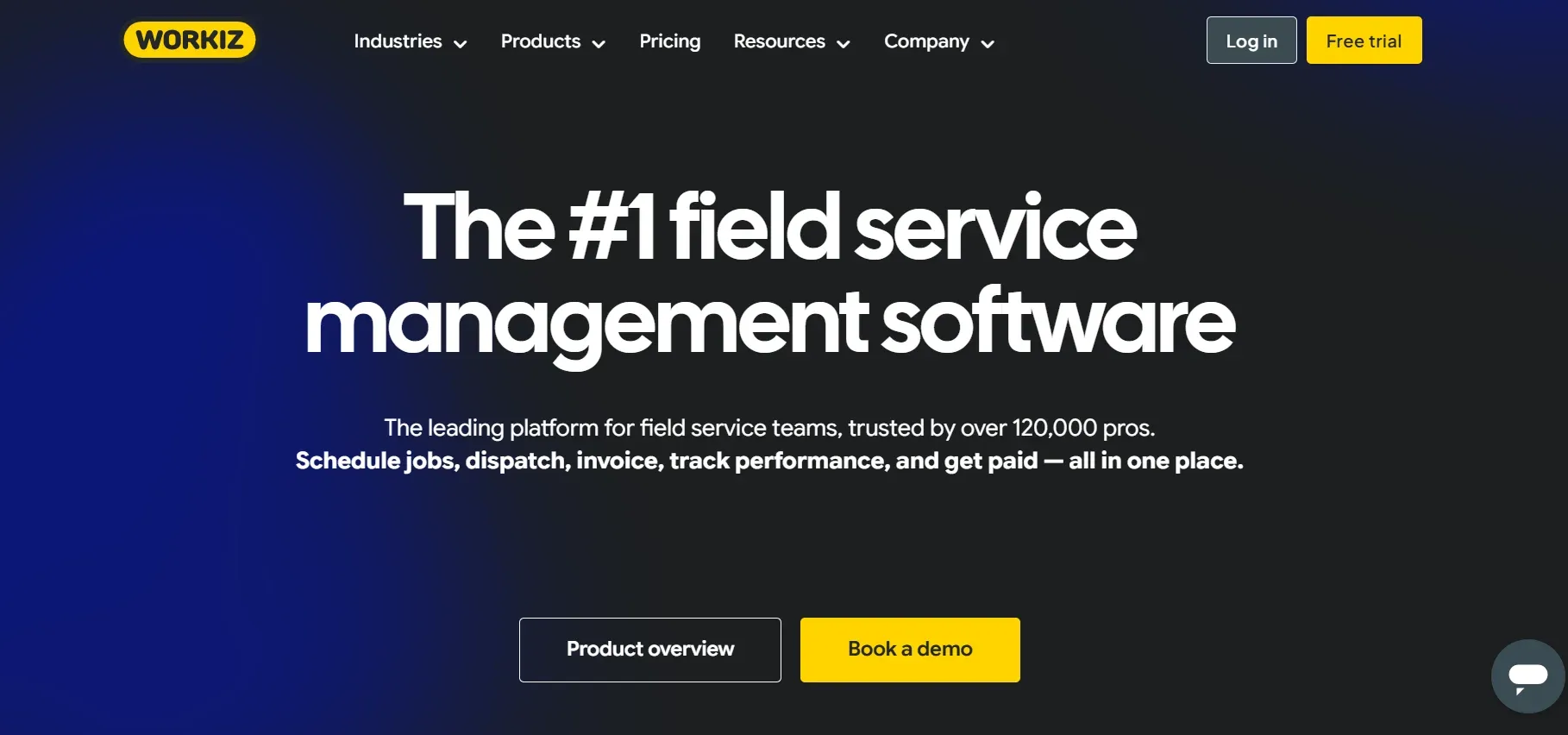
Workiz differentiates itself with a built-in phone system and lead tracking. Every call is recorded, tied to a customer profile, and connected to the marketing source that generated it. You can see which Google Ads campaign or which directory listing produced each booked job.

The estimating tools are solid for residential service work. Techs can build quotes from templates, add photos and notes, and send estimates via text or email with one-tap approval links. The scheduling board gives dispatchers a visual view of daily capacity.

Pros: Built-in VoIP phone system. Call recording and lead source tracking. Text-to-approve estimates. Visual scheduling board.

Cons: Phone system quality varies by internet connection. Less suited for commercial plan-and-spec bidding. Minimum 2-user pricing ($198/month).

workiz.webp
6

Service Fusion

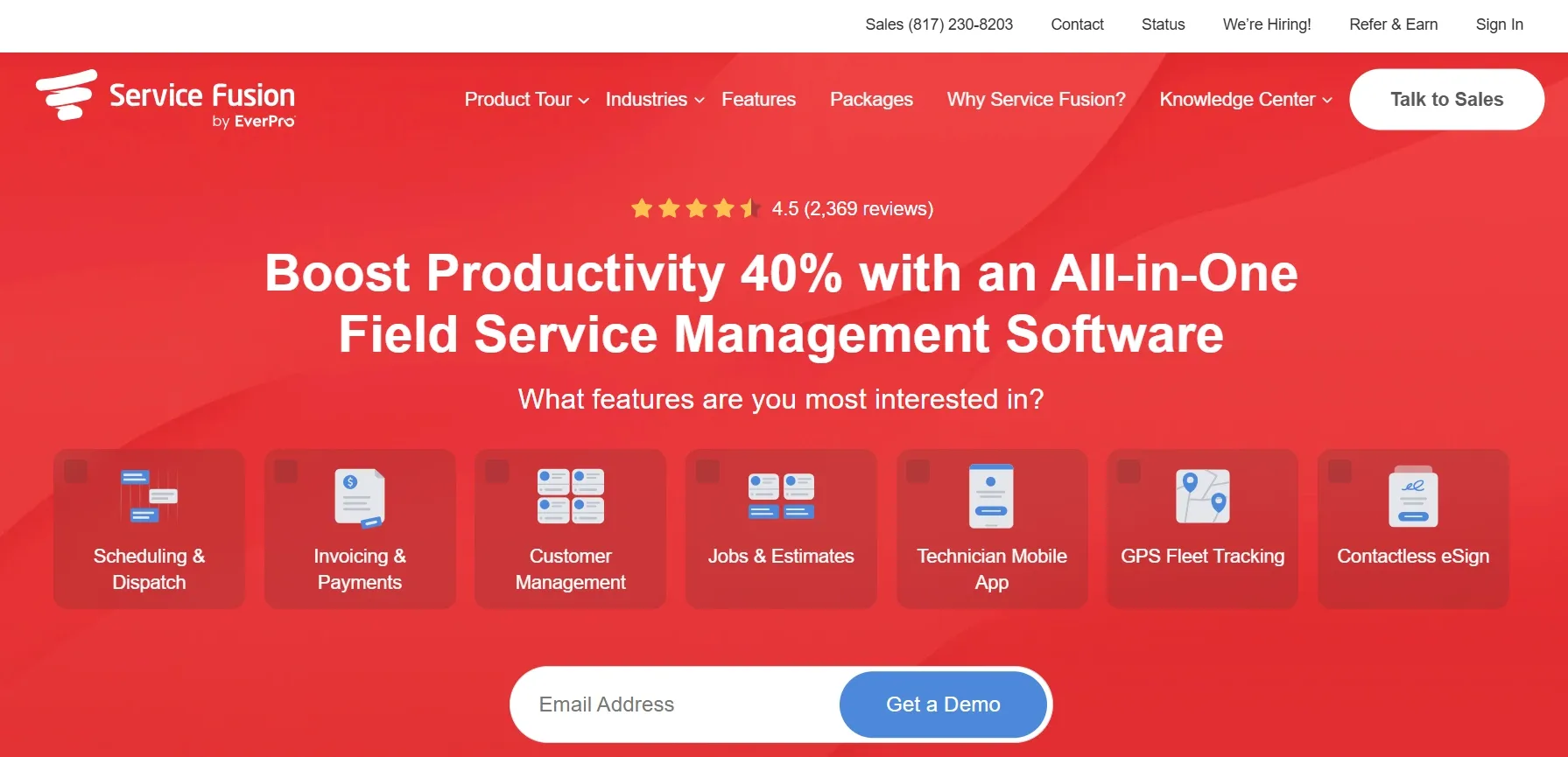
Service Fusion stands out with one feature most competitors don't offer: unlimited users for a flat monthly fee. No per-user pricing. Whether you have 5 techs or 25, the cost stays the same. For growing plumbing companies adding trucks every quarter, this pricing model prevents the cost creep that comes with per-seat platforms.

Estimating features include customizable templates, digital signatures, and automated invoicing after job completion. GPS fleet tracking shows where every truck is in real time.

Pros: Flat pricing regardless of team size. GPS fleet tracking. No per-user fees. Good customer management.

Cons: Feature set isn't as deep as Housecall Pro or FieldEdge. Mobile app gets mixed reviews. Fewer integrations than competitors.

service fusion.webp
7

GorillaDesk

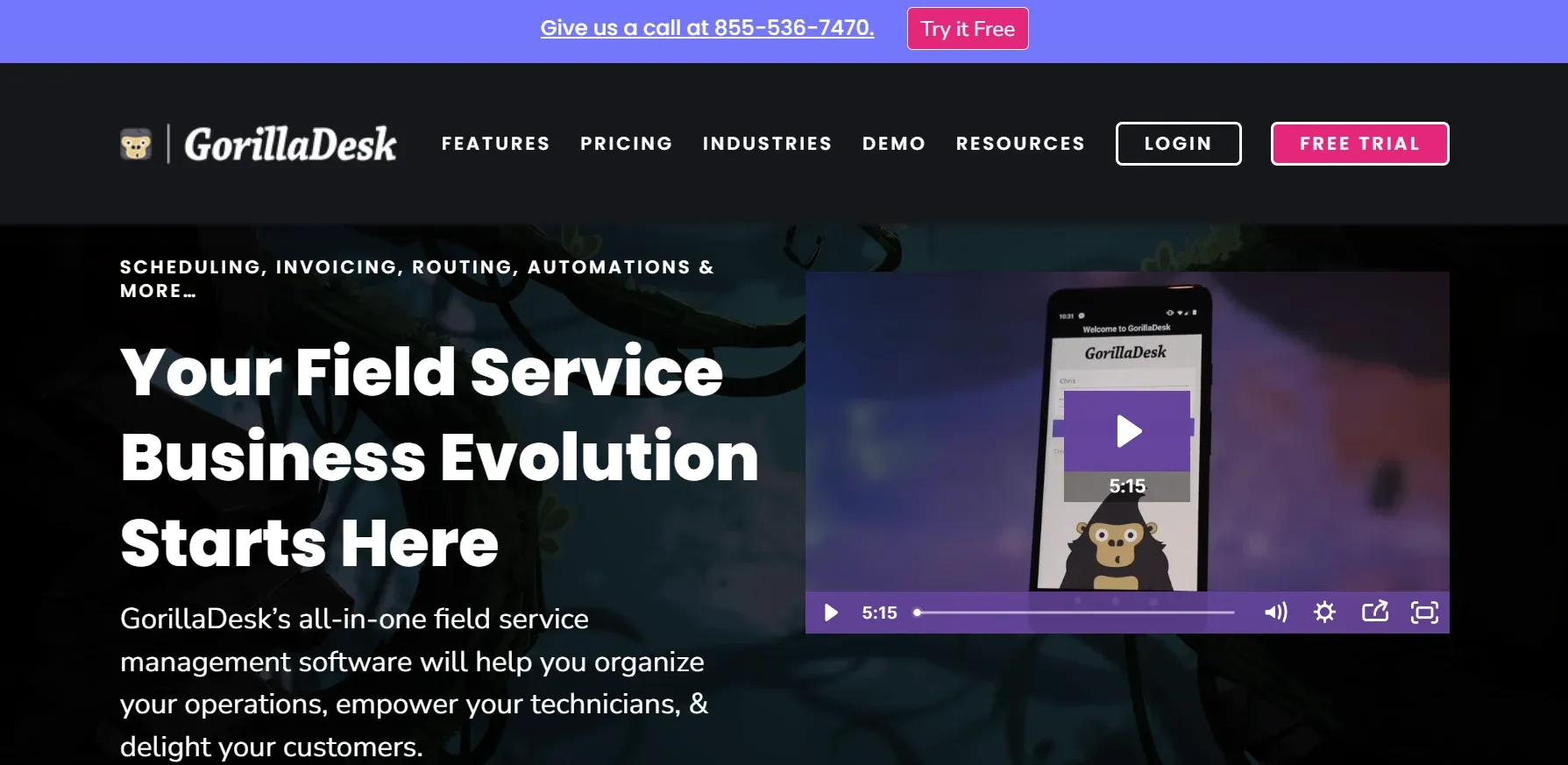
GorillaDesk is the simplest option on this list. If you're a solo plumber or running a 2-3 person crew and don't need enterprise features, GorillaDesk gets you off paper with minimal friction. Clean interface, fast setup, and the fastest learning curve in the category.

Estimates, invoicing, scheduling, and route optimization all in one platform at the lowest price point. No feature bloat. No 6-week onboarding.

Pros: Simplest interface. Lowest learning curve. Fast setup (same day). Budget-friendly at $49/month. Route optimization.

Cons: Limited scalability past 5-7 techs. Fewer advanced features. Reporting is basic. Limited integrations.

GorillaDesk.webp
8

mHelpDesk

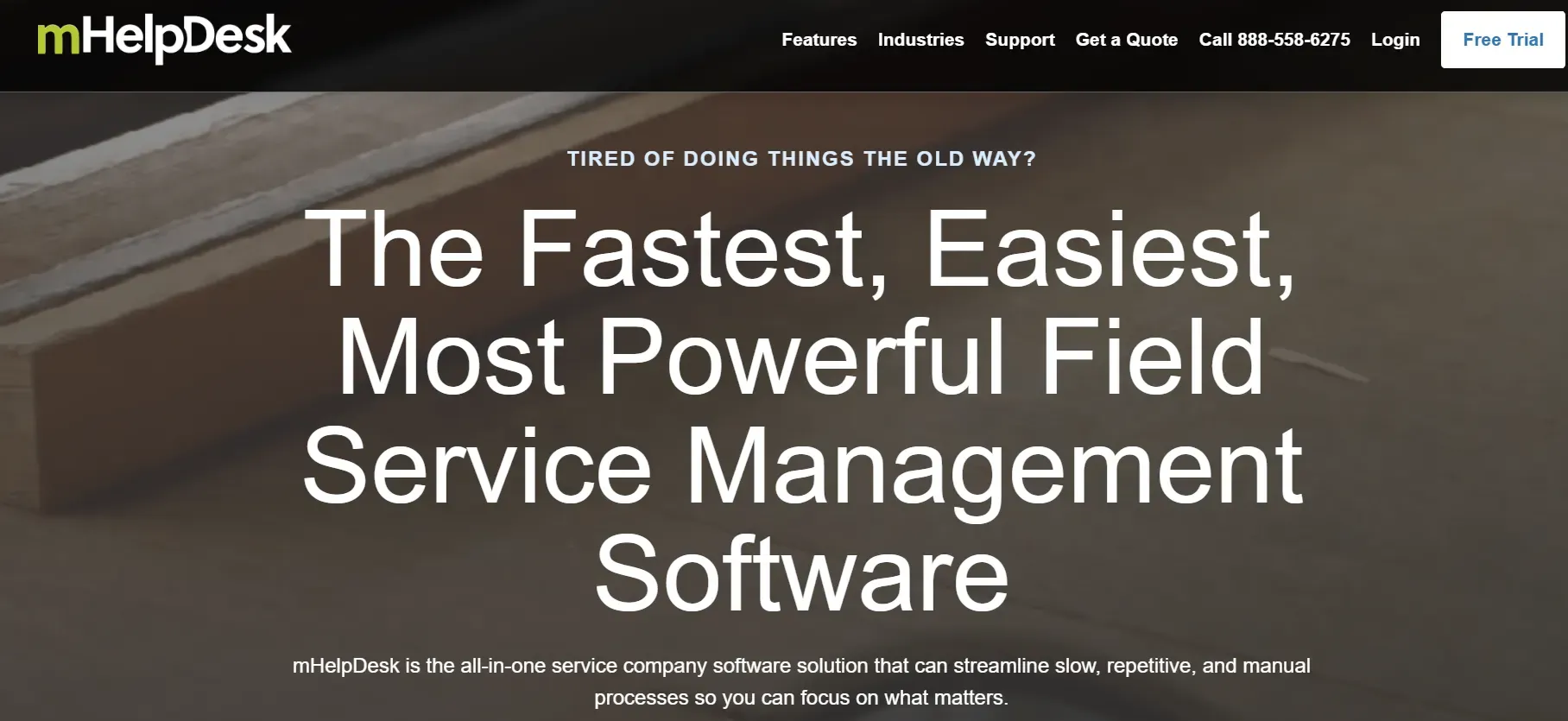
mHelpDesk targets plumbing shops growing past the 5-truck stage. The platform focuses on automation: automated estimate follow-ups, automated appointment reminders, automated invoice generation, and custom workflow triggers. These automations reduce the admin work that bogs down growing teams.

Custom fields and workflow builders let you tailor the platform to your specific processes. The estimating tools support line-item quoting with materials and labor broken out.

Pros: Strong automation and custom workflows. Good for growing teams. Custom fields and triggers. Solid mobile app.

Cons: Interface less polished than Housecall Pro or Jobber. Pricing not transparent (requires demo). Some users report occasional sync delays.

mhelpdesk.webp
9

Synchroteam

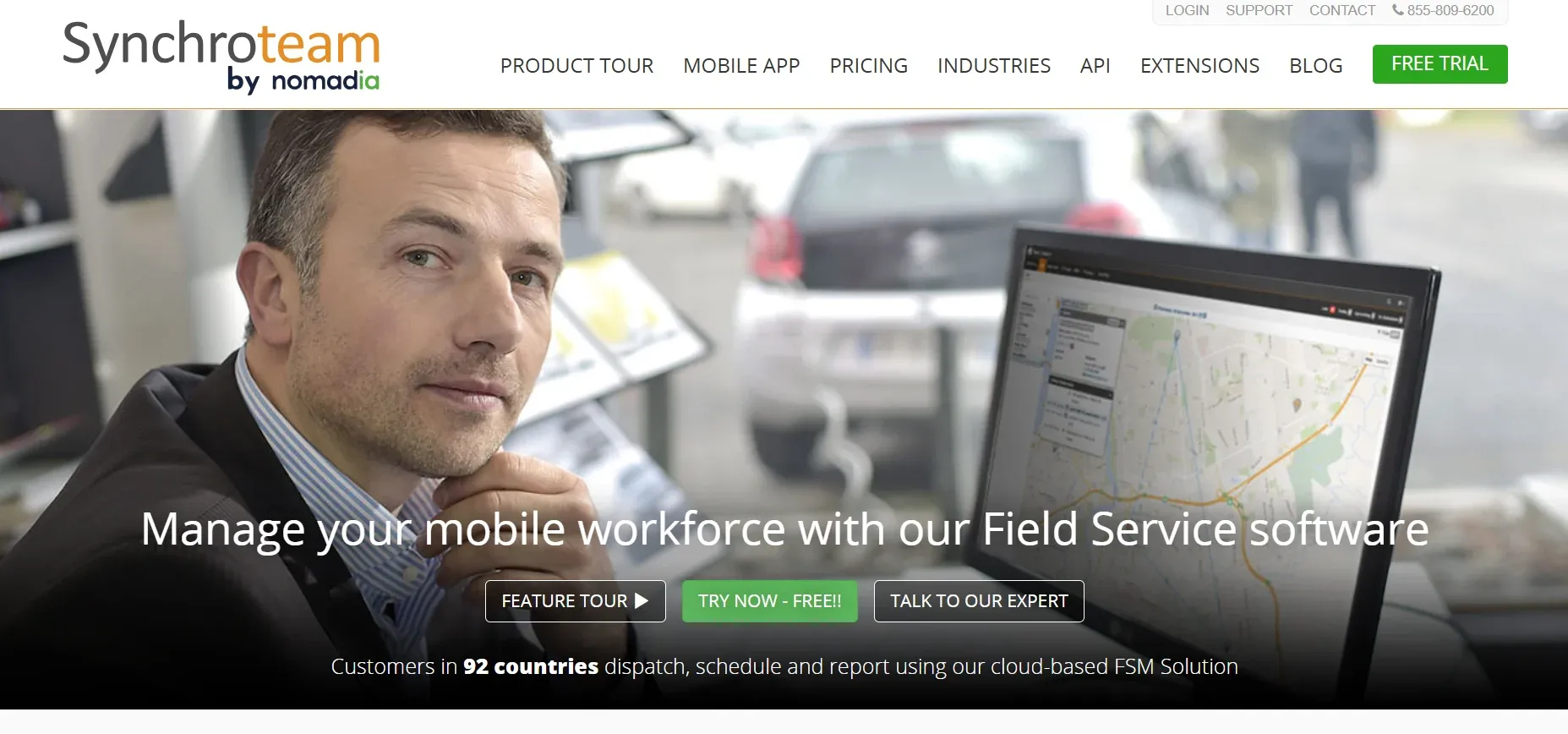
Synchroteam is designed for multi-location plumbing businesses or franchises that need to manage technicians across territories. GPS tracking, route optimization, and territory management are built into the scheduling engine.

The estimating features are competent but not exceptional. Where Synchroteam shines is coordinating field teams across large service areas. If managing geography is your biggest operational challenge, Synchroteam handles it better than most competitors.

Pros: Best GPS and route optimization. Multi-location and territory management. Low per-user pricing ($36/user/month). Handles large service areas.

Cons: Estimating features are basic compared to dedicated tools. Interface feels functional rather than polished. Smaller user community means fewer online resources.

Synchroteam.webp

How to choose the right tool

If your shop...

Start with...

Runs 1-3 trucks, just getting off paper

GorillaDesk ($49/mo, simplest setup)

Runs 1-10 trucks, residential service

Housecall Pro ($79/mo) or Jobber ($69/mo)

Lives in QuickBooks and needs sync

FieldEdge (seamless QuickBooks integration)

Growing past 10 trucks and adding staff quarterly

Service Fusion (unlimited users, flat pricing)

Runs commercial plumbing projects

BuildOps (job costing + project management)

Needs phone system and lead source tracking

Workiz (built-in VoIP)

Manages multiple locations or territories

Synchroteam (GPS + territory management)

Growing past 5 trucks, needs automation

mHelpDesk (workflow automation)

Better estimates are only part of the equation. The contractors growing the fastest combine accurate quoting with systems that answer every call, automate follow-ups, and convert more leads into paying customers.

What features actually matter for plumbing

Mobile on-site quoting. If the estimate can't be built and presented in the field, you're adding a day to your quote turnaround. That day costs you 50% of your close rate. Every tool on this list supports mobile quoting, but the quality of the mobile experience varies. Test the app on your phone before buying.

Good-better-best estimate presentation. Shops presenting three options close at 55-65% versus 30-40% for single-price quotes. The middle option becomes the default, and the premium option becomes an upsell opportunity. Housecall Pro and FieldEdge handle this best.

Flat-rate pricebooks. Plumbing service work runs on flat-rate pricing. Your estimating tool needs a pricebook that includes labor, materials, and markup calculated per task, not per hour. FieldEdge has the deepest built-in pricebook. For others, you'll import your own.

Automated estimate follow-ups. If your tool doesn't chase open estimates automatically, your team won't either. This is the single highest-ROI feature in estimating software. One contractor reported that automated follow-ups alone added 10-15 additional booked jobs per month from estimates that would have gone cold.

Online approval and payment. Let homeowners approve estimates and pay deposits from their phone. One-tap approval links sent via text convert at higher rates than PDF estimates sent by email.

Your plumbing website needs to support this workflow too. If your site generates the lead but the estimate process stalls at a PDF attachment, you've lost the speed advantage.

The step most plumbing businesses skip

You invested in estimating software. Your techs quote faster. Estimates look professional. Follow-ups are automated. But here's the gap nobody talks about: what happens when the homeowner calls back to say yes?

If that call comes at 7 PM on a Thursday and nobody answers, the job goes to whichever competitor picks up. 78% of customers hire whoever responds first. 41% of bookings come after hours. A typical plumbing shop misses 27-62% of inbound calls because techs are under a sink or in a crawl space when the phone rings.

You can price every job perfectly, present three beautiful options, and follow up on every estimate. If the return call goes to voicemail, the estimate you spent 30 minutes building generates zero revenue.

How CloseCrew captures every callback

Larry answers your phones 24/7 with Voice AI. He qualifies the lead, books jobs directly into your FSM calendar, sends text confirmations, and follows up on open estimates automatically.

Larry doesn't just answer. He works inside the same system that runs your business. Complete view of every customer, job history, and past conversation. He always knows who he's talking to and what to do next.

  • Arctic Air: 30% more revenue in one year. Hired Larry, added a truck to their fleet.

  • Air Texas: Booked a $20,000 job after hours. Larry answered when no one else could.

  • Premier Heating and Air: Response time went from 12 minutes to under 1 minute. Converted 3x more leads.

  • Air Design: 13 extra appointments in the first 30 days. Estimate conversion: 5-10% to near 100%.

Your best employee doesn't take days off. Ready to hire Larry?

Common plumbing estimating mistakes

  • Quoting from the office instead of the field. Every trip back to the office adds a day. On-site quoting wins more jobs.

  • One price, no options. Good-better-best closes at nearly double the rate of single-price quotes.

  • Using stale material prices. Copper, PVC, and fixture prices fluctuate. Stale pricing erodes margin quietly.

  • Not following up on open estimates. Without automation, opportunities go cold. Most shops don't realize how many until they start tracking.

  • Forgetting to include the right plumbing tools cost in overhead. Tool replacement and calibration are real costs. Build them into your flat-rate pricing.

Get estimates out faster. Get every callback answered.

The right estimating software gets your quotes in front of customers faster. CloseCrew makes sure every callback, every follow-up, and every "yes, let's do it" gets captured and booked, 24/7.

Getting started takes days, not months. White-glove onboarding within 48 hours. Data migration from your existing software. Staff training for your entire crew.

Frequently asked questions

What is the best plumbing estimating software for a small shop?

Housecall Pro or Jobber for residential service shops with 1-10 trucks. Both let techs build and present estimates on-site with good-better-best options. If you need the absolute lowest price, GorillaDesk at $49/month is the simplest option. If QuickBooks integration is critical, FieldEdge is the best choice.

Entry-level platforms start at $49-$79/month (GorillaDesk, Jobber, Housecall Pro). Mid-tier platforms run $100-$200/month (FieldEdge, Workiz, mHelpDesk). Service Fusion offers unlimited users for $225/month flat. Commercial platforms like BuildOps use custom pricing. Always calculate the all-in annual cost including per-user fees and setup charges.

Yes. Every tool on this list supports mobile estimating. The quality of the mobile experience varies. Housecall Pro and Jobber have the most polished mobile apps. Test the app on your actual phone before committing.

Yes. Same-hour quotes close at 38-42%. Three-day-later quotes close at 18-22%. Speed-to-quote is the single biggest lever on close rate for residential plumbing work. On-site quoting with mobile software is the fastest path from diagnosis to signed estimate.

Related tools

Run the numbers before you update your price book or field software.

Contractor Blog

Cross-trade guides on hiring, marketing, and operations for every home services business.

View all guides

Plumbing Licensing

State licensing requirements, exams, and renewal rules for plumbing contractors.

View states

Meet Larry

AI receptionist built for Plumbing — answers calls, books jobs, and follows up on leads 24/7.

See Larry for Plumbing

Related articles

business-tips

10 Winter Plumbing Tips Every Plumber Needs for 2026

Excerpt: Winter is your busiest and most profitable season. Frozen pipes. Burst lines. Water heater failures. But it's also the riskiest. This guide covers 10 winter tips that help plumbing businesses work safer, faster, and more profitably when temperatures drop.

Read guide
business-tips

Plumbing Van Setup and Organization: The Complete Guide (2026)

Your efficiency disappears the moment you dig through a cluttered van for a missing wrench. This guide covers how professional plumbers organize their vans to save time, cut costs, and complete more jobs per day. Storage systems, tool lists, vehicle recommendations, and the habits that keep everything in order.

Read guide

Never miss a Plumbing service call again. Let Larry, your AI receptionist, book jobs while your crew is in the field.