1. Your Operating Model: Service, Installation, or Both
The single biggest driver of which platform is a good fit for you is what you actually do for work. Pure service operations are all about call volume, short job durations, a flat-rate price book, and a fast dispatch board. Or vice versa is installation and construction work: longer timelines, job costing, material and labor tracking, change orders, and progress billing tied to milestones and sometimes retainage. Most HVAC companies do some combination of both, and that’s just where many platforms fall short: trying to fit quick-turn service and multi-week replacement jobs into the same inflexible workflow. A service-only platform leaves an install-heavy shop stuck with workarounds. A construction-grade tool complicates a simple maintenance call. Map your actual revenue mix before you shortlist anything, and if you are still defining it, our guide on how to start an HVAC business covers the operational foundations.
Whether your work involves service calls, installations, or a combination of the two.
If you require job costing, project tracking, change orders, and progress billing for longer-term jobs.
How smoothly the system transitions between same-day service and multi-week projects without requiring disconnected workflows.
The platform should be tailored to how your business operates, not vice versa.
2. The Markets You Serve: Residential, Commercial, or Mixed
Residential and commercial HVAC are almost different businesses, and the software has to respect that. Residential work rewards speed, a polished homeowner experience, memberships, and good-better-best proposals that make it easy to say yes and lift the average ticket. Commercial work requires service contracts, equipment, and asset tracking across multiple units and locations. Also, it requires purchase-order billing, NET payment terms, and a CRM that supports longer sales cycles and recurring preventive maintenance contracts. One platform typically clumsily serves the other. A shop that serves both needs separates processes in the same space, not a home tool with commercial features grafted onto it. Think about where you want your revenue to go, not where it is today.
Whether your primary revenue source is residential, commercial, or both.
How the platform organizes workflows for different customer types.
Whether it remains adaptable as you expand into a new segment.
Choose software that effectively serves your core market while leaving room to expand into the other market.
3. Scheduling and Dispatching Efficiency
For most HVAC companies, the dispatch board serves as the operational nerve center, and small efficiency gains compound across all trucks every day. The best systems schedule technicians based on their skill, certification, location, and availability, ensuring that the right tech gets to the right job with minimal windshield time. They allow a dispatcher to reshuffle in real time when an emergency arises or a job takes longer than expected, without disrupting the rest of the workday. And they display capacity, job status, and technician location at a glance, allowing you to add another call to a route or promise a shorter arrival window. During peak heating and cooling season, when demand spikes and every truck is booked, the difference between a smart board and a clumsy one is directly reflected in the number of completed jobs.
Whether you can schedule by technician skill, location, and availability.
If dispatchers can make real-time changes without blowing up the day.
How clearly does the board show capacity, job status, and technician location?
Good dispatch tooling maximizes truck utilization while improving response times, which customers feel directly.
4. Customer Experience and CRM
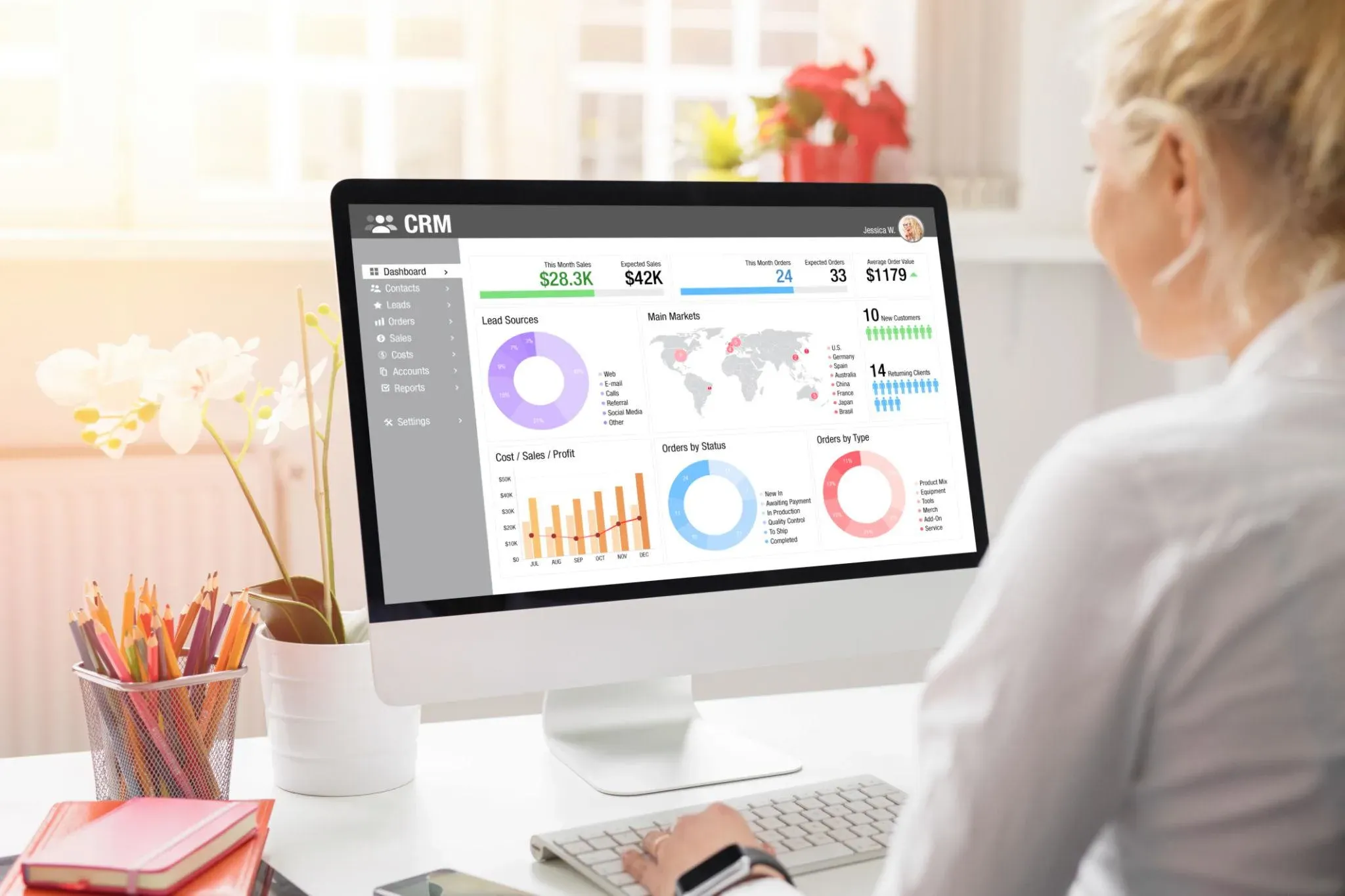
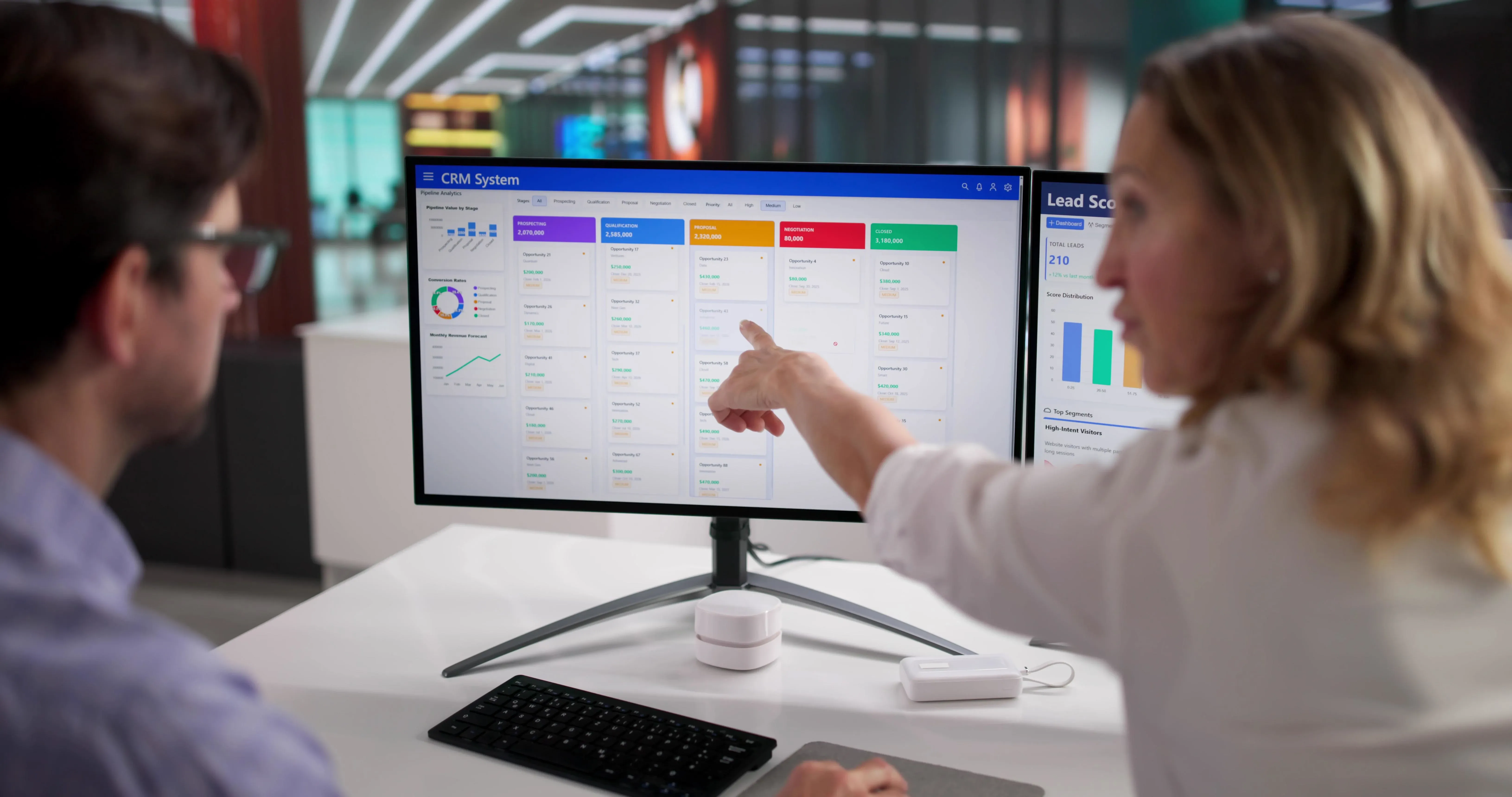
Customers judge you from the first interaction, and modern expectations are high: fast responses, clear communication, appointment confirmations, on-the-way texts, and a company that remembers their history. A strong CRM tracks every past call, estimate, membership, and service visit so the office and field see the same record in real time, which is what turns a one-time repair into a decade-long customer.
Whether the system automates confirmations, reminders, and in-transit updates.
How effectively it manages customer history, estimates, memberships, and follow-ups.
Whether the office and field access the same record in real time.
Two numbers explain why this matters. Speed is key: A commonly cited Harvard Business Review study found that responding to a lead within 5 minutes makes you about 100 times more likely to get connected than waiting 30 minutes, and the first business to respond gets the gig about 78 percent of the time. Industry research says home-service businesses miss a meaningful share of inbound calls, often a quarter or more, because technicians are on job sites, and most callers who hit voicemail just dial the next company instead of leaving a message. Strong CRM makes one-time calls into long-term customers. But that only works if the call is answered in the first place. For more on the marketing side of that funnel, see our guides on HVAC marketing ideas, HVAC SEO tips, and the 10 best HVAC websites for inspiration on converting that traffic.
5. Estimating, Pricing, and Margin Control
Consistent estimating helps protect your profit as your team grows. Without it, different technicians may quote different prices for the same job, which can hurt your margins. The best pricebooks stay connected to current supplier and manufacturer pricing, so your team always works with accurate costs instead of outdated spreadsheets. If you're comparing suppliers or updating your pricing, you can also check out our roundup of the best HVAC manufacturers and suppliers for a helpful reference.
Whether the platform supports a customizable pricebook and guided estimates.
How easily can you update material costs, labor rates, and markups?
Whether techs can present clear options to customers in the field.
The best systems enforce pricing discipline and reduce variability across your team. To pressure-test your own numbers, our HVAC profit margin calculator is a quick starting point.
6. Mobile Workflows for Field Technicians
Field adoption makes or breaks the entire investment, because a platform is only as good as the data your technicians actually enter. If the mobile app is glitchy or slow, techs route around it, the office loses visibility, and the expensive system becomes a glorified scheduling screen. A strong field app mirrors how technicians really work: pull up equipment and service history on arrival, capture photos and notes, build and present estimates, collect signatures and payment, and log time, all from a phone or tablet. Critically, it has to perform in the low-connectivity basements, mechanical rooms, and attics where HVAC work happens, syncing once the signal returns rather than failing on the spot.
Whether the mobile experience matches how techs actually work.
How easily they capture photos, notes, approvals, and payments.
Whether the app holds up in low-connectivity basements and attics.
A good mobile app makes technicians faster; a bad one becomes the reason nobody trusts the data.
7. Accounting Integration and Financial Workflows
Your FSM platform needs to tie in smoothly to your books, or you’re just trading software cost for hours of manual reconciliation every week. The cleanest setups are bidirectional and near-real-time sync with whatever accounting system your bookkeeper uses, pushing invoices, payments, purchase orders, and job costs across without anyone rekeying line items. Watch for the difference between a vendor saying "we integrate with QuickBooks" and actually showing you the workflow end-to-end. Shallow integrations that merely export a CSV nightly create as much work as they save. The place where weak integration hurts the most is job costing, because the profitability of installation and commercial work depends on accurately tying back labor and material costs.
Which accounting system do you use today, and is the integration genuinely seamless?
How invoices, payments, purchase orders, and job costs move between systems.
Whether financial data flows automatically or needs cleanup every month.
Look past the word "integration" and ask the vendor to show the end-to-end workflow live.
8. Integrations With Your Existing Tech Stack
Very few HVAC companies work with just one tool. Most cobble together financing, fleet and GPS tracking, marketing, communication, and inventory systems, and the question is whether a new platform consolidates those into an all-in-one or plays nice with the ones you want to keep. Native, proven integrations matter far more than a long logo wall, because a “supported” integration that breaks every update is worse than none. Identify which tools are non-negotiable, which you’d be happy to retire, and how the new platform deals with each. A great example of the principle is an AI receptionist – it should feed booked jobs straight into your FSM, not become another inbox to monitor.
Which tools are non-negotiable to keep.
Which ones the new platform replaces versus connects with.
Whether integrations are native and proven, not just basic data exports.
The right platform either brings your stack together into a single solution or enhances the tools you already have. For example, an AI receptionist should feed booked jobs straight into your FSM, rather than creating a second place to check.
9. Reporting and Operational Visibility
Gut feeling stops working as you get bigger; you need to see performance clearly. Metrics that really move the needle on an HVAC company, such as booking rate, average ticket, technician productivity, membership counts, and revenue by department, should be at your fingertips without anyone having to build a spreadsheet by hand. Real-time dashboards allow owners and managers to see a slipping close rate or an underperforming crew while there is still time to act, and the ability to drill from a top-line number into the underlying jobs is what separates reporting you trust from reporting you ignore. It’s not about storing data; it’s about making faster, better decisions.
Whether you can track booking rate, average ticket, technician productivity, and revenue by department.
How easily reports generate without manual spreadsheet work.
Whether dashboards show real-time operations and let you drill into the source of each number.
The best software helps you make data-driven decisions, not just store data.
10. Implementation, Training, and Ongoing Support
If your team isn’t truly committed to the best platform in the world, there’s no point. That’s why onboarding and support are just as critical as features. This includes migrating data from your legacy system, setting up workflows, and training office staff, technicians, and managers for their specific roles. Be realistic about timelines: lightweight tools can be live in days, but full enterprise FSM rollouts frequently run three to six months and often need a dedicated internal owner to drive them across the finish line. Ask the hard questions about what support will look like after go-live, because a responsive team is what gets you through the inevitable snags. Budget for the disruption and temporary dip in productivity, not just the subscription.
How implementation is structured, including data migration and workflow setup.
What training exists for office staff, technicians, and managers.
How responsive ongoing support is when something breaks.
Set expectations honestly: lightweight platforms can be live in days, but enterprise FSM rollouts frequently run three to six months and often need a dedicated office manager to drive them. Budget for the disruption, not just the subscription.
11. Community and Educational Resources
Many HVAC owners learn as much from peers as from the vendor, and a platform with an active community accelerates both adoption and business maturity. User groups, annual conferences, and message boards give you a place to ask questions, see how comparable shops configure the software, and pick up operational best practices you would not find in a help article. The value compounds: the more contractors on a platform sharing what works, the faster you get to the configuration and workflows that fit your business.
Whether the platform offers user groups, events, or knowledge sharing.
What training content helps you improve operations, not just use the software.
How easily you can learn what is working for other contractors.
An active user community speeds up both adoption and business maturity.
12. Innovation, Automation, and AI
Look at how quickly and how meaningfully they ship improvements, because software is a multi-year bet on a vendor’s roadmap. True automation isn’t just adding buttons; it’s removing manual steps such as confirmations, follow-ups, review requests, and repetitive office work. AI is now showing up throughout the trades in scheduling optimization, call handling, pricing guidance, and field diagnostics, and the platforms that are investing seriously in it will continue to pull ahead. Pick a vendor with regular, substantive updates versus a vendor that relies on a feature list that hasn’t changed in years.
How often the provider ships meaningful updates.
Whether automation genuinely removes manual work instead of adding clicks.
Where AI actually helps, in areas like scheduling, call handling, pricing, or follow-up.
Choose a vendor that is visibly investing in the future, since you are betting years of operations on their roadmap.
13. Business Size, Growth Plans, and Scalability
Your needs in three to five years may be very different than your needs today, and switching platforms mid-growth can be painful and expensive. A scalable system when you get there will absorb more technicians, trucks, and locations without breaking and supports a multi-division or multi-branch structure with roll-up reporting. The trap is two-sided. A tool that works for a two-truck shop today can fail at six, while an enterprise platform designed for 25 trucks buries a small shop in cost and complexity it can’t yet use. Match the software to where you realistically expect to be, with enough headroom for you to grow into it, not out of it.
Whether the system supports more technicians, trucks, and locations.
How it handles multi-division or multi-branch operations.
Whether it adds structure as your organization grows more complex.
The goal is software that grows with you, not a platform you outgrow and have to rip out.
14. Security, Permissions, and Operational Control
As the team grows, you have to protect customer and financial data, and control who can do what. Role-based permissions let you specify who can view pricing, issue refunds, edit estimates, and access financial records to guard against both accidental errors and intentional misconduct. Add staff and ensure consistency and accountability across departments by implementing approval workflows for sensitive actions, such as discounts above a threshold or refunds above a limit. It's easy to miss when you are small, and everyone does everything, but it is critical once you are not the only one in the system.
Whether you can set access by role and responsibility.
How pricing edits, refunds, and financial actions are governed and approved.
Whether the platform maintains clear accountability across departments.
Strong permission controls reduce risk and keep your team consistent.
15. Pricing and Total Cost of Ownership
Don’t just look at the price tag; look at the long-term value, because the cheapest platform that forces the office back into spreadsheets is anything but cheap. Pricing varies significantly across the category, from modest per-user monthly fees for lightweight tools to hundreds of dollars per technician per month on enterprise platforms, often before implementation costs that can range from a few hundred dollars to tens of thousands of dollars. Read the structure carefully. What is included in the base subscription vs. paid add-ons? The name of the contract? What does it cost to add seats when you scale? Then compare that to returns, quicker bookings, higher average ticket prices, less manual work, and better cash flow. You’re investing in measurable impact, not just shaving a line item.
What is included in the base subscription versus paid add-ons.
Implementation fees, training time, and contract length.
The return in efficiency, revenue, and reduced manual work.
Pricing across the category ranges widely, from modest per-user monthly fees on lightweight tools to several hundred dollars per technician per month on enterprise platforms, often before implementation fees. The goal is not to spend the least but to invest in the system that delivers measurable return.
The Factor the Checklists Miss: Who Answers the Phone
Run down those 15 factors, and you can purchase a really great FSM platform, get dispatch dialed in, build a sharp price book, and still quietly lose more revenue than any of them save. The reason is simple, and easy to miss: each of those features turns on after a job is booked. None of these helps if the call is never answered.
That’s not a strange edge case. Industry research shows that home-service companies often lose a significant portion of incoming calls – often a quarter or more – because the people who could respond are on a roof or in a crawlspace. Between 35-40% of home-service calls are received after hours, when the office is closed, and an HVAC emergency is at its most crucial. And most people who get voicemail don't call back – they just hire whoever picks up next. Your FSM platform doesn’t do anything about any of that.
This is the layer CloseCrew is built for, and it is worth being precise about what CloseCrew is and is not. CloseCrew is not an FSM platform; it does not dispatch trucks, run your pricebook, or replace your accounting. It is the AI receptionist that sits in front of whatever FSM you choose. Larry answers every inbound call 24/7, in English and Spanish, qualifies the caller, books the job, and passes it straight into your systems, so the platform you just spent 15 factors evaluating actually has jobs to run.
What Larry covers that an FSM evaluation usually overlooks:
24/7 and after-hours answering, so the 40 percent of calls that arrive nights and weekends become booked jobs instead of voicemails.
Instant booking into your calendar, with the speed-to-lead advantage that wins jobs against slower competitors.
Estimate follow-up and review requests, the repeat-business engine that CRM features promise but rarely automate end-to-end.
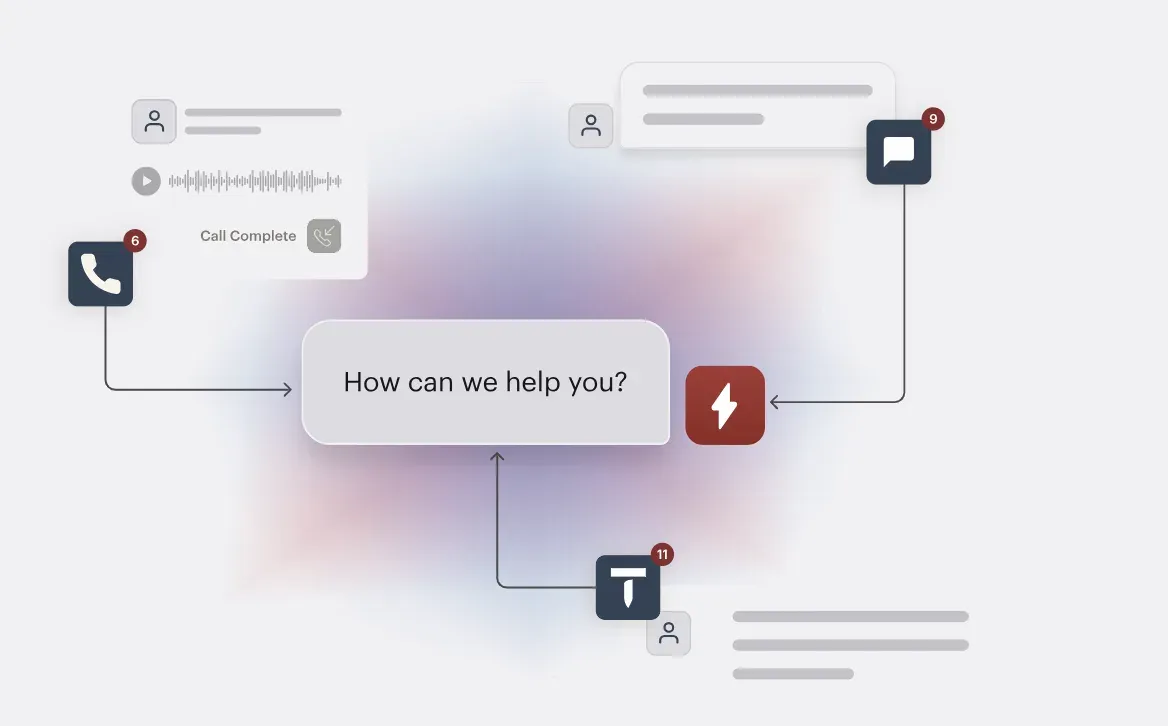
One inbox for calls, texts, webchat, and email, feeding your FSM rather than becoming another screen to watch.
200-plus integrations with white-glove onboarding in around 48 hours, so it strengthens the stack you choose instead of competing with it.
CloseCrew reports contractors using it capture up to 3x more booked leads and save 5 to 15 hours a week on phone and follow-up work. As you build out your operation, our guides on how to start an HVAC business and HVAC business insurance cover the foundation of the software.
The right FSM software is the one that fits how your HVAC business actually runs and scales with where you are headed. Whichever you choose, make sure the calls that feed it actually get answered. See how CloseCrew captures and books every call, keeping your software and trucks busy.