Equipment and Tools

10 Best HVAC Scheduling Apps for 2026 | Compared & Reviewed

Finding the right HVAC scheduling app isn't easy. We've compared the 10 best options for 2026 to help you choose the software that fits your team and keeps your schedule running smoothly.

13 min readPublished July 13, 2026Updated July 14, 2026

A missed appointment costs more than one lost job. It costs the fuel to get there, the tech's downtime, the customer's trust, and the review they leave when your company is a no-show. A double-booked tech costs you the callback, the overtime, and eventually the technician who gets tired of running behind all day.

HVAC scheduling software prevents both. The right tool matches jobs to the right technician based on location, skill set, and availability, and then automatically confirms the appointment with the customer. No phone tag. No sticky notes on the dispatch board. No "I thought you were covering that call."

But scheduling is only half the equation. Getting jobs on the calendar is the other half. If your phones go unanswered after hours, or open estimates sit without follow-up, the best scheduling app in the world has empty slots. That's why the most effective HVAC businesses pair scheduling software with systems that automatically fill the calendar.

This guide ranks the 10 best HVAC scheduling apps for 2026, explains which features distinguish basic tools from revenue-generating platforms, and shows how the right scheduling workflow leads to more booked jobs and fewer missed opportunities.

Part of the Equipment and Tools section in the HVAC Business Blog.
All 10 apps at a glance

#

App

Best For

Starting Price

Drag & Drop

Key Strength

1

CloseCrew

Shops that lose jobs to missed calls and unfollowed estimates

Custom

Yes

AI Employee answers 24/7 and books directly into calendar

2

Housecall Pro

Small residential teams (1-15 trucks)

~$79/mo

Yes

Online booking + automated reminders + easy dispatch

3

Jobber

Budget-conscious small shops

~$69/mo

Yes

Most affordable with solid scheduling + client hub

4

FieldEdge

QuickBooks-first shops

~$100/user/mo

Yes

Real-time dispatch board + QuickBooks sync

5

BuildOps

Commercial HVAC contractors

Custom

Yes

Multi-day project scheduling + job costing

6

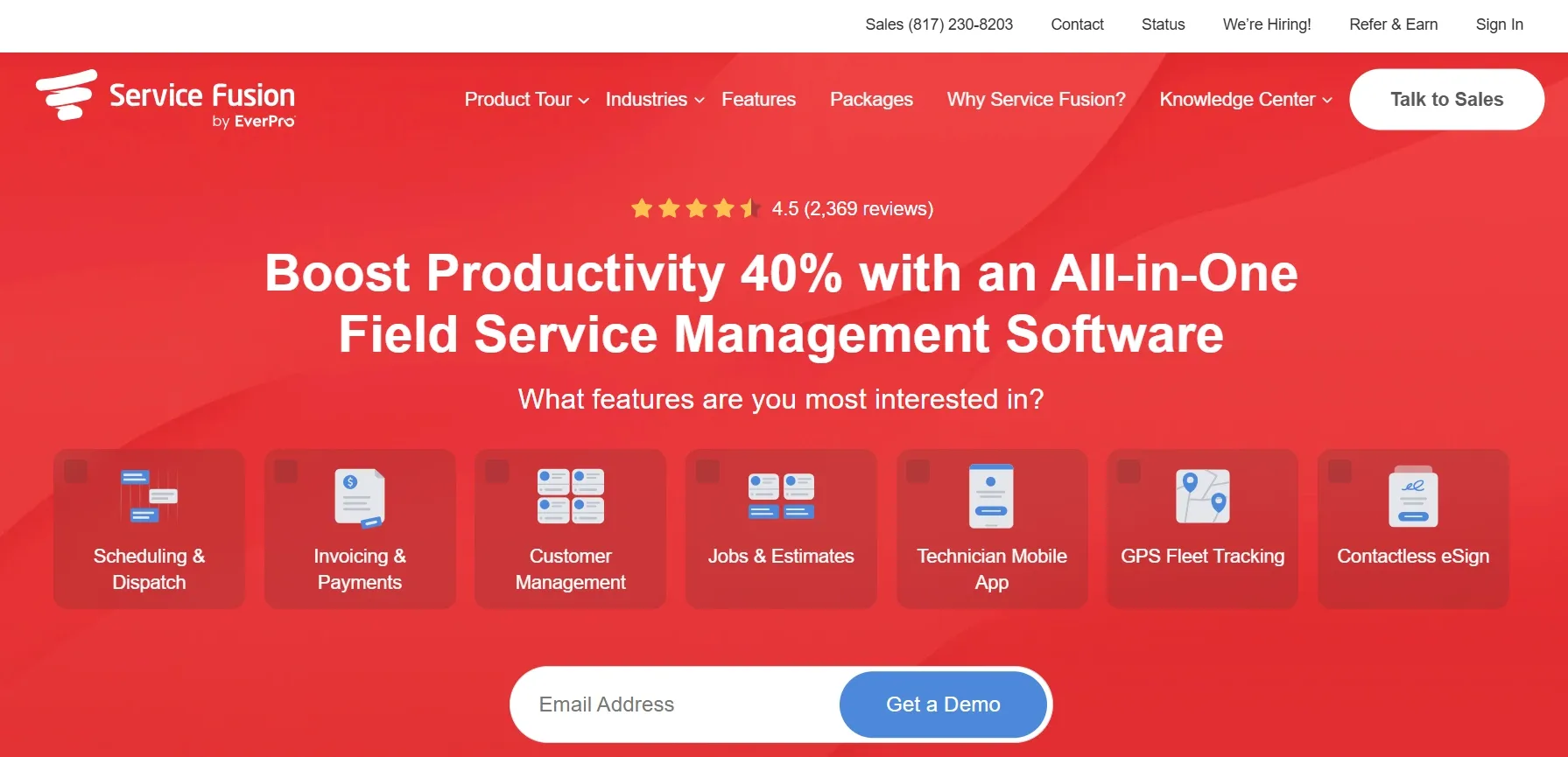
Service Fusion

Growing teams wanting flat pricing

~$225/mo

Yes

Unlimited users. No per-seat fees

7

Workiz

Teams needing built-in phone + scheduling

~$198/mo

Yes

VoIP phone system tied to every booking

8

mHelpDesk

Shops scaling past 5 trucks

~$169/mo

Yes

Workflow automation + custom scheduling rules

9

ServiceTitan

Large operations (15+ trucks)

~$398/tech/mo

Yes

Deepest dispatch + capacity planning

10

Synchroteam

Multi-location HVAC businesses

~$36/user/mo

Yes

GPS tracking + route optimization + territory management

The 10 best HVAC scheduling apps

1

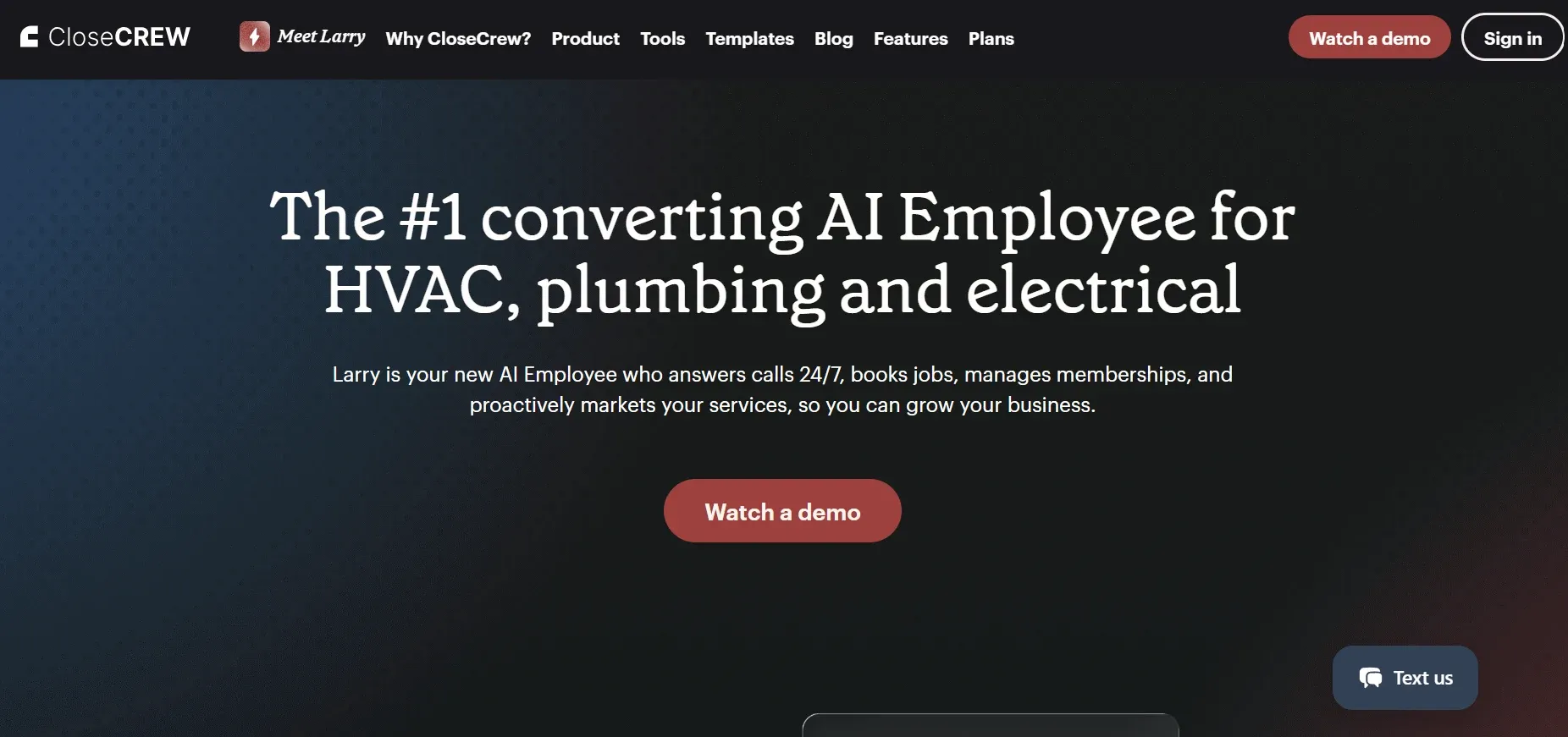
CloseCrew

Most scheduling apps solve what happens after the job is on the calendar. CloseCrew solves the problem that comes before: getting the job on the calendar in the first place.

41% of HVAC bookings come in after hours. If those calls hit voicemail, 85% of callers never call back. They dial a competitor. Your scheduling app shows empty slots the next morning, but you'll never know why.

CloseCrew fixes this with Larry, an AI Employee who answers your phones 24/7, qualifies leads, and books jobs directly into your calendar. Larry doesn't just take messages. He handles the entire booking conversation: confirms service type, checks technician availability, selects the right tech based on skill set and location, books the appointment, and sends the customer a text confirmation to reduce no-shows.

Larry also automatically follows up on open estimates. When a homeowner who received a quote for a system replacement calls back three days later to accept, Larry answers, confirms the details, and schedules the install. No human intervention needed.

The unified inbox consolidates calls, texts, web chats, and third-party leads into a single view. Your dispatcher sees every interaction and every booked job in one place instead of checking five different apps.

What contractors are saying:

  • Arctic Air: 30% more revenue in one year. Hired Larry, added a truck to their fleet.

  • Premier Heating and Air: Response time dropped from 12 minutes to under 1 minute. Converted 3x more leads.

  • Air Design: 13 extra appointments in the first 30 days. Estimate follow-up conversion went from 5-10% to near 100%.

Best for: HVAC shops losing revenue to missed calls, unanswered after-hours leads, and unfollowed estimates. If your scheduling app has empty slots but your phone is ringing, the problem isn't scheduling. It's answering.

Growing your call volume through better marketing fills those empty calendar slots even faster. Our guides on HVAC SEO tips and HVAC marketing ideas cover how to generate more inbound leads.

closecrew.webp
2

Housecall Pro

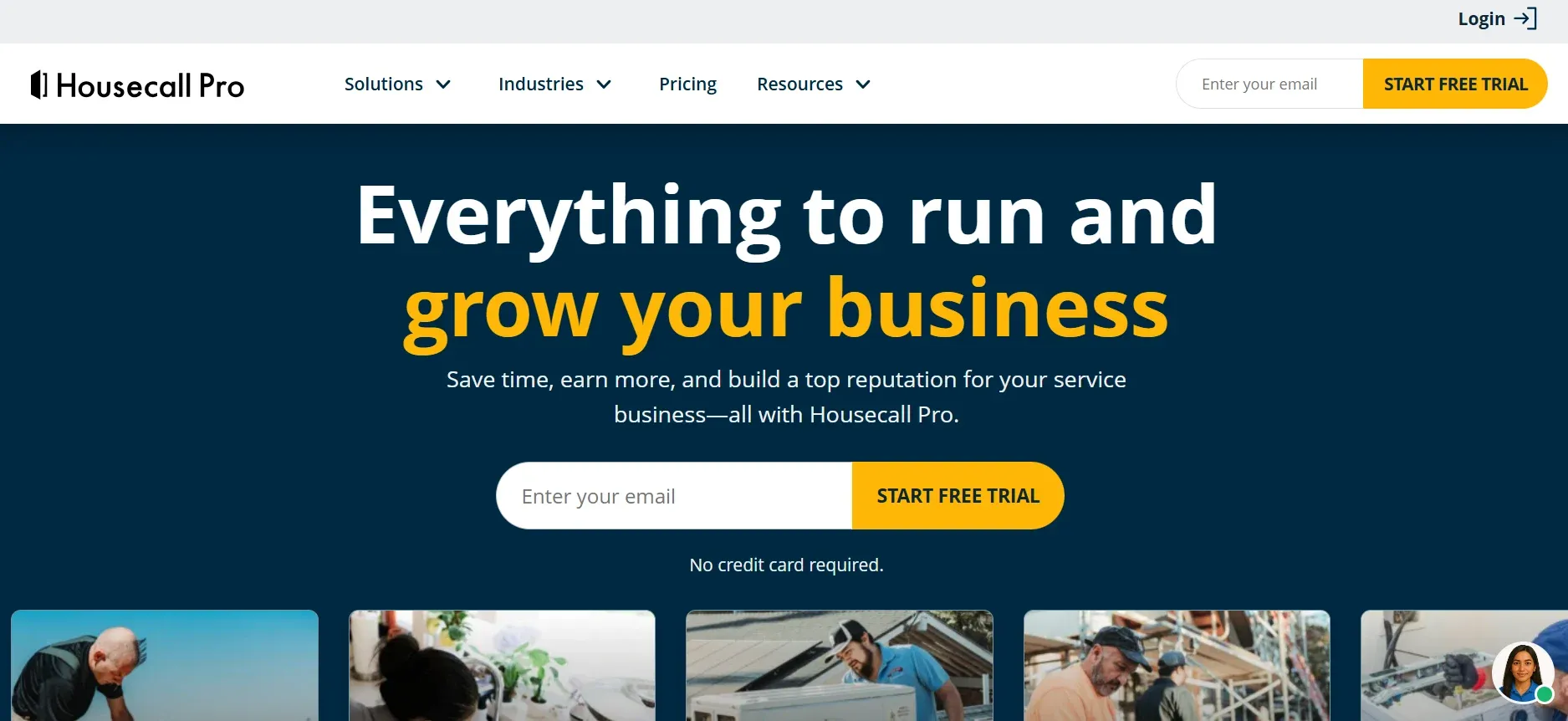
Housecall Pro is the most popular scheduling app for small residential HVAC teams. The drag-and-drop dispatch board lets office staff assign and reassign jobs visually. Automated appointment reminders go out via text and email, reducing no-shows by up to 30%.

Online booking lets homeowners schedule directly from your website or Google Business Profile. The booking widget shows available time slots so customers pick what works for them. Once booked, the job appears on the tech's mobile app with full customer details, equipment history, and any notes from previous visits.

The estimating and invoicing features are integrated, so the workflow moves from schedule to estimate to invoice without switching tools. Built-in payment processing accepts credit cards in the field.

Pros: Easy to learn. Drag-and-drop dispatch. Online booking widget. Automated reminders. Built-in payments.

Cons: Limited for complex commercial scheduling. Reporting gets thin past 15 trucks. Per-user pricing adds up.

housecallpro.webp
3

Jobber

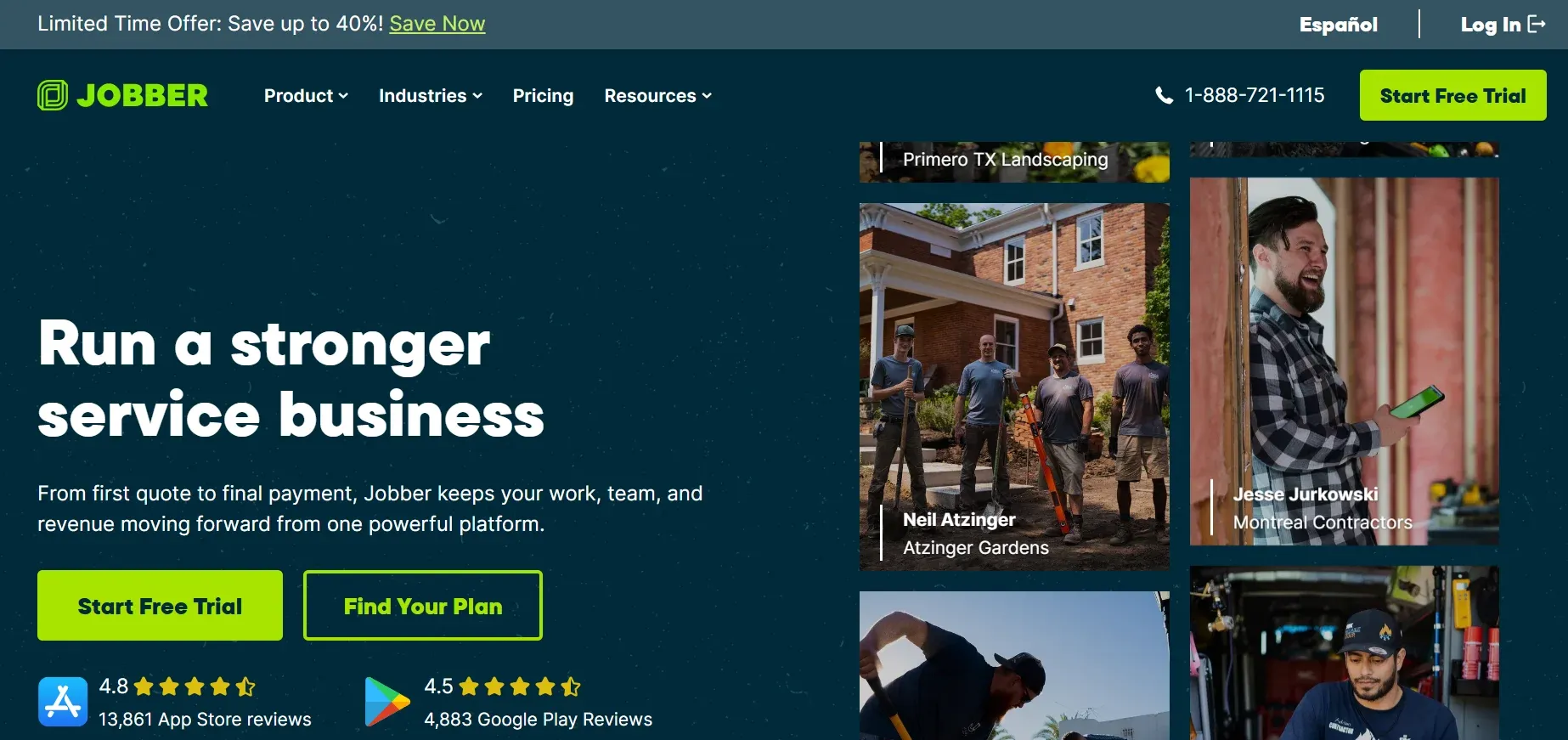
Jobber offers the best scheduling features at the lowest price point. The calendar view shows all technicians and their daily schedules at a glance. Job assignments include customer info, site address, and notes. Automated reminders reduce no-shows.

The client hub gives homeowners a self-service portal to approve estimates, view upcoming appointments, and pay invoices. Batch invoicing saves admin time at the end of the week.

Pros: Most affordable all-in-one ($69/mo). Clean calendar interface. Client self-service hub. QuickBooks and Xero integration.

Cons: Scheduling lacks advanced optimization features. Limited dispatching for larger teams. Basic reporting.

jobber.webp
4

FieldEdge

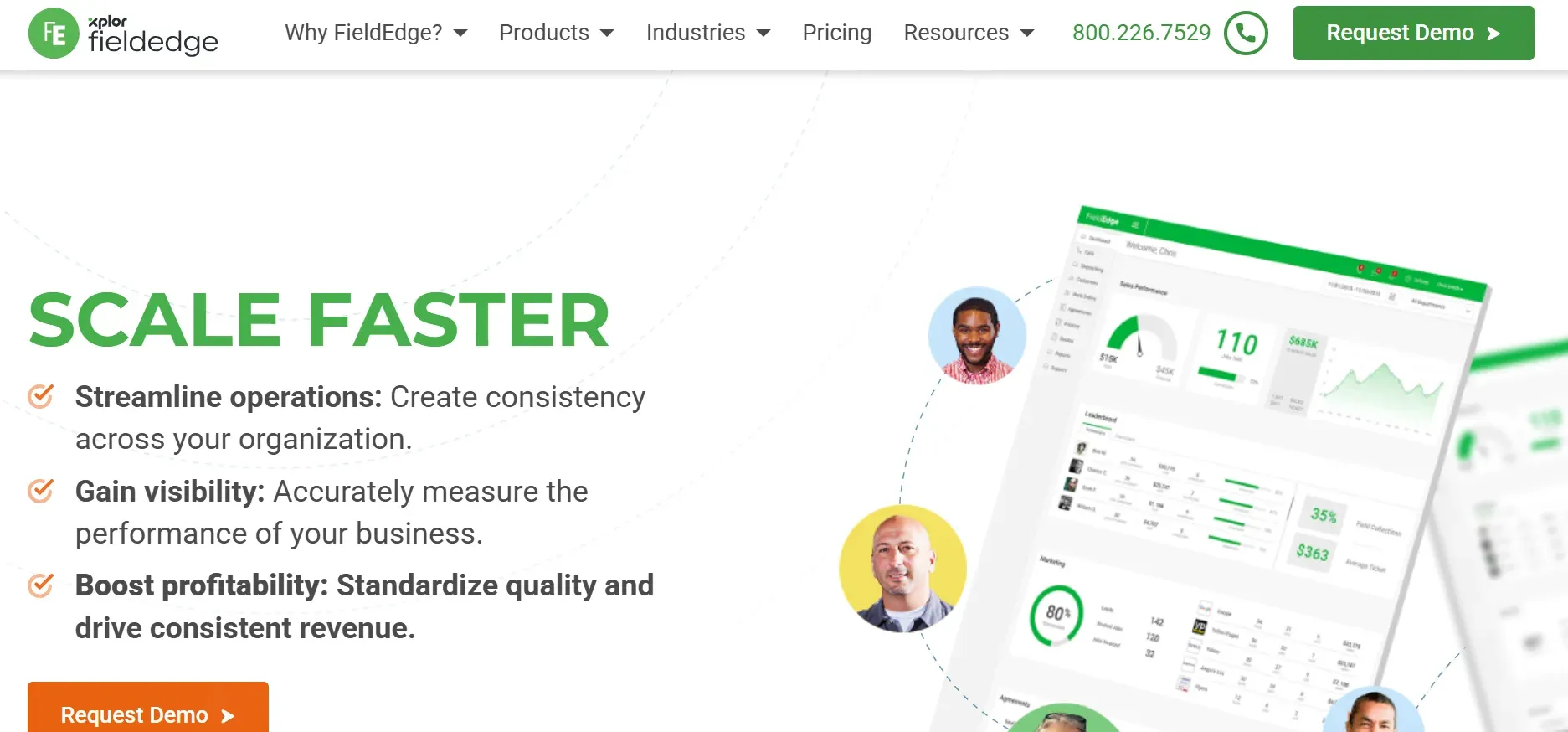
FieldEdge pairs scheduling with the deepest QuickBooks integration in the category. Every scheduled job, completed invoice, and payment syncs automatically. The real-time dispatch board shows where every tech is, what job they're on, and when they'll be available.

Performance dashboards track revenue per technician, average ticket value, and close rates. This data helps managers identify which techs need coaching and which scheduling patterns produce the best results.

For shops tracking technician compensation and productivity together, FieldEdge connects the dots between scheduled jobs and revenue per tech.

Pros: Seamless QuickBooks sync. Real-time dispatch board. Technician performance tracking. Deep pricebook.

Cons: Per-user pricing. Advanced features locked behind higher tiers. Interface feels dated.

fieldedge.webp
5

BuildOps

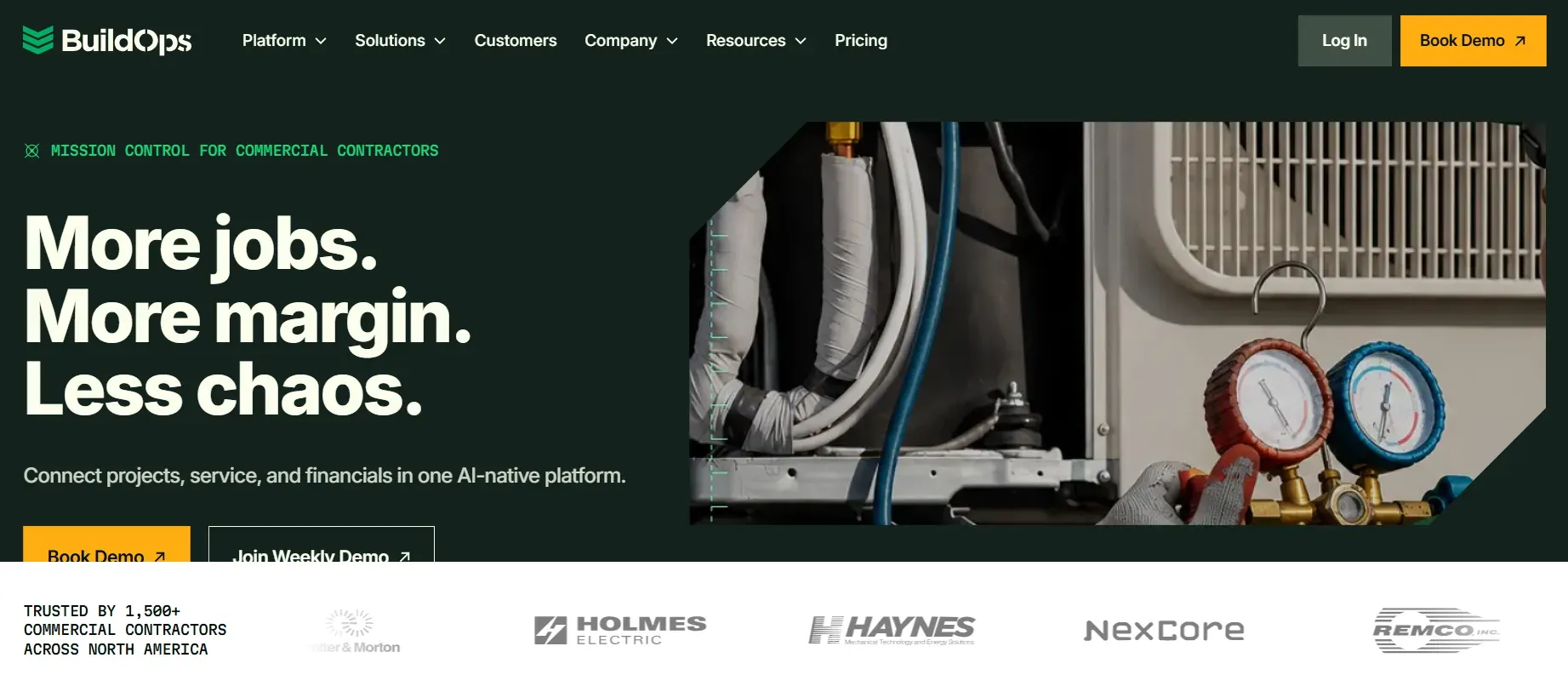
BuildOps handles the scheduling complexity that commercial HVAC work demands. Multi-day projects with multiple techs, subcontractors, and phases. The scheduling engine accounts for technician certifications, equipment requirements, and site access restrictions.

Real-time job costing tracks labor and material costs against the estimate as the project progresses. Dispatchers see which techs are on which phase of which project and can reassign dynamically.

Pros: Commercial-grade scheduling. Multi-day project management. Real-time job costing. Subcontractor coordination.

Cons: Overkill for residential service. Custom pricing. Longer onboarding (4-6 weeks).

buildops.webp
6

Service Fusion

Service Fusion's pricing model is its biggest differentiator: unlimited users for a flat monthly fee. No per-seat pricing. Whether you have 5 techs or 25, the cost stays at $225/month. For HVAC companies adding trucks every quarter, this prevents the cost creep that per-user platforms create.

The scheduling features include drag-and-drop dispatch, GPS fleet tracking, and automated appointment confirmations. Customer management tracks every interaction and job history per address.

Pros: Flat pricing regardless of team size. GPS fleet tracking. No per-user fees. Solid scheduling for growing teams.

Cons: Feature depth doesn't match Housecall Pro or FieldEdge. Mobile app gets mixed reviews. Fewer third-party integrations.

service fusion.webp
7

Workiz

Workiz bundles a VoIP phone system directly into the scheduling platform. Every call is recorded, tied to a customer profile, and connected to the marketing source that generated it. When a call comes in, the scheduling screen pops up with the customer's info and history automatically.

Dispatchers can schedule, reschedule, and track jobs while on the phone with the customer. Text-to-confirm appointments reduce no-shows. The visual job board shows daily capacity at a glance.

Pros: Built-in phone system. Call recording tied to jobs. Pop-up customer info on incoming calls. Lead source tracking.

Cons: Phone quality depends on internet connection. Minimum 2-user pricing ($198/mo). Less suited for commercial work.

workiz.webp
8

mHelpDesk

mHelpDesk focuses on automation for shops growing past 5 trucks. Custom scheduling rules can auto-assign jobs based on tech location, skill set, and availability. Automated reminders, follow-ups, and invoice generation reduce the admin work that slows growing teams.

Custom fields and workflow builders let you tailor the scheduling process to your company's specific needs. The mobile app gives techs their full daily schedule with job details, directions, and customer history.

Pros: Strong automation. Custom scheduling rules. Good for growing teams. Solid mobile app.

Cons: Interface less polished than Housecall Pro. Pricing requires a demo. Occasional sync delays reported.

mhelpdesk.webp
9

ServiceTitan

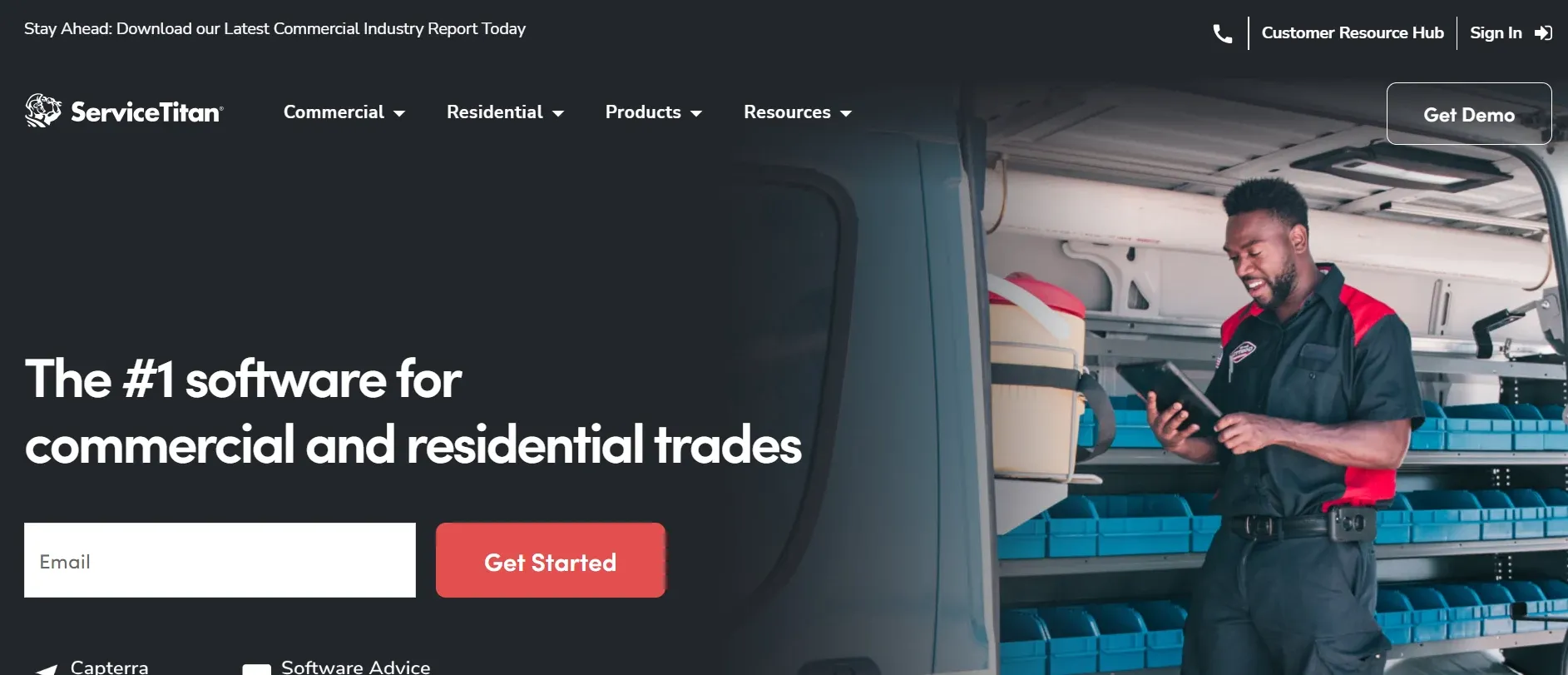
ServiceTitan is the enterprise platform for large HVAC operations running 15+ trucks. The dispatch board is the most advanced in the category, with drag-and-drop scheduling, real-time tech tracking, and capacity planning that shows daily, weekly, and monthly booking capacity.

Call booking integrates with the scheduling engine so CSRs can see available slots, tech locations, and estimated arrival times while on the phone with the customer. Marketing attribution tracks which campaigns generate which booked jobs.

Pros: Deepest dispatch features. Capacity planning. Call booking integration. Marketing attribution. LiDAR for load calculations.

Cons: Expensive at ~$398/technician/month. Steep learning curve. Setup takes 6-10 weeks. Overkill for shops under 15 trucks. QuickBooks integration limitations.

For a deeper comparison of platforms like ServiceTitan, see our guide on the best HVAC field management systems.

servicetitan.webp
10

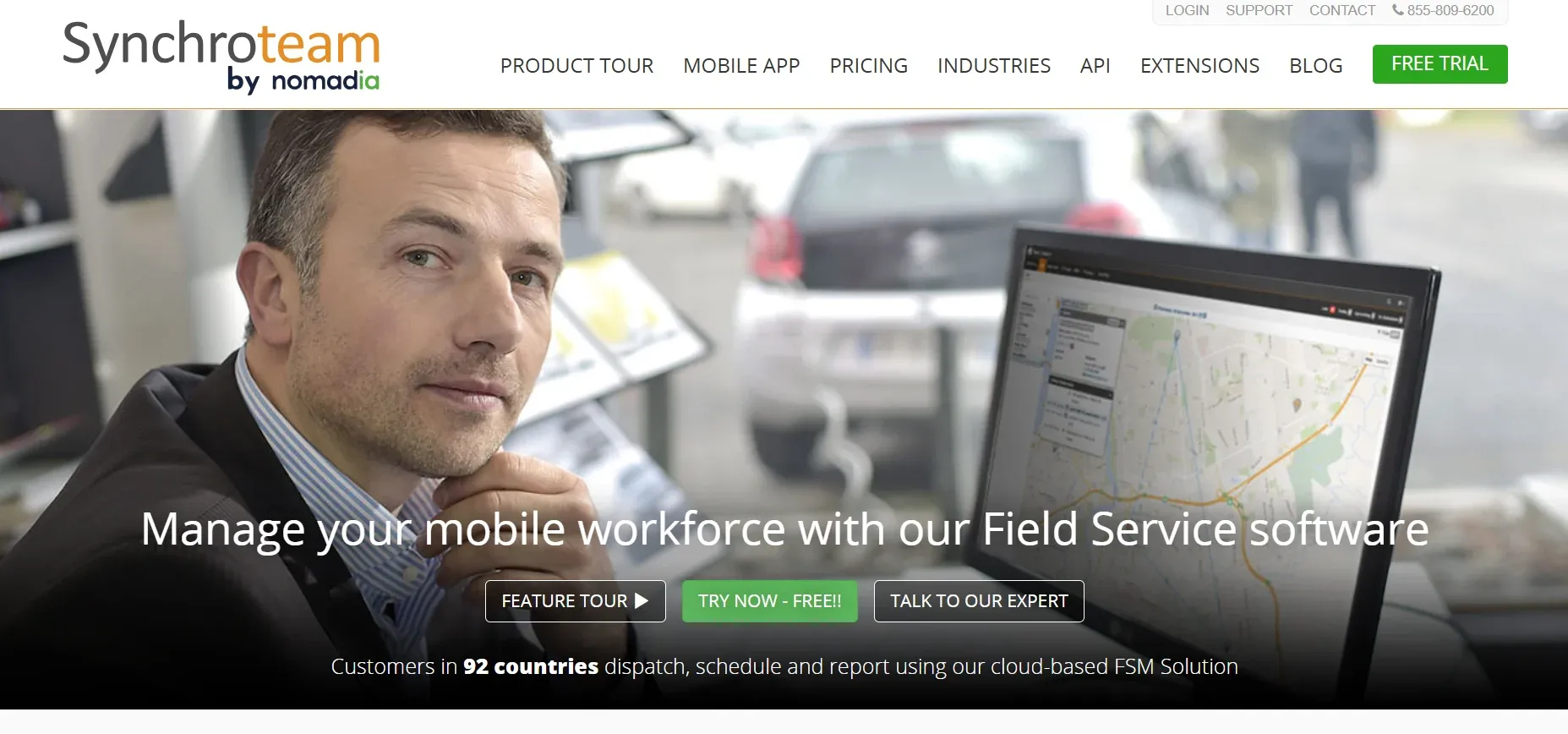
Synchroteam

Synchroteam is designed for multi-location HVAC businesses that need to coordinate technicians across territories. GPS tracking, route optimization, and territory management are built into the scheduling engine.

The platform handles complex scheduling scenarios: recurring maintenance visits, multi-tech jobs, and customer-requested time windows. At $36/user/month, it's the most affordable per-user option for larger teams.

Pros: Best GPS and route optimization. Territory management. Recurring job scheduling. Low per-user price.

Cons: Scheduling features are solid but estimating is basic. Smaller user community. Interface is functional, not polished.

Synchroteam.webp

What features actually matter in HVAC scheduling software

Not all scheduling features carry equal weight. These are the ones that directly affect revenue:

Drag-and-drop dispatch board. Your dispatcher needs to see every tech, every job, and every open slot in one view. Drag a job to a tech. Done. If the tool requires clicking through three menus to reassign a job, it's slowing your team down.

Automated appointment reminders. Text and email reminders sent 24 hours and 1 hour before the appointment reduce no-shows by 20-30%. Every no-show is a slot that could have been filled with a paying customer.

Skill-based routing. Not every tech can do every job. A scheduling app that matches jobs to techs based on certifications, specializations, and experience prevents the callbacks that happen when you send a residential service tech to a commercial VRF system. Your team needs the right HVAC tools and training for each job type.

Real-time tech location. GPS tracking shows where every tech is and how far they are from the next job. This lets dispatchers make smart reassignments when emergency calls come in.

Customer history on every booking. When a tech arrives, they should see: previous jobs at this address, equipment models and ages, past estimates (accepted and declined), and notes from the last visit. Context reduces diagnostic time and increases upsell relevance.

Online booking. Let homeowners book directly from your website and Google Business Profile. 70% of consumers prefer scheduling online. If you only offer phone booking, you're losing the customers who don't want to call.

Integration with estimating and invoicing. The job starts as a scheduled appointment. It becomes an estimate, then an invoice, then a payment. If each step lives in a separate system, your team rekeyes data three times per job. That's three opportunities for errors and delays.

The scheduling problem nobody talks about

Every tool on this list is good for organizing jobs already on the calendar. But the calendar only fills if someone books the job in the first place.

Here's the math most HVAC businesses don't run. Say you get 60 inbound calls per month. Industry data shows you miss roughly 30% of them. That's 18 missed calls. At a 28% booking conversion rate and a $1,200 average job value, those missed calls represent $72,576 in annual revenue lost. Every unanswered call is worth $336 in booked work on average.

The scheduling app doesn't fix this. It just shows you the empty slots where those jobs should have been.

This is why CloseCrew exists alongside your scheduling tool, not instead of it. Larry answers the calls your team can't. He books the jobs that would have gone to voicemail. He follows up on the estimates your techs left behind. The scheduling app organizes the calendar. Larry fills it.

Common HVAC scheduling mistakes

  • Overbooking techs to meet demand. Short-term revenue, long-term burnout. Overbooked techs rush jobs, miss upsells, and eventually quit. Build realistic time blocks that account for travel, diagnostic complexity, and customer communication.

  • Not accounting for drive time. A 30-minute job on the other side of town is really a 90-minute job when you factor in the commute. Route-optimized scheduling prevents this.

  • Ignoring seasonal demand patterns. HVAC demand spikes in summer and winter. Adjust scheduling capacity by season. Don't use the same daily slot count in July as in April. For equipment selection during peak season, having the right inventory prevents rescheduled installs.

  • No confirmation texts. Customers forget appointments. Techs arrive at empty houses. Two automated texts (24 hours before and 1 hour before) prevent this.

  • Manual scheduling when you have more than 3 techs. Spreadsheets and whiteboards don't scale. The coordination overhead increases exponentially with each truck you add. Software pays for itself at 4+ techs.

Fill every slot on your calendar

The best HVAC scheduling app is the one your team actually uses and that stays full. Pick the tool that matches your shop size from the comparison above. Then make sure every lead that calls actually gets answered and booked.

CloseCrew handles the second part. Larry answers 24/7, books directly into your calendar, follows up on estimates, and grows your maintenance memberships. One system that turns missed calls into booked jobs.

Your best employee doesn't take days off. Ready to hire Larry?

Frequently asked questions

What is the best HVAC scheduling app for a small shop?

Housecall Pro or Jobber for residential teams with 1-10 trucks. Both offer drag-and-drop scheduling, automated reminders, and mobile access at $69-$79/month. If you need the absolute simplest option, Jobber has the lower learning curve.

Entry-level: $49-$79/month (Jobber, Housecall Pro). Mid-tier: $100-$225/month (FieldEdge, Service Fusion, mHelpDesk). Enterprise: $398+/technician/month (ServiceTitan). Service Fusion is the best value for growing teams because it charges a flat fee regardless of team size.

Yes. Automated text and email reminders reduce no-shows by 20-30%. Two-way confirmation (customer texts back "confirmed" or "need to reschedule") is even more effective than one-way reminders. Most tools on this list include automated reminders.

All-in-one for most HVAC shops. When scheduling, estimating, invoicing, and payments live in one system, data flows without rekeying. Standalone scheduling apps make sense only if you already have a dedicated estimating or accounting system you don't want to replace.

The best platforms track which marketing source generated each booked job. When you know that Google Ads produced 22 booked jobs last month and Yelp produced 3, you can shift budget to the channel that fills your calendar. For more on which marketing channels work for HVAC, see our marketing ideas guide.

Related tools

Run the numbers before you update your price book or field software.

Free HVAC Templates

Invoices, estimates, maintenance agreements, and flat-rate pricing sheets for heating and cooling contractors.

Browse HVAC templates

Contractor Blog

Cross-trade guides on hiring, marketing, and operations for every home services business.

View all guides

Meet Larry

AI receptionist built for HVAC — answers calls, books jobs, and follows up on leads 24/7.

See Larry for HVAC

Related articles

Equipment and Tools

10 Best HVAC Multimeters for Techs in 2026

In this guide, you'll find the best HVAC multimeters for 2026, compare their features, pricing, and pros and cons, and learn which models are best for beginners, professionals, and everyday HVAC troubleshooting.

Read guide

Never miss an HVAC service call again. Let Larry, your AI receptionist, book jobs while your crew is in the field.