Equipment and Tools

7 Best Field Management Systems for Contractors in 2026

This guide reviews seven of the strongest platforms for HVAC, plumbing, electrical, landscaping, and other field-service businesses, with each one's strengths, trade-offs, and standout features. We also map the best picks by business size and trade, and lay out the seven factors that should drive your decision.

10 min readPublished June 29, 2026Updated July 14, 2026

Field management software exists to solve a specific kind of chaos. When your revenue depends on getting the right person, with the right parts, to the right address at the right time, the gap between an organized operation and a disorganized one shows up in every missed window, double-booked truck, and forgotten follow-up.

The payoff for getting it right is measurable. Industry analyses of field service software report first-year productivity gains averaging around 24%; roughly three-quarters of field companies using mobile tools see staff complete more work; and route optimization alone tends to cut fuel and travel costs by 15% to 30%. The platform you choose becomes the backbone of all of that.

Below are seven of the best field management systems for contractors in 2026, followed by guidance on matching one to your trade and size. If you are weighing software more broadly, our roundup of the best CRMs for electrical contractors is a useful companion, since the two categories increasingly overlap.

Part of the Equipment and Tools section in the HVAC Business Blog.
What Is a Field Management System?

A field management system, often called field service management (FSM) software, coordinates the moving parts of a business operating in the field. At minimum it handles scheduling and dispatch, a mobile app for technicians, quoting and invoicing, and customer communication. The better platforms add inventory tracking, job costing, reporting, and payment processing, giving the office and the field a single shared view of every job.

For contractors, the value is consolidation. Instead of a calendar here, invoices there, and customer notes on paper, everything lives in one connected system. That cuts errors, speeds up billing, and frees your team to do more work in the same day.

The 7 Best Field Management Systems for Contractors

Each platform below suits a different size and style of operation. Match the tool to your trade, team size, and the complexity you actually need. (Features and pricing change often, so confirm current details with each vendor before deciding.)

1

Jobber

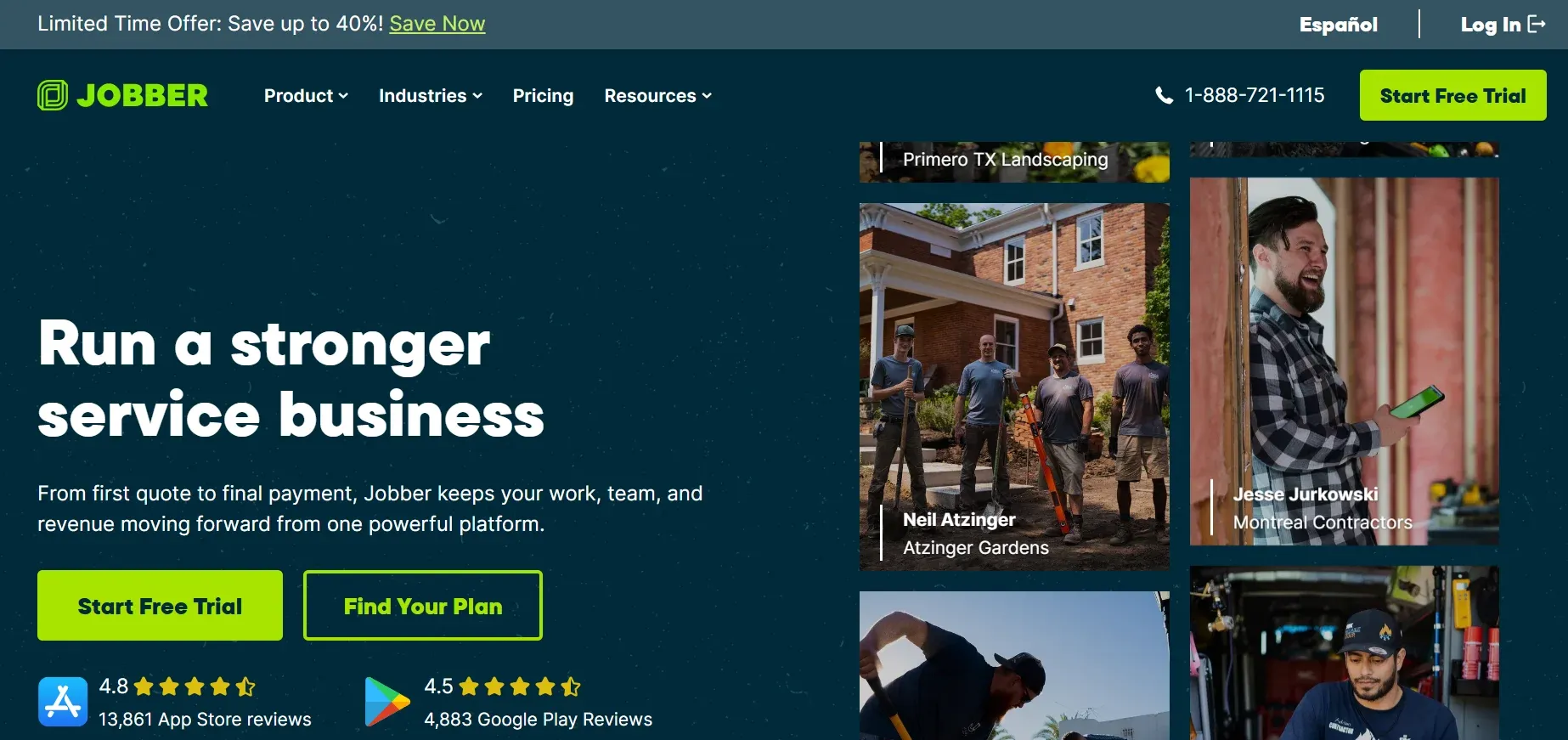
Jobber is built for service businesses that want to run day-to-day operations without friction. It covers the full arc from request and quote to scheduling, job completion, invoicing, and payment, with a clean mobile app and GPS-backed team tracking.

Best for: Small to mid-sized home service shops that want a simple, all-in-one system. Strengths: Intuitive request-to-invoice workflow, steady product improvements, and the ability to add features as you grow.

Trade-offs: Pricing can run higher than comparable tools, and some advanced workforce features are limited.

Key features: Color-coded scheduling with drag-and-drop, role-based team management with GPS and timekeeping, and automated client reminders and on-the-way alerts.

jobber.webp
2

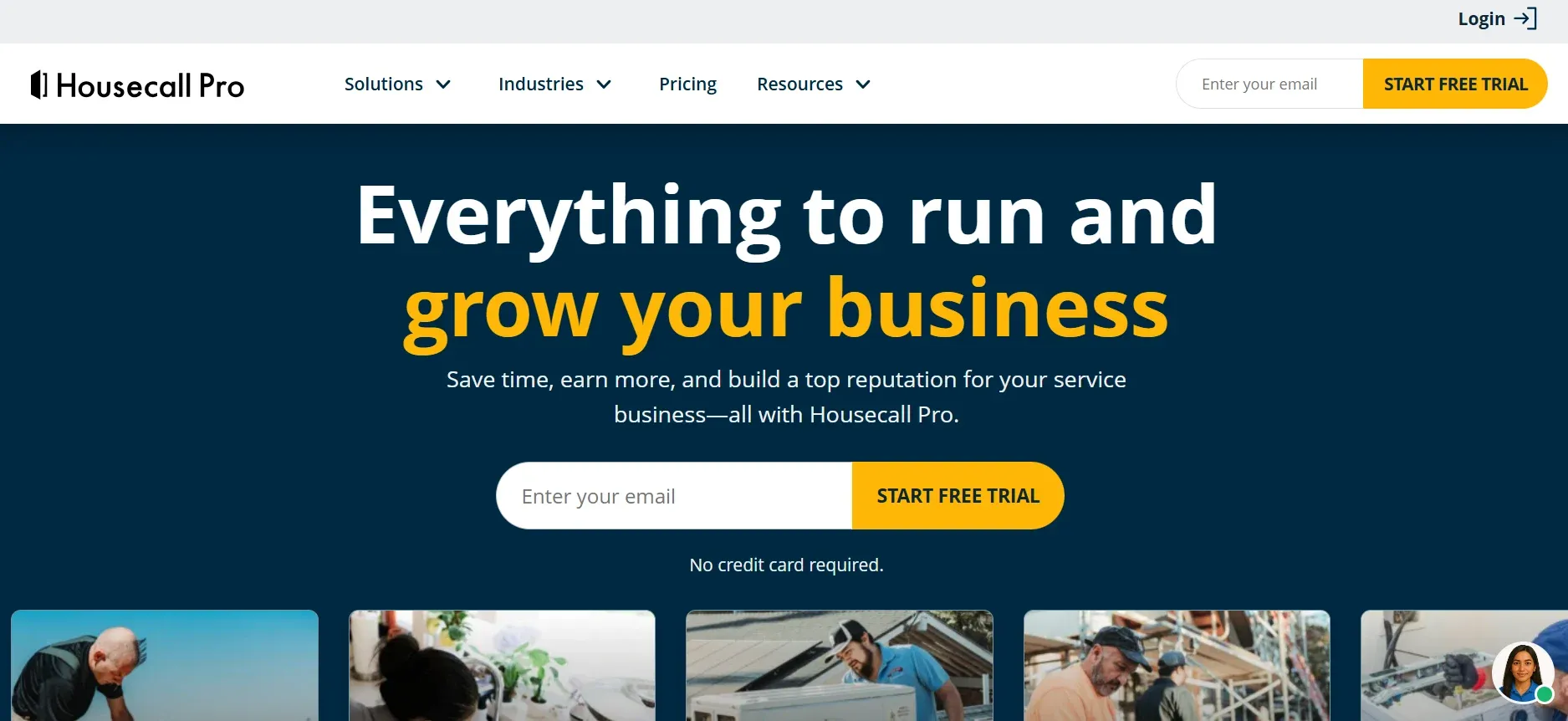
Housecall Pro

Housecall Pro is a popular all-in-one app for home service businesses, letting owners run scheduling, dispatch, a customer database, invoicing with QuickBooks, and payments from a phone or web portal.

Best for: Residential service shops up to around 30 employees that want a mobile-first, easy-to-adopt platform.

Strengths: Clean mobile experience, on-site payments, and built-in marketing tools. Trade-offs: Heavier commercial and enterprise needs can outgrow it.

Key features: Drag-and-drop scheduling, automated customer messaging, and integrated card and text-to-pay processing.

housecallpro.webp
3

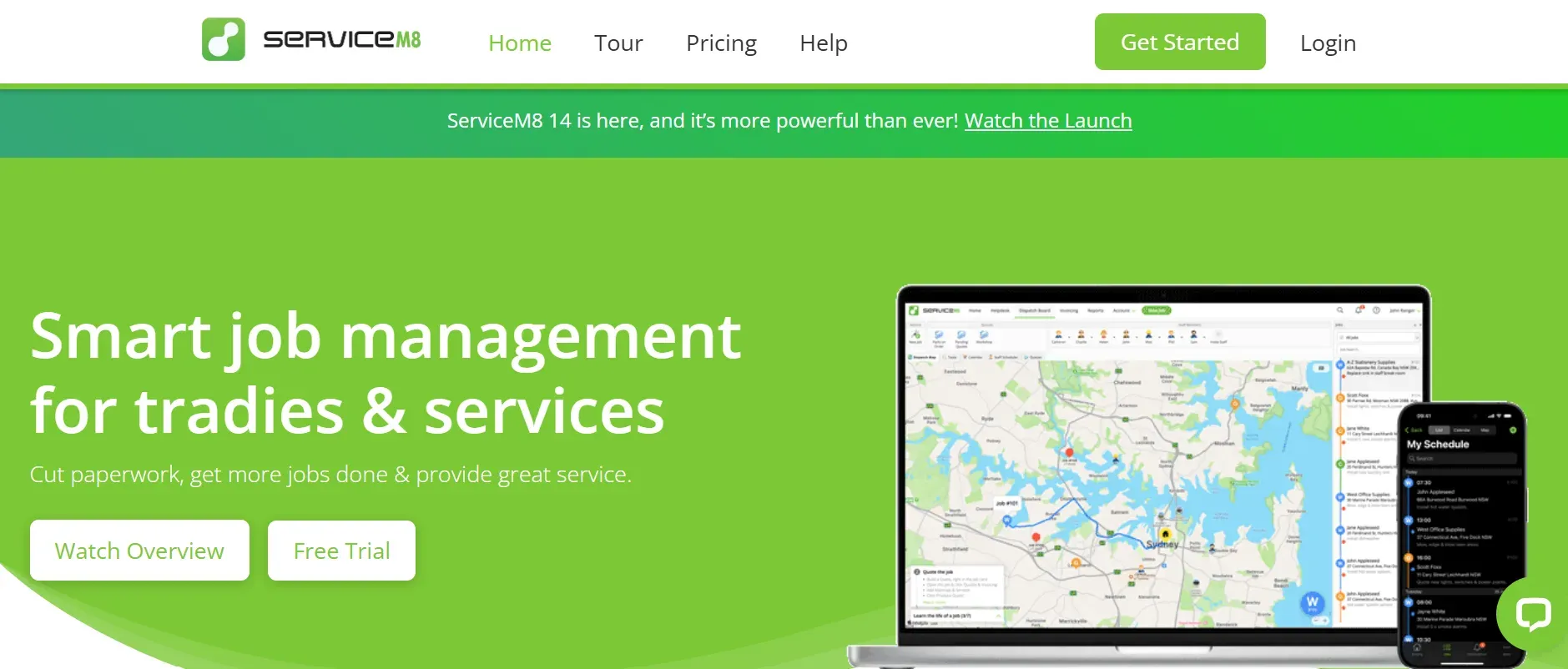
ServiceM8

ServiceM8 is a mobile-first platform that lets service companies manage jobs, staff, and customer communication without being tied to the office. It shines at fast field-to-invoice workflows.

Best for: Tradespeople in electrical, plumbing, HVAC, and fire safety who want quick job-to-invoice turnaround.

Strengths: Strong mobile capture of photos and sign-offs, scalable monthly pricing, and tidy digital workflows.

Trade-offs: Apple-only apps mean Android users need workarounds, and its inventory and purchase-order tools are basic.

Key features: Visual scheduling board, an iOS app with forms and hazard checks plus offline mode, and automated customer confirmations and alerts.

servce m8.webp
4

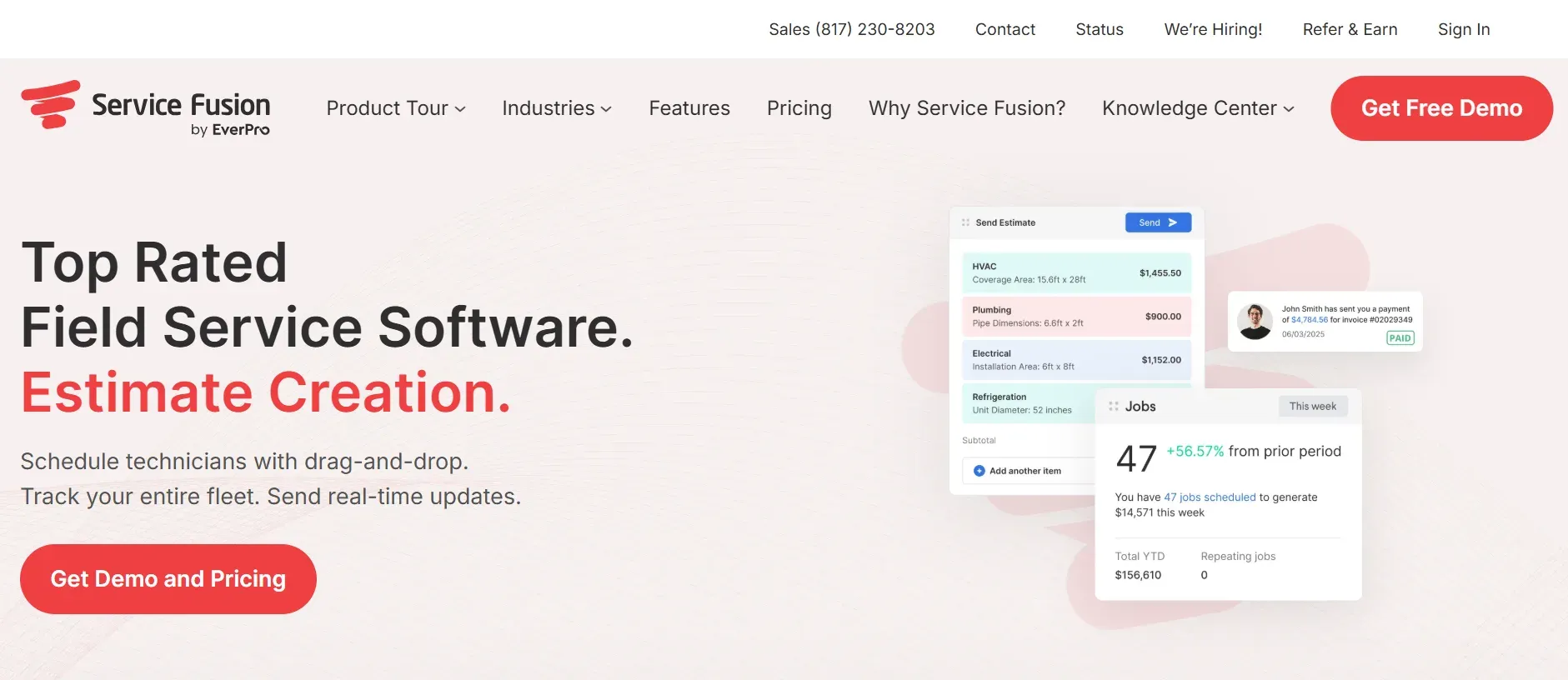
Service Fusion

Service Fusion brings office staff, technicians, and customers into one workflow, with a focus on productivity and faster cash flow. Its flat-rate, no-per-user pricing keeps costs predictable as you add staff.

Best for: HVAC, plumbing, garage door, and other home services running mobile crews on steady day-to-day work.

Strengths: Easy setup, dispatch zones and customer tags, and strong value for the feature set.

Trade-offs: The mobile app lacks some advanced tools, and reporting can feel rigid. Key features: Drag-and-drop scheduling with text dispatch, full customer records on mobile, and on-site invoicing and payments.

servicefusion.webp
5

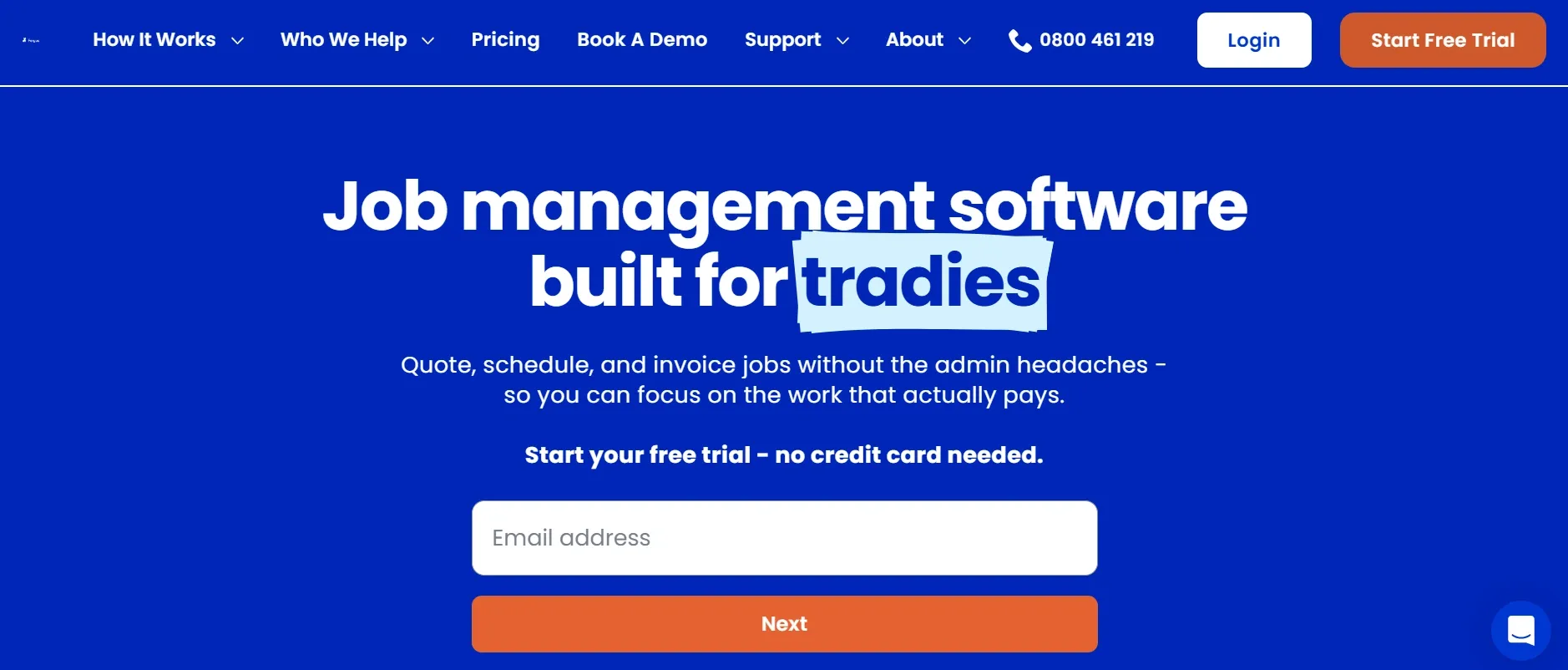
Fergus

Fergus is a job-management platform built for tradespeople that reduces paperwork and job-site surprises by connecting office, field, and customers in a single interface, with a robust job-costing backbone.

Best for: Plumbing, electrical, HVAC, roofing, and general field-service businesses that want end-to-end job tracking with financial clarity.

Strengths: Supplier and accounting integrations, real-time job-progress tracking, and clear job costing.

Trade-offs: No vehicle-level inventory, and the first month of setup can be a learning curve.

Key features: Visual scheduling and job board, role-based team management with live locations, and a job-card app for notes, photos, and materials.

fergus.webp
6

Commusoft

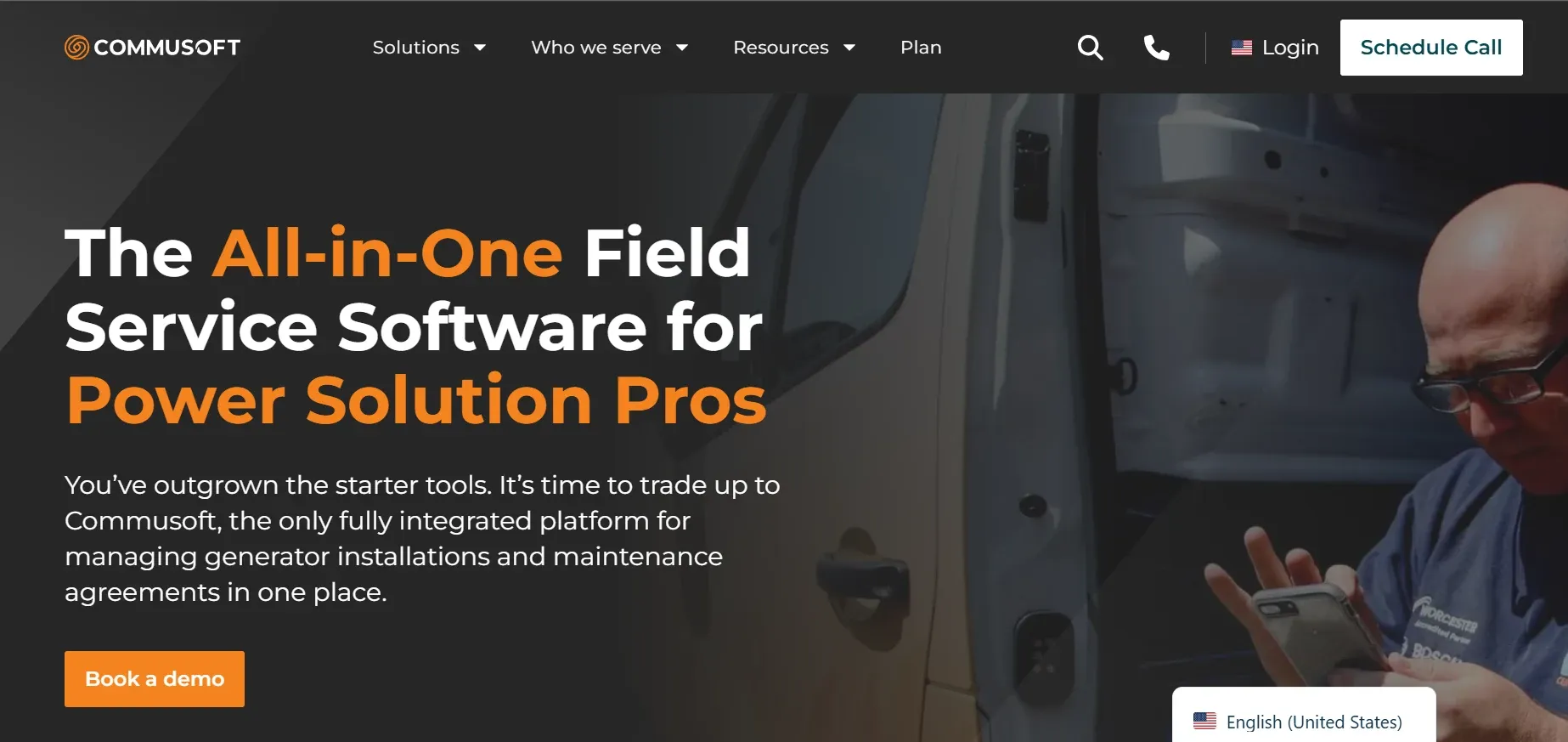
Commusoft is an all-in-one work order management platform with a strong commercial and compliance focus, covering job management, quoting, scheduling, inventory, invoicing, and customer communications.

Best for: Contractors with significant commercial or maintenance-heavy operations and compliance requirements.

Strengths: Robust workflow automation, certification and compliance tracking, and real-time data sync across the team.

Trade-offs: Less suited to quick, ad-hoc residential scheduling.

Key features: Work order and maintenance-contract management, mobile invoicing in the field, and performance reporting.

commusoft.webp
7

Connecteam

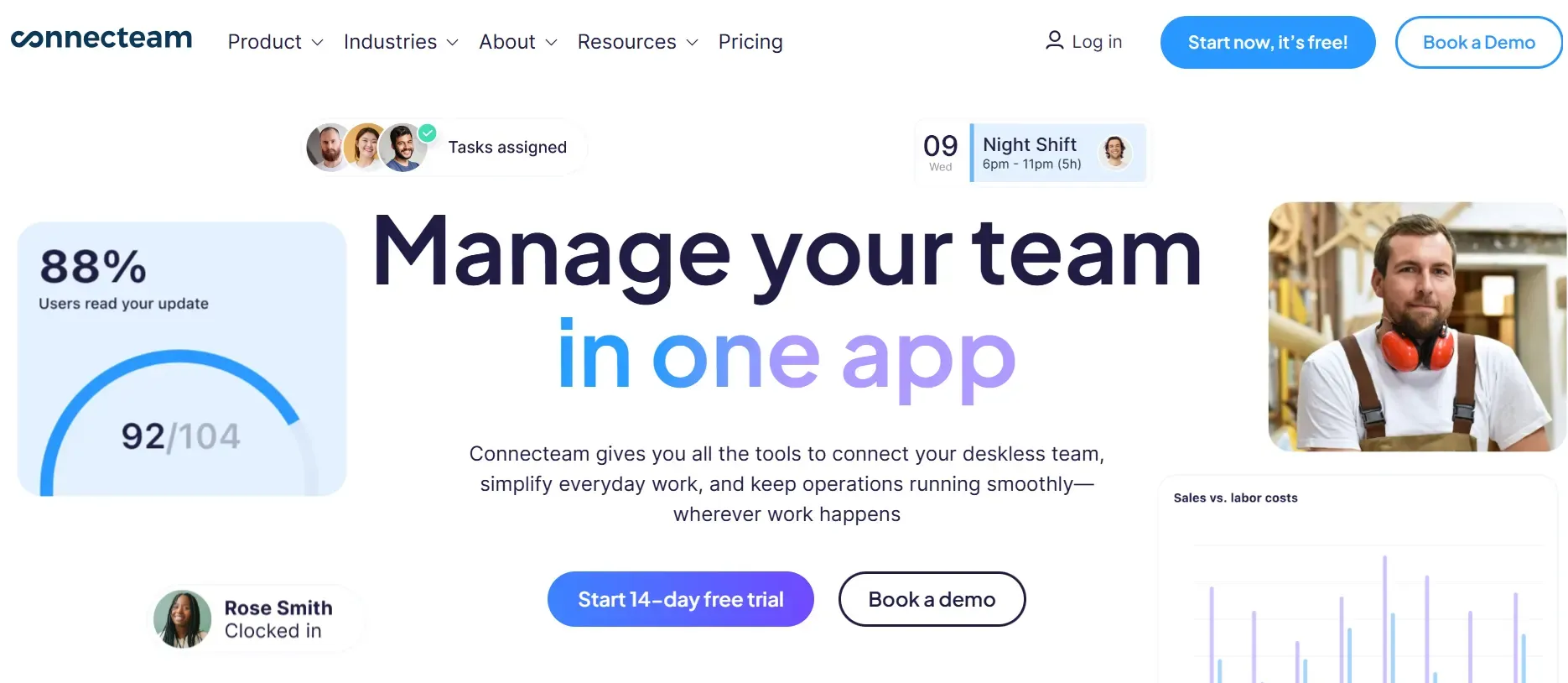
Connecteam is less a classic FSM and more a workforce coordination platform, bringing scheduling, communication, and task management into a single mobile app. It is a strong fit where managing people and shifts matter more than quoting and invoicing.

Best for: Small to mid-sized crews in construction, cleaning, and other shift-based fieldwork that want simple team coordination.

Strengths: Generous free tier for small teams, easy onboarding, and solid time and attendance tracking.

Trade-offs: Notifications can be distracting, GPS can be inconsistent, and it lacks deep quoting or invoicing.

Key features: Drag-and-drop employee scheduling, a unified team communication channel, and checklist-driven task management.

Picking the right platform is a major decision. But every one of them shares the same blind spot, and it is quietly costing most shops more than the software ever saves.

connecteam.webp

The One Job No Field Management System Does on Its Own

Here is the gap. A field management system runs the jobs you have already booked. It cannot answer the phone at 8 p.m., during a lunch rush, or while your whole crew is on a roof, and that is exactly when the calls come. Industry benchmarks suggest contractors miss anywhere from a quarter to well over half of inbound calls, and most callers who reach voicemail simply dial the next contractor. The research on speed is stark: a study published by Harvard Business Review found the first business to respond wins the large majority of jobs. Salesforce has separately reported that nearly half of field technicians say appointments go sideways because of customer miscommunication or missing details, the kind of information that gets captured cleanly when every call is logged.

CloseCrew is built for that gap, and it is not an FSM. It is the AI front desk that runs on whichever platform you choose. Larry, CloseCrew's AI employee, answers every call, text, and web inquiry around the clock, qualifies the caller, and books the job straight into your field management system through 200-plus integrations. He confirms appointments to cut no-shows, writes the customer details back into your system, follows up on unsold estimates, and requests reviews. Whatever you pick from the list above, Larry makes sure the leads feeding it never slip away.

Curious what unanswered calls are already costing you? Run the numbers through the free missed call cost calculator, then book a demo to see Larry handle a live call.

The Best Field Management System by Business Type

The right pick depends heavily on your situation. Here is a quick guide.

  • Free or very small teams: Connecteam offers a free tier for small teams, and ServiceM8 has a free plan suited to solo operators with a light job count. Both let you organize work without a subscription commitment.

  • Small businesses: Jobber and Housecall Pro reduce admin through automation and are quick to adopt, making them strong starting points as you scale.

  • Enterprise and high-volume: Commusoft suits complex commercial and compliance-heavy operations, while platforms with deep job costing capabilities handle multi-crew coordination at scale.

  • HVAC: Service Fusion, Housecall Pro, and Jobber all handle the fast-changing schedules and recurring maintenance HVAC teams juggle.

  • Plumbing: Fergus and ServiceM8 fit the mix of urgent calls, installs, and project work plumbers manage daily.

  • Electrical: Fergus and Connecteam support the safety checklists, documentation, and mix of scheduled and reactive jobs that electricians handle. For the wider operations picture, see our guide on growing an electrical business.

  • Landscaping: Jobber and Service Fusion handle recurring routes, seasonal workloads, and multi-crew scheduling well.

How to Choose the Right Field Management System

Weigh these seven factors against how you actually run jobs:

  1. Scheduling precision. Look for drag-and-drop calendars, route planning, and real-time updates that give dispatchers a clear view of availability.

  2. Mobile support. Crews should access job details, photos, forms, and notes on their devices before they arrive, which improves first-visit success.

  3. Connected billing. Let techs invoice on-site, take payment, and sync to your accounting software to cut admin and speed up cash flow.

  4. Customer information access. A built-in CRM view of histories, notes, and communication makes follow-ups and service smoother.

  5. Reporting and insight. Job metrics, revenue trends, and technician performance help you spot patterns and adjust quickly.

  6. Job cost visibility. Tracking labor, materials, and expenses against estimates protects margins and sharpens future pricing.

  7. Scalability. Pick a platform that can add users, workflows, and job volume without breaking, so it grows with you.

The Bottom Line

The right field management system simplifies operations, protects your margins, and helps you deliver service that wins repeat customers. Match the platform to your trade, your team size, and the complexity you genuinely need, and favor the one your crew will actually use every day.

Just remember, the system only works on the jobs you capture. Make sure none slip away: size your leak with the missed call cost calculator, and book a CloseCrew demo to see how Larry answers and books every call your field management system is waiting to run.

Still comparing platforms and how a front desk fits on top? Our team is happy to talk it through.

Frequently asked questions

What is the difference between a CRM and a field management system?

A CRM centers on customers and the sales pipeline, while a field management system centers on running the work: scheduling, dispatch, mobile field tools, and invoicing. Many modern platforms blend both, so the line is increasingly blurry.

Smaller shops usually do best with Jobber or Housecall Pro for their ease of use, or a free tier from Connecteam or ServiceM8 to start. The right fit depends on your trade, team size, and budget.

Yes. Connecteam offers a free plan for small teams, and ServiceM8 has a free tier for solo operators with a limited monthly job count. Both are good ways to test the workflow before paying.

No. These platforms organize and run jobs, but they do not answer calls or book leads when your team is busy. Pairing one with an AI receptionist like CloseCrew closes that gap so no lead goes unanswered.

It ranges from free tiers to flat-rate plans to per-user enterprise pricing. Factor in setup, training, and integrations, not just the monthly fee, when you compare.

Related tools

Run the numbers before you update your price book or field software.

Free HVAC Templates

Invoices, estimates, maintenance agreements, and flat-rate pricing sheets for heating and cooling contractors.

Browse HVAC templates

Contractor Blog

Cross-trade guides on hiring, marketing, and operations for every home services business.

View all guides

Meet Larry

AI receptionist built for HVAC — answers calls, books jobs, and follows up on leads 24/7.

See Larry for HVAC

Related articles

Equipment and Tools

10 Best HVAC Multimeters for Techs in 2026

In this guide, you'll find the best HVAC multimeters for 2026, compare their features, pricing, and pros and cons, and learn which models are best for beginners, professionals, and everyday HVAC troubleshooting.

Read guide

Never miss an HVAC service call again. Let Larry, your AI receptionist, book jobs while your crew is in the field.