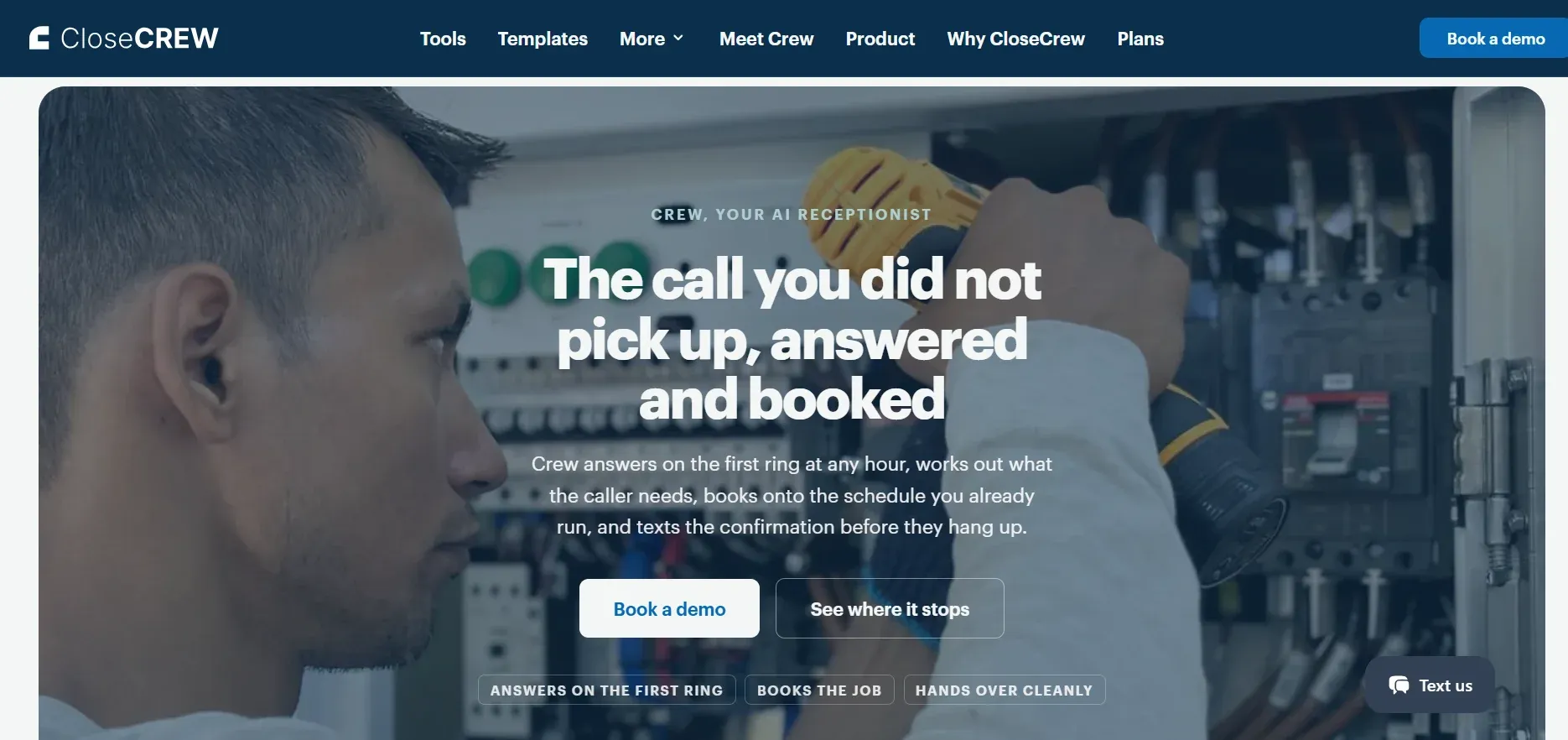
CloseCrew is an all-in-one field service management platform built for HVAC, plumbing, and electrical businesses. Checklists aren't a separate tool. They're built directly into the job workflow.
Techs complete tasks and capture details without switching systems. Back-office staff get one reliable record. Same platform they already use for dispatch.
How it works
Managers create checklists from scratch or from templates. Direct techs to assess refrigerant levels, airflow, and duct sizing. Plus drain pans, heat exchangers, and flue systems. Assign checklists to specific jobs, customers, locations, or equipment.
Conditional logic changes the checklist based on answers. If a tech identifies a cooling issue, the form prompts thermostat, airflow, and refrigerant checks. If it's a heating issue, different diagnostic steps appear for the furnace or heat pump.
Techs complete checklists from the mobile app (Android and iOS). Every action syncs to the customer record, invoice, and office dashboard automatically. No paper stacks. No data re-entry.
Key features
Customizable forms and templates. Build from scratch or customize pre-built templates
Conditional logic. If-this-then-that forms that show only relevant next steps
Flexible assignment rules. Attach to jobs, tasks, customers, or equipment
Required completion. Techs must finish checklists before closing a job
Desktop and mobile access. Office and field on the same platform
Real-time cloud storage. Instant access across the business
Reusable forms. Duplicate at the job site for multiple units
Beyond checklists
CloseCrew connects checklists to everything else:
Estimates. When techs find issues, they build Good Better Best proposals from the integrated pricebook
Maintenance agreements. Store, search, and update agreement details. Create preventive maintenance events
Dispatch. CSRs access caller history. Add jobs to the dispatch board with full context
Invoicing and payments. Convert estimates to invoices. Collect signatures and payments in the field
AI call answering. Crew, CloseCrew's AI Employee, answers every call 24/7. Books appointments. Follows up on estimates. No lead goes to voicemail
Pricing: Custom based on business size, tech count, and modules needed.
Pros: Checklists connect to scheduling, invoicing, and customer records. Forced completion before job close. Built specifically for trades.
Cons: Requires sales conversation for pricing. More robust than solo operators may need.
Klipboard is a job management platform for field service businesses. Checklist functionality lives inside broader planned-maintenance and job workflows.
Managers create step-by-step checklists without coding. Mandatory questions prevent incomplete submissions. Techs add photos and captions to document work.
Key features: Drag-and-drop form builder. Mandatory data capture. Photo and signature capture. Compliance templates. Real-time office sync. Custom PDF reports.
Pricing: Starter $25/user/mo. Innovator $35/user/mo. Professional $55/user/mo.
Pros: Responsive support team. Flexible custom forms. Mandatory entry enforces safety assessments.
Cons: Custom builder requires top-tier plan. Steep learning curve for first-time users.
Alpha Software offers two products. Alpha TransForm: no-code platform for digital forms with offline functionality. Alpha Anywhere: low-code platform for custom workflows.
Key features: Conditional logic. Pass/fail buttons. Photo annotations. QR code scanning. Offline calculations. Automatic corrective actions.
Pricing: Free option available. Paid plans on request.
Pros: Strong offline capability. No-code and low-code options. Free tier for testing.
Cons: Software complexity overwhelms some users. Large learning curve for web application.
Jobber is a field service management tool for small businesses. Its Checklist feature organizes forms into sections with nested questions.
Related items group together (refrigerant levels in one section, airflow in another). Required questions prevent submission without critical info.
Key features: Checklists attached to jobs and assessments. Photo upload from camera. Sectioned organization.
Pricing: Core $29/mo. Connect $99/mo (includes checklists). Grow $149/mo.
Pros: Affordable for solo operators. Integrated with scheduling and invoicing.
Cons: Checklists require Connect plan or higher. Per-user pricing gets expensive. Weak reporting.
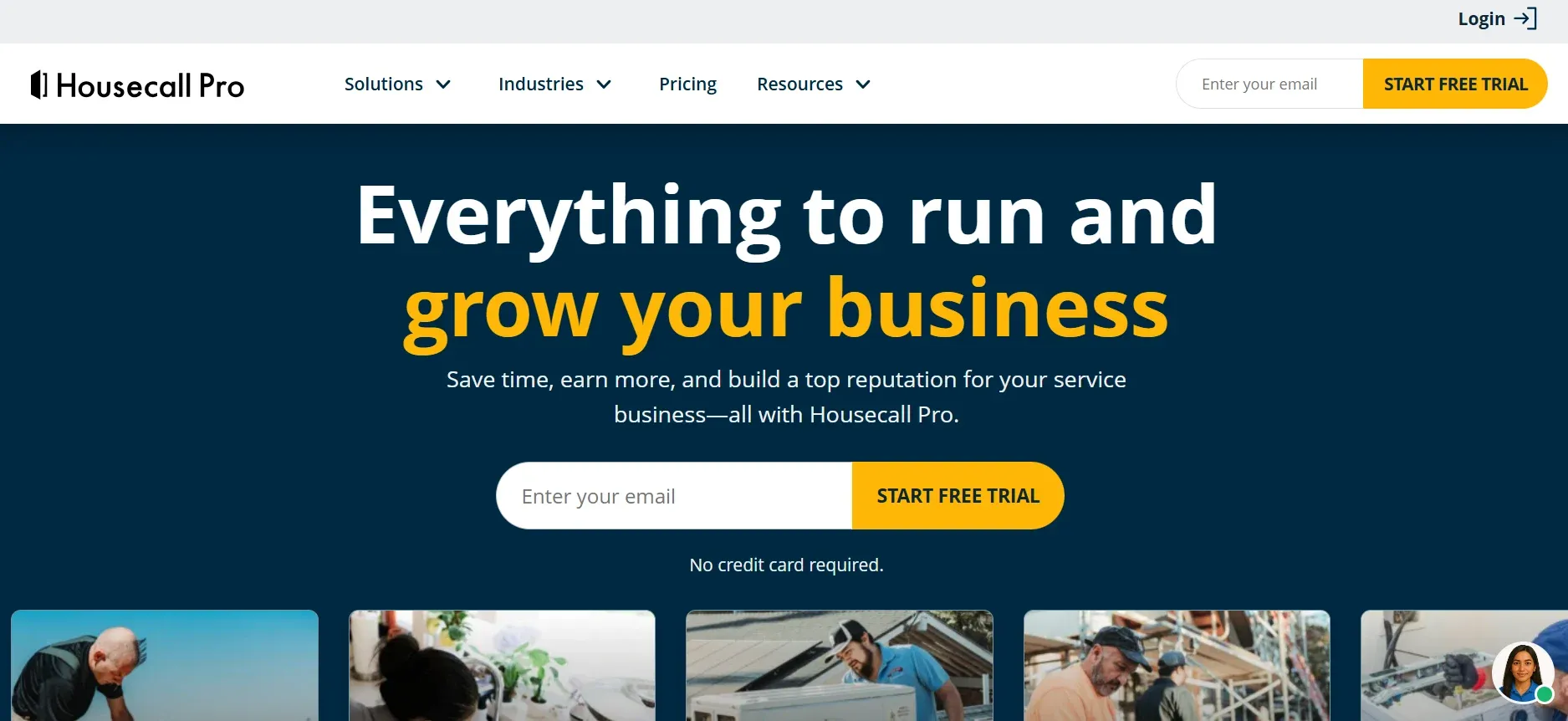
Housecall Pro builds custom checklists into its basic tier. No extra cost for the feature. Status tracker shows red, yellow, and green tags for incomplete, in-progress, and completed checklists.
Key features: Pass/Flag/Fail evaluation toggles. Required fields block job completion. Findings populate estimate system. Completed checklists attach to invoices.
Pricing: 14-day free trial. Plans from $59/mo.
Pros: Checklists on entry-level plan. Strong marketing automation. No long-term contracts.
Cons: Map view for scheduling requires higher plans. Feature add-ons increase cost quickly.
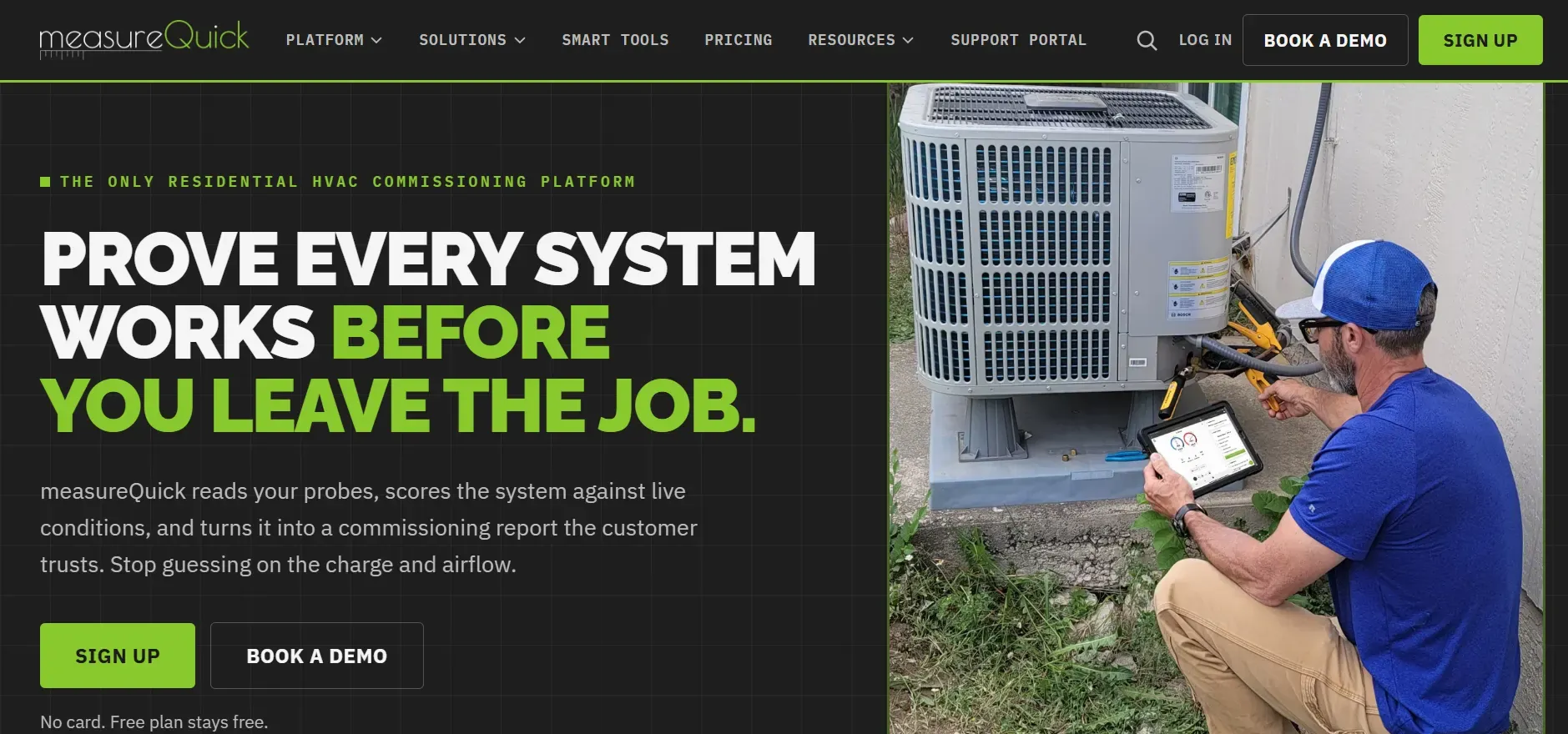
measureQuick is built specifically for HVAC diagnostics. Not scheduling. Not invoicing. System performance measurement.
Connects to 80+ Bluetooth-enabled tools from Fieldpiece, Testo, and other brands. Collects live readings. Assigns an HVAC Vitals score from 0-100.
Key features: Live Bluetooth sync. HVAC Vitals scoring. ACCA QI certification mapping. Photo and video verification in checklists.
Pricing: Free tier available. Paid Premier $49/user/mo.
Pros: Free tier with genuine diagnostic value. Works with 80+ tools across 17+ brands. Standardizes diagnostics across teams.
Cons: Companywide checklists require paid tier. Can overwhelm newer techs. Must be used alongside a full FSM tool.
Snappii is a no-code mobile form builder. Not HVAC-specific. Businesses create their own checklists, inspection forms, and reports.
Start from a template, build from scratch, or upload existing documents. Offline completion syncs when reconnected.
Key features: Drag-and-drop builder. Pre-built templates. Offline mode. Photo, signature, GPS, and audio capture. PDF/Excel export.
Pricing: Pay-per-use plus $0.99 per additional submission.
Pros: Maximum design flexibility. No coding required. Option for custom-built apps.
Cons: Opaque pricing. Requires more setup than out-of-the-box apps. Not built for HVAC workflows.
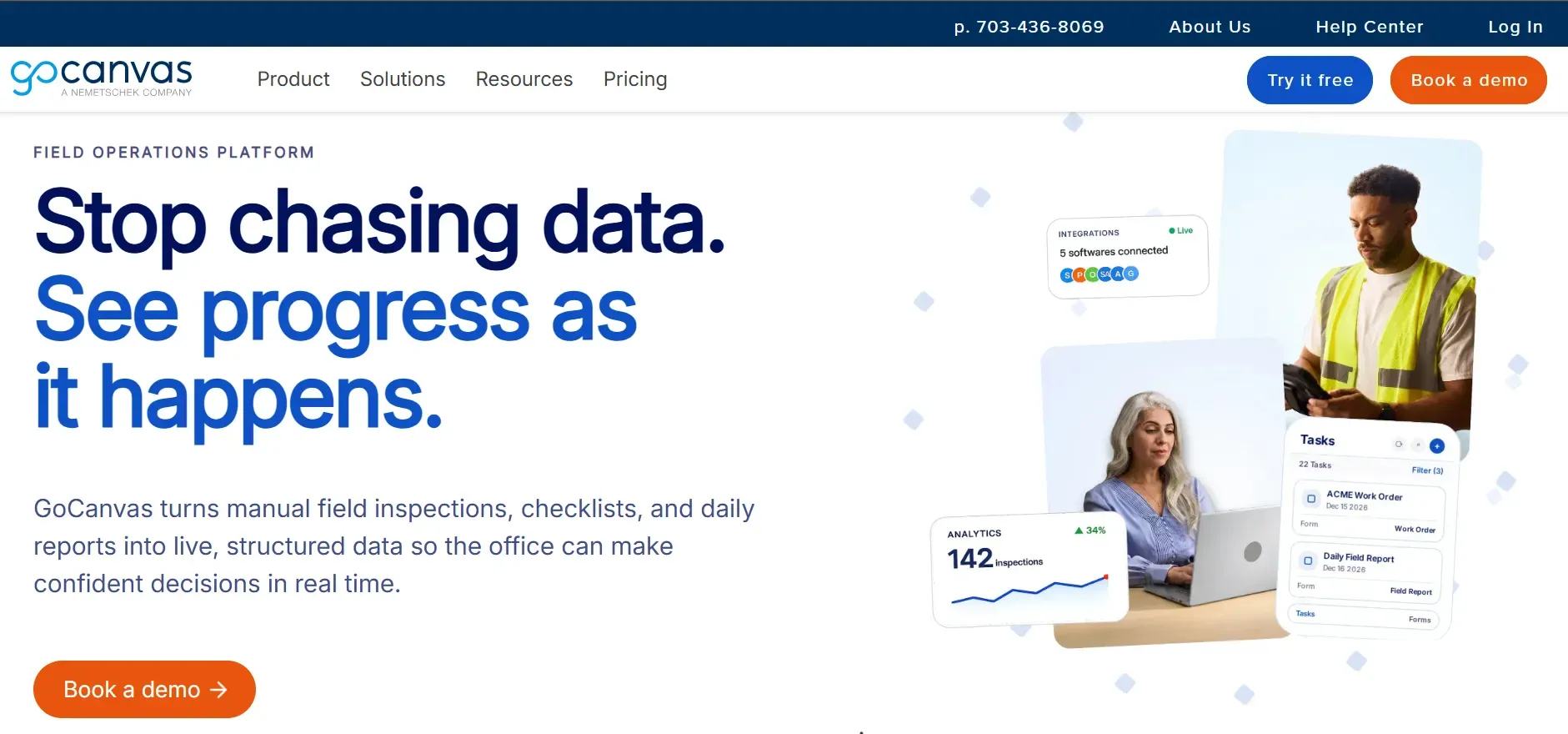
GoCanvas is a mobile form builder with scheduling features. Library of ready-made HVAC templates. Drag-and-drop editor.
Key features: Unlimited forms and submissions. Photo capture with GPS tagging. Dispatch and scheduling module. HVAC template library.
Pricing: Essential $29/user/mo. Pro $39/user/mo. Max $49/user/mo.
Pros: Large HVAC template library. Strong offline reliability. Unlimited submissions.
Cons: Three-user minimum. Learning curve for custom forms. Mixed cancellation experiences reported.
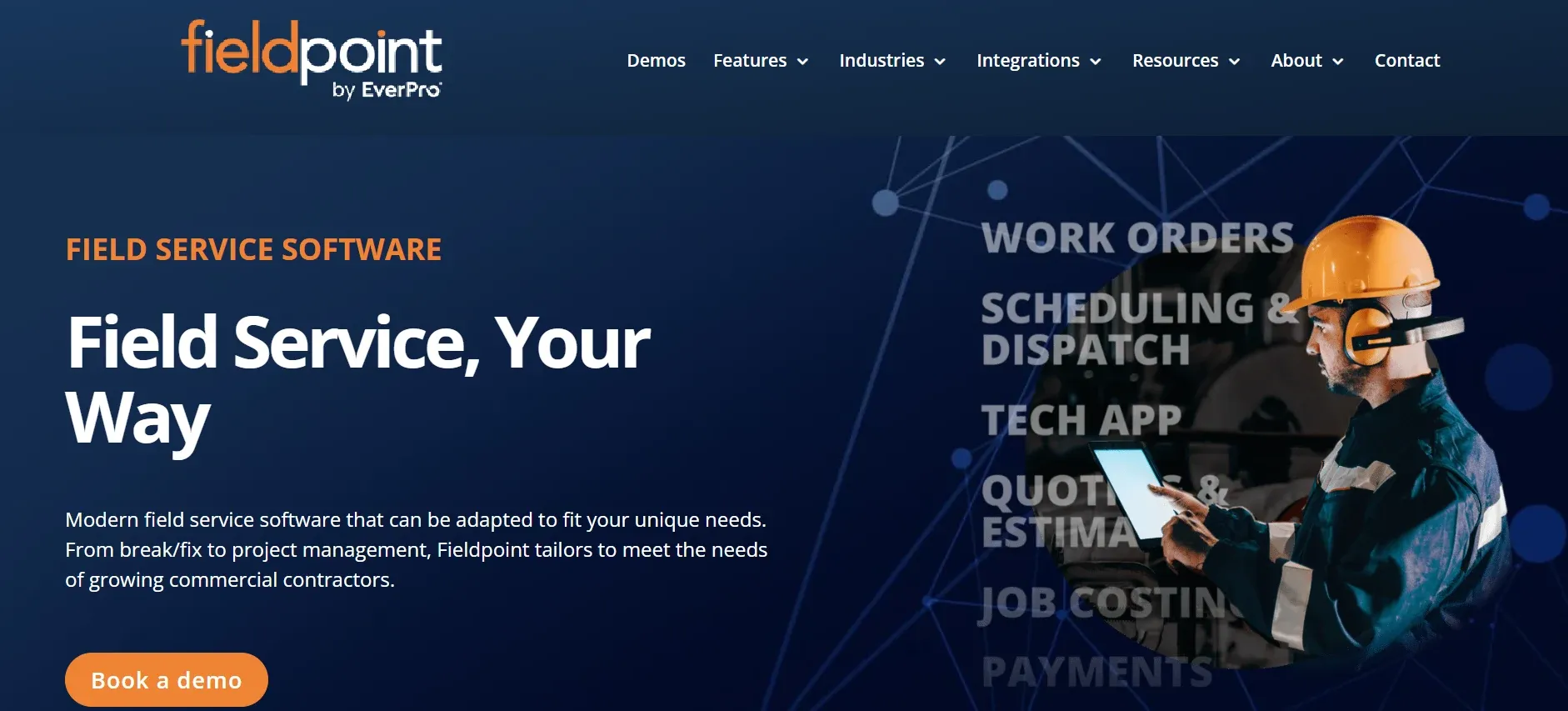
Fieldpoint is built for commercial HVAC and refrigeration. Manages complex, project-based work. Checklists integrate with ERP systems.
Key features: ERP integration (NetSuite, Dynamics, QuickBooks). Multi-tier quoting from checklist findings. Subcontractor checklist enforcement. Deep customization by branch, site, or asset.
Pricing: Custom quotes based on team size and modules.
Pros: Handles complex commercial projects. Multi-tier quoting logic. Deep ERP integration.
Cons: Unpublished pricing. Heavy customization risks broken workflows. Requires strong internet connection.
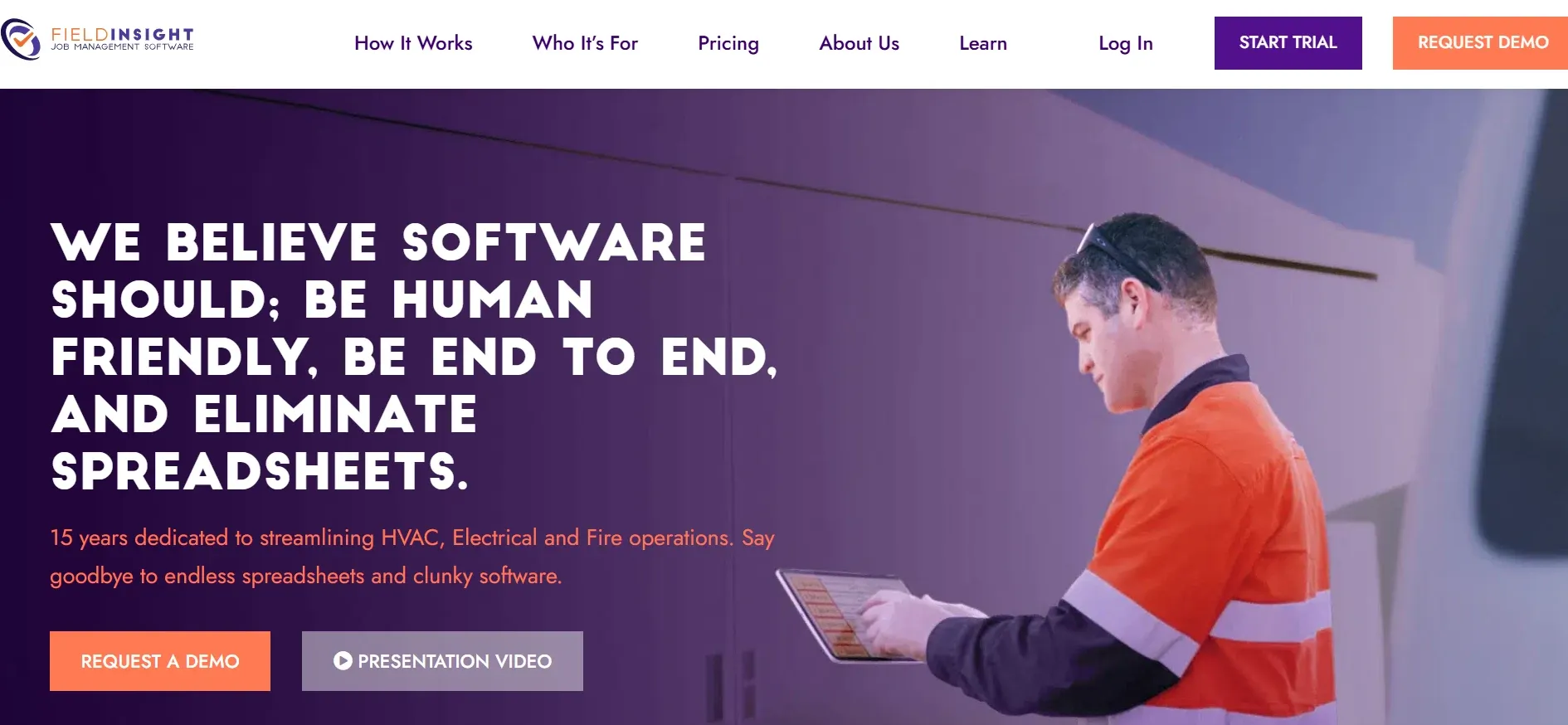
FieldInsight manages technician qualifications, safety records, and internal procedures alongside checklists.
Forms track trade licenses, certifications, safety training, and incident reports. Expiration dates trigger automatic renewal reminders.
Key features: Equipment-bound forms with historical data. Mandatory safety statements. Preventive maintenance scheduling up to 2 years. Offline capability.
Pricing: Administrator $139/user/mo. Technician $65/user/mo.
Pros: Intuitive interface. Strong onboarding support. On-site invoicing.
Cons: Basic inventory tracking. Time-consuming initial setup. Minor usability inconsistencies.
Map your current workflow. Where do paper forms slow your team? During inspections? Installations? Maintenance visits? Know exactly what the app needs to solve before comparing features.
Standalone vs all-in-one. A standalone app costs less upfront. But if it doesn't connect to scheduling, invoicing, and CRM, your staff re-enters data across systems. The time cost of disconnected tools often exceeds the subscription savings.
Test offline reliability. HVAC techs work in basements, on rooftops, and in areas with poor signal. Confirm the app captures data offline and syncs reliably when connectivity returns. Test this before committing.
Compare total cost at your team size. Per-user pricing looks affordable at 5 techs. It becomes expensive at 20. Calculate the full annual cost at your current and projected team size before signing.
Check integration options. Does the checklist app connect to your accounting software? Your CRM? Your dispatch board? Every disconnected tool creates manual work. Every integrated tool eliminates it.
Evaluate mobile experience. Your techs use the app on phones. Not desktop computers. Test the mobile interface. Is it fast? Is it intuitive? Can a tech complete a checklist one-handed while holding a flashlight?
Every app on this list helps techs work more consistently. Inspections get completed accurately. Data flows to the office.
But checklists only matter when there's a job to complete. And jobs only exist when someone books them. A homeowner calls about an AC that won't cool. At 8 PM. Your office is closed.
Crew, CloseCrew's AI Employee, answers every call 24/7. Qualifies the HVAC issue. Books the appointment. Your tech arrives the next morning. Opens the checklist on their phone. Documents everything. Builds a proposal from the findings. Closes the job.
The full cycle. From answered call to completed checklist to signed invoice. One connected system.
Arctic Air saw 30% more revenue in one year. Premier Heating converted 3x more leads. Air Design added 13 extra appointments in 30 days.
Your checklist ensures quality. Crew ensures the job gets booked.