Workflow inefficiency. Work order data doesn't connect to dispatching, estimating, or invoicing. Manual data transfer between apps wastes hours weekly.
Error multiplication. Every time someone re-enters job details, errors compound. Wrong address. Wrong service type. Wrong price on the invoice.
Software bloat. Paying for 5 separate apps costs more than one integrated platform. Training staff on 5 interfaces takes longer too.
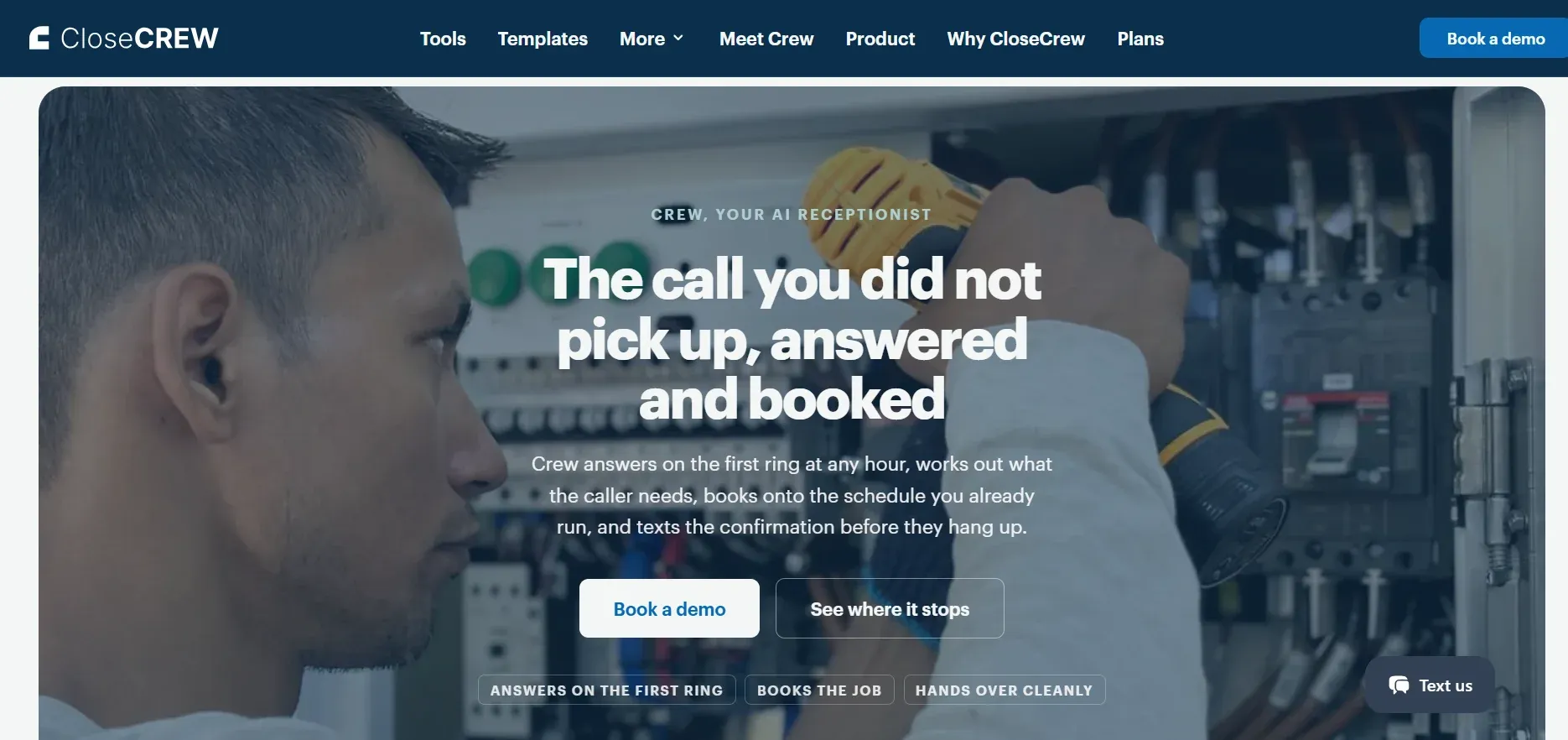
CloseCrew is an all-in-one field service management platform for HVAC, plumbing, and electrical businesses. Work orders connect to every other business function automatically.
How work orders flow in CloseCrew
Call comes in. CloseCrew's call booking screen guides CSRs through collecting every detail. Job type. Priority. Summary. Property notes. Customer history auto-populates for existing customers.
Work order creates automatically. All collected data populates the work order. No re-entry. No separate app. Techs access everything from their mobile device.
Scheduling happens instantly. From the same screen, CSRs see available time slots. Book the tech. The job appears on the dispatch board.
Tech arrives prepared. Mobile app shows customer history, property data, call recordings, prior estimates, and membership status. Full context before knocking on the door.
Estimate builds from the work order. Techs create Good Better Best proposals from the integrated pricebook. Photos. Descriptions. Financing options. Customer signs digitally.
Invoice generates automatically. Approved estimate becomes a work order. Completed work order becomes an invoice. Customer pays on-site or online. No manual transfer.
Everything connects. One entry. One system. Call booking to payment collection. Zero re-entry.
Key features
Guided call booking with dropdown menus
Customer history and property data auto-populated
Drag-and-drop dispatch board
Real-time tech tracking with GPS
Mobile app for field techs (iOS and Android)
Good Better Best estimate presentations
Integrated invoicing and on-site payments
Service agreement management
Automated appointment confirmations via text
Call recordings for every job
Beyond the work order
CloseCrew connects work orders to the rest of your business:
Payroll and time tracking. Tech hours log against specific job codes. Payroll calculates from real data. No manual timesheets.
CRM and customer management. Every interaction stored. Call recordings. Service history. Equipment records. Membership status. Full customer context.
Service agreements. Manage maintenance contracts. Automate scheduling. Recurring billing. Renewal reminders.
Reporting. Revenue trends. Tech performance. CSR booking rates. Marketing ROI. KPIs visible in real time.
Inventory management. Track parts by truck and location. Barcode scanning. Reorder alerts.
Email marketing. Automated campaigns based on customer data. Open estimates. Expiring memberships. Seasonal offers. For email marketing strategies that connect to your work order data, see our email guide.
Best for: HVAC, plumbing, and electrical businesses wanting work orders connected to their entire operation.
Pricing: Custom based on business size and modules.
The work order that never gets created
Work orders create structure. But structure only produces revenue when jobs get booked. Every form, every dispatch, and every invoice depends on one thing. A customer calls. Someone answers.
A homeowner's pipe bursts at 9 PM. They find your business online. Call your number. Your office closed at 5. Voicemail.
They call the next plumber. That plumber answers. Books the job. Your work order system never knew the opportunity existed. Your dispatch board had an open slot. Your tech was available the next morning.
That's the gap no work order app solves on its own. The job that never enters the system.
Crew, CloseCrew's AI Employee, answers every call 24/7. Qualifies the issue. Books the appointment. The work order creates automatically. Your tech arrives the next morning with full context. Customer history. Property data. Call recording. Everything needed to do the job right.
Arctic Air saw 30% more revenue in one year. Premier Heating converted 3x more leads. Air Design added 13 extra appointments in 30 days.
Your work order system manages the job. Crew makes sure the job gets booked in the first place.
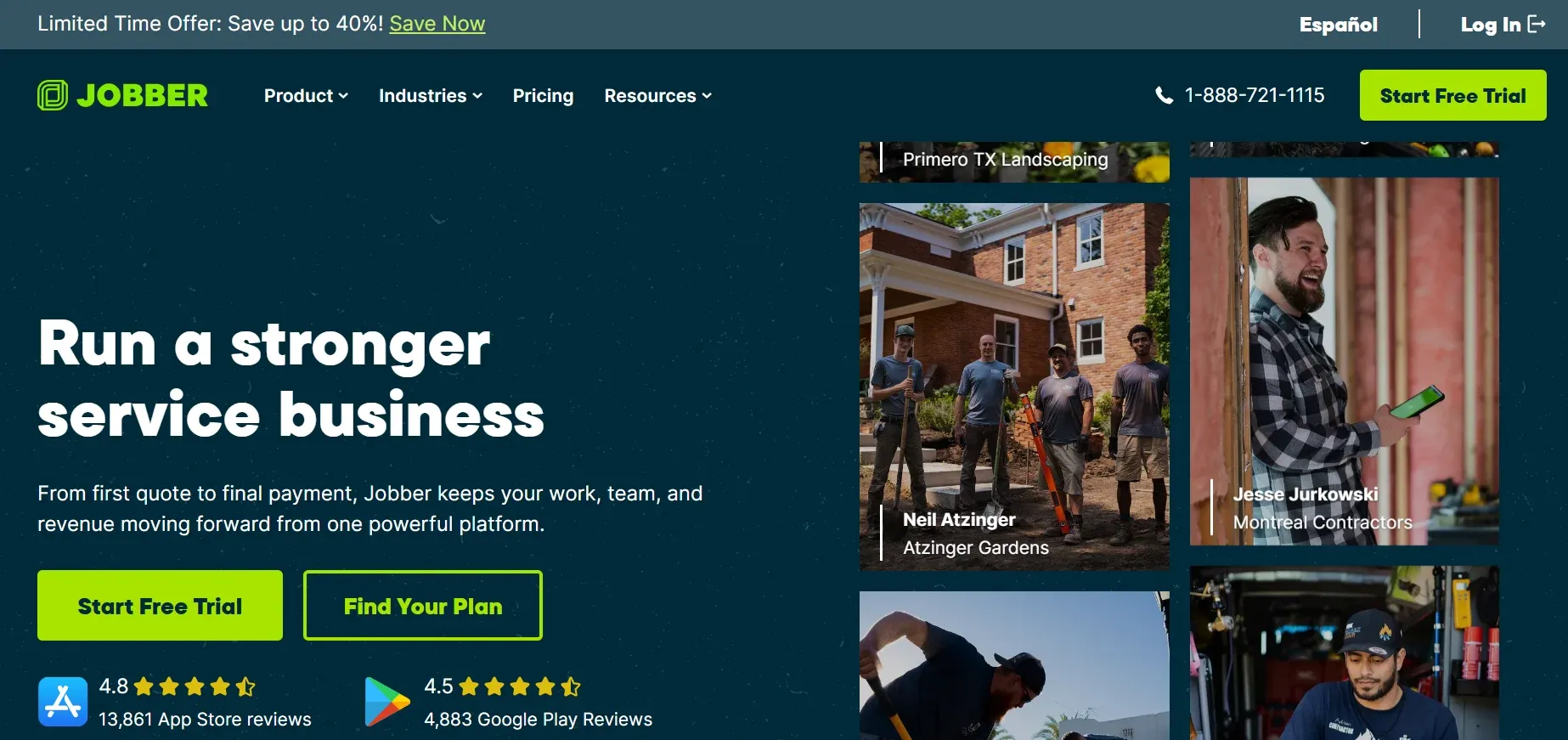
Jobber is a field service scheduling platform for small to mid-size businesses. Work orders connect to estimating, quoting, invoicing, and client management.
Best for: Small teams prioritizing ease of use over enterprise depth.
Pros: User-friendly. Polished customer booking. Affordable entry point ($29/mo).
Cons: Limited native pricebook. Reporting lacks drill-down depth. Offline functionality varies.
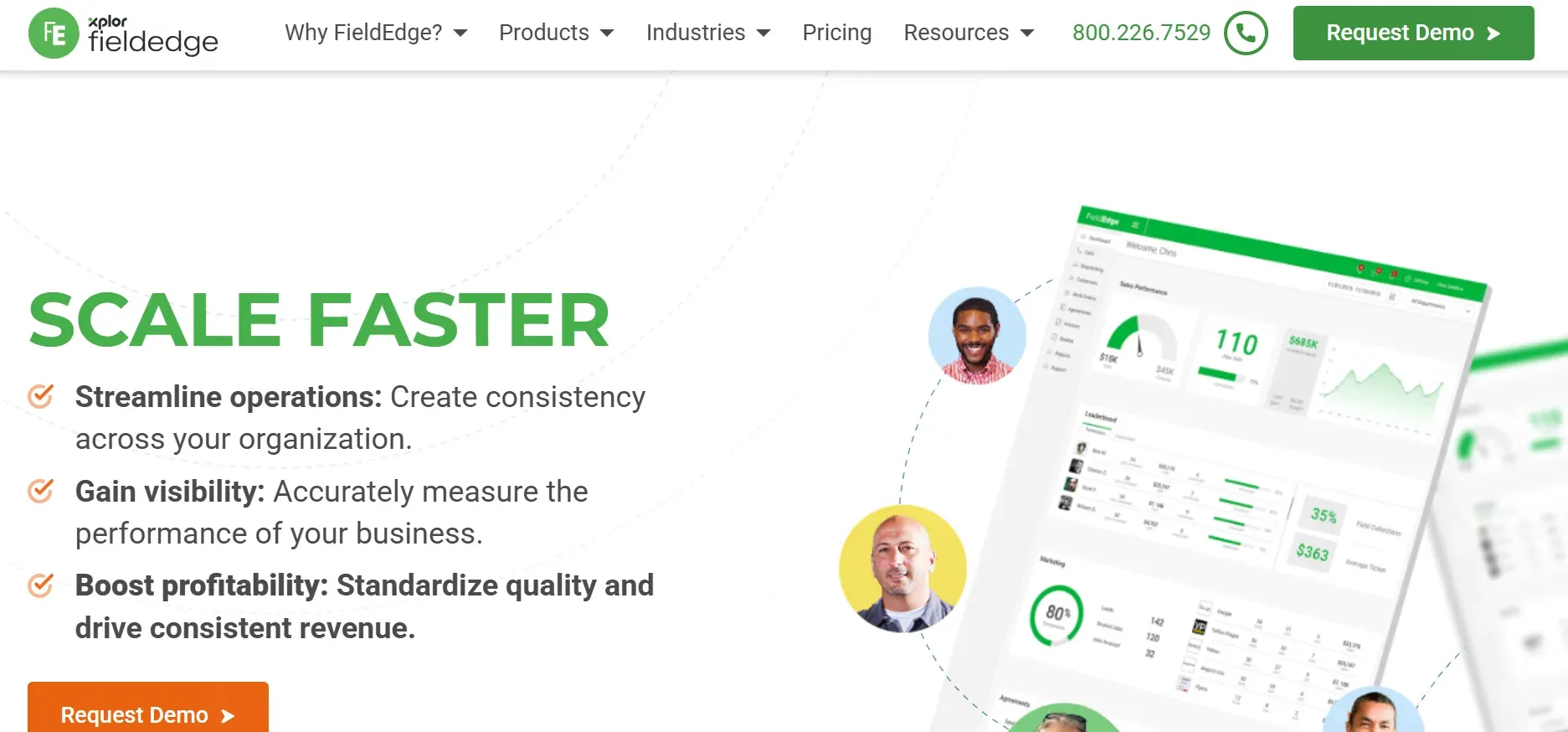
FieldEdge is built for HVAC and plumbing contractors. Strong flat-rate pricebook through Coolfront integration. Deep QuickBooks sync.
Best for: Established HVAC and plumbing companies (10-50 techs) prioritizing flat-rate pricing.
Pros: Strong pricebook. QuickBooks integration. Google Local Services Ads integration.
Cons: Mobile app and UI trail newer competitors. Onboarding takes several weeks.
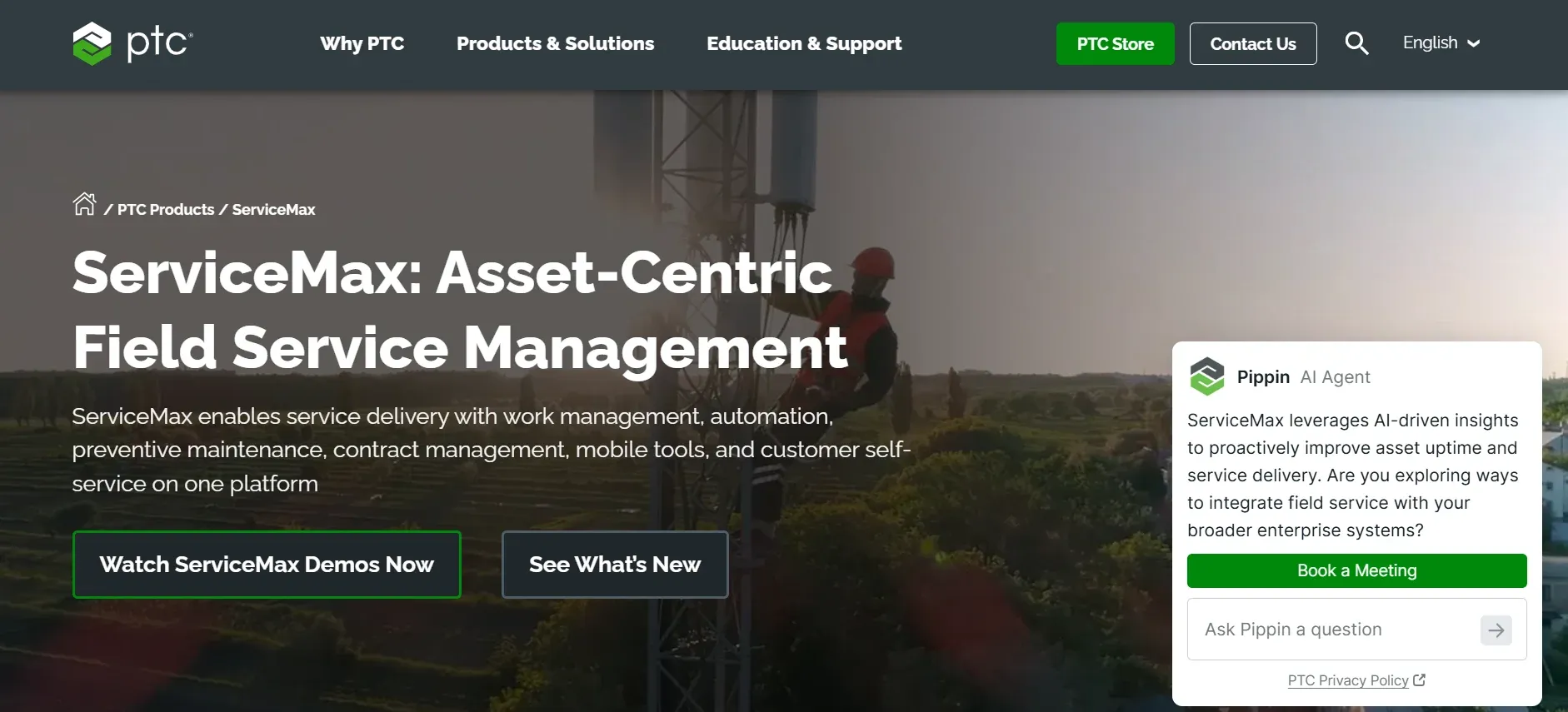
ServiceMax takes an asset-centric approach. Built on Salesforce. Centers around equipment history, warranty status, and SLAs alongside every work order.
Best for: Enterprise and industrial operations managing complex equipment with SLA requirements. Typically 10-50 techs.
Pros: Deep asset tracking. Warranty management. Built on Salesforce ecosystem. Strong SLA compliance.
Cons: Complexity is a genuine barrier for smaller shops. Considerably more than residential businesses need. Starting around $59/user/month.
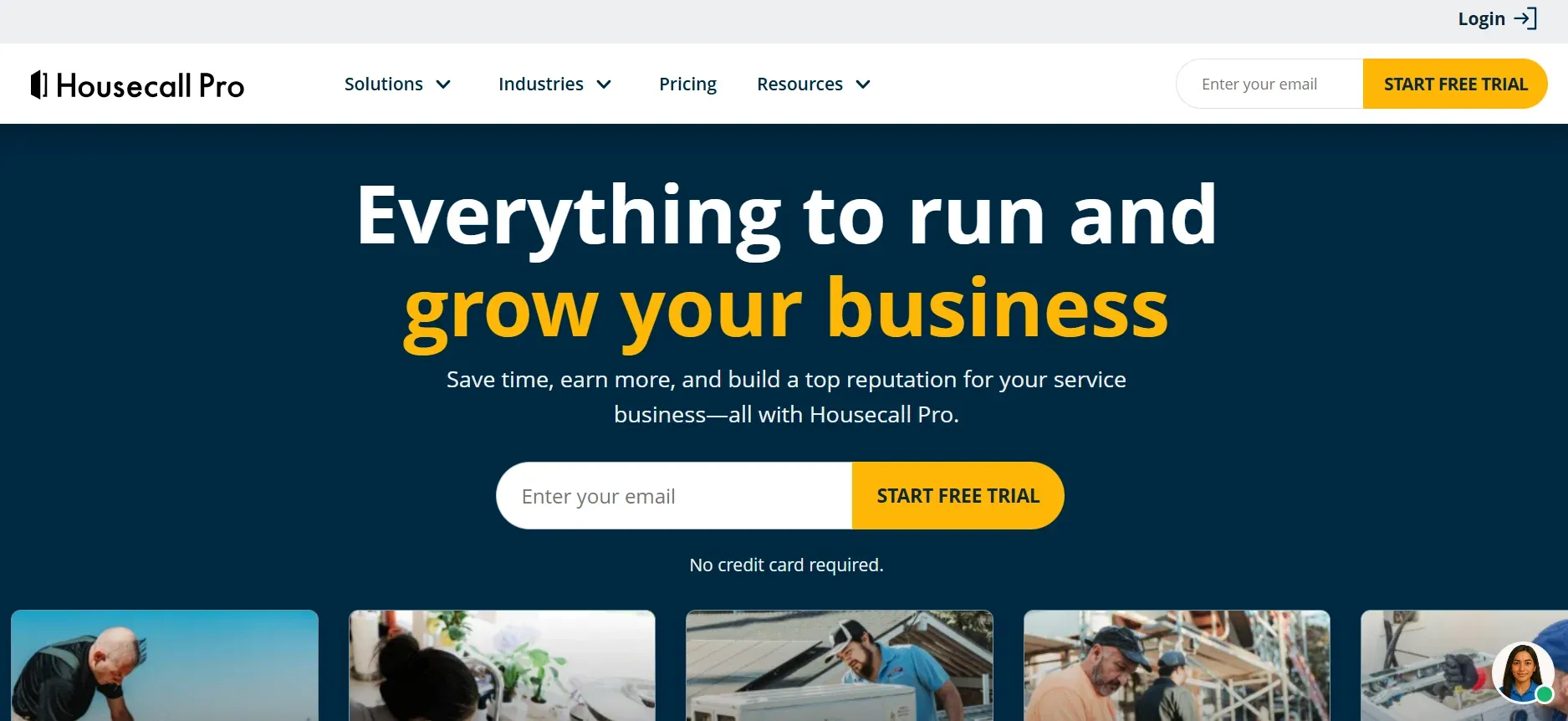
Housecall Pro is a mobile-first FSM for home service businesses. Work orders connect to scheduling, dispatching, invoicing, and customer communication.
Best for: Mid-size residential service businesses wanting a clean mobile interface with marketing automation.
Pros: Strong mobile app. Marketing automation (postcards, review requests). Checklists on basic plan. 14-day free trial.
Cons: Feature add-ons increase cost fast. Map-based scheduling requires higher plans. Per-user pricing scales up.
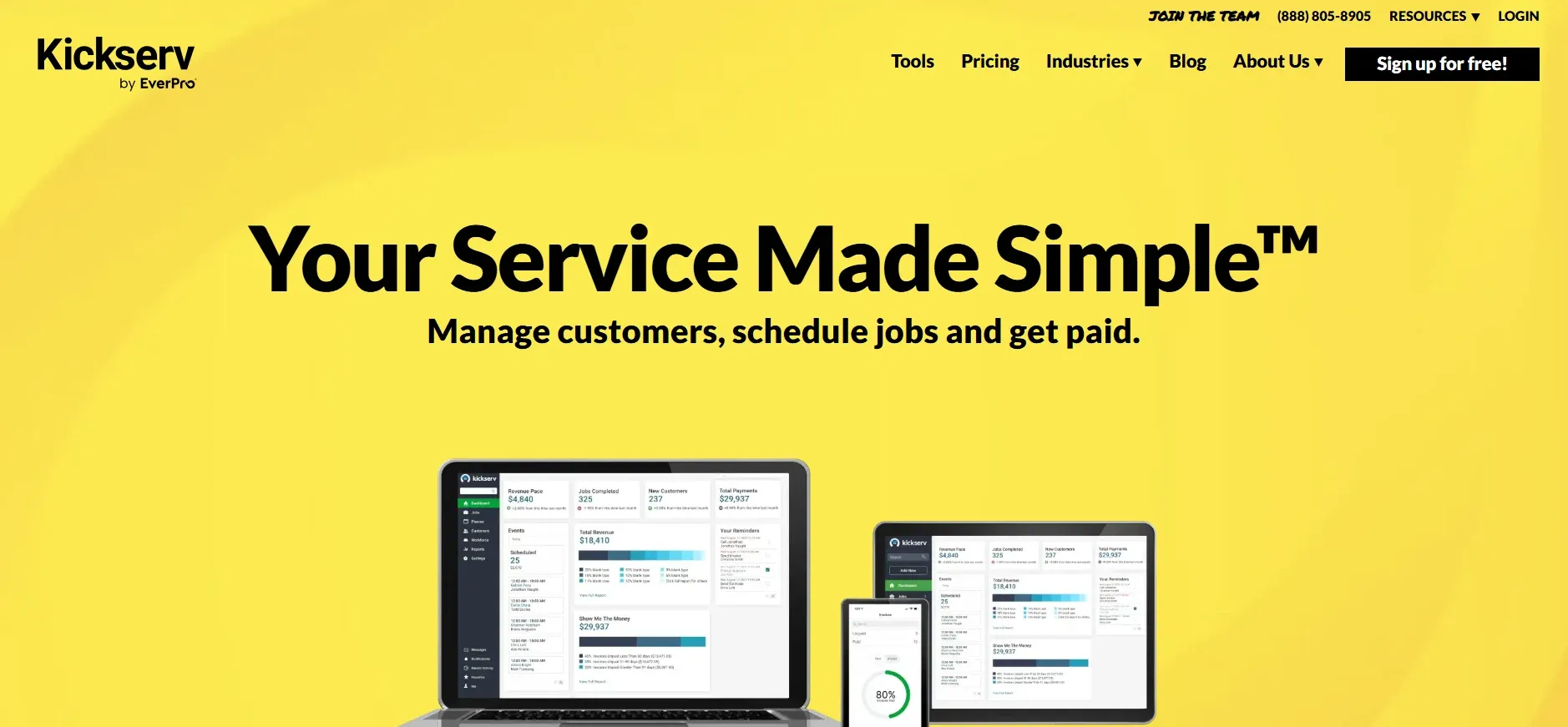
Kickserv is a cloud-based FSM for small to mid-size teams. Affordable pricing starting around $47-$60/month.
Best for: Small teams wanting affordable, easy-to-learn software.
Pros: Intuitive interface. Fast onboarding. QuickBooks, Stripe, and Xero integration.
Cons: Trades customization and reporting depth for simplicity. Larger teams may outgrow it.
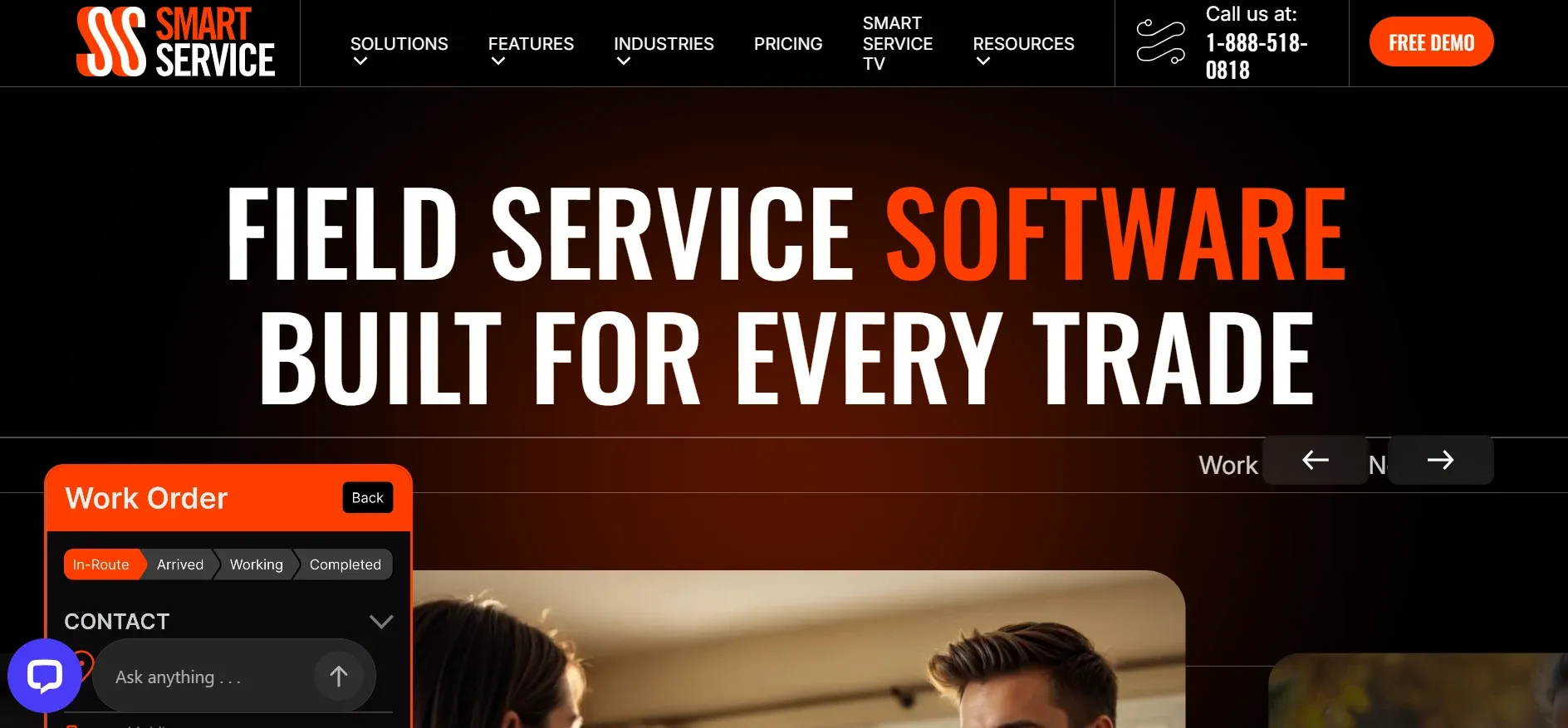
Smart Service positions itself as scheduling software built for QuickBooks. Layers scheduling, dispatch, work orders, and invoicing on top of QuickBooks.
Best for: Businesses deeply invested in QuickBooks wanting field service added on top.
Pros: Native QuickBooks extension. No migration needed. Familiar interface.
Cons: Limited value for businesses not using QuickBooks.
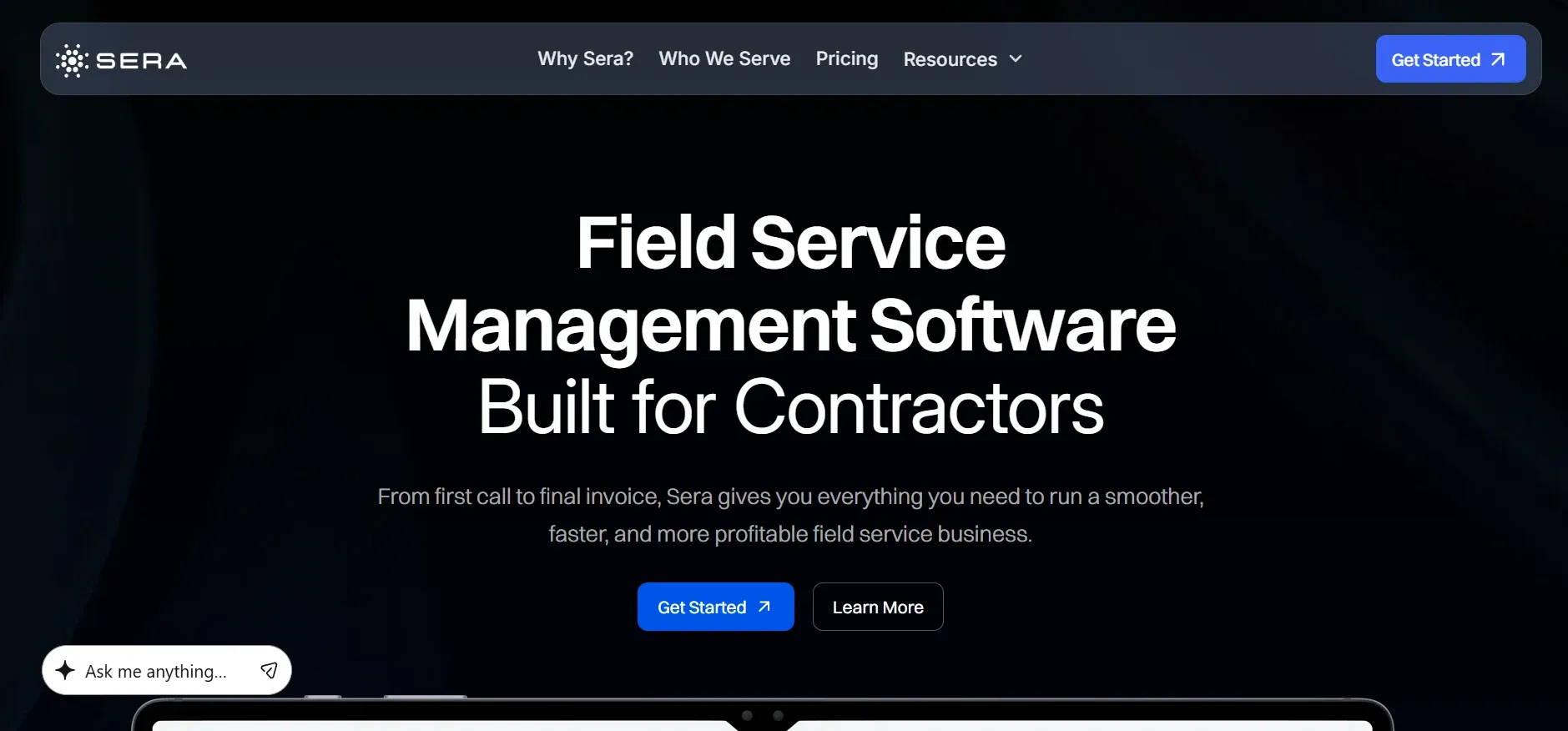
Sera focuses on financial health for home service businesses. KPI reporting baked into the core product. Not bolted on.
Best for: Businesses wanting financial reporting and KPI focus as the primary feature.
Pros: Financial-first approach. Scheduling and dispatching included.
Cons: Newer platform. Less battle-tested than established names.
Standalone or integrated? If your work order data needs to flow into scheduling, invoicing, and accounting, choose an integrated platform. Standalone tools create data silos.
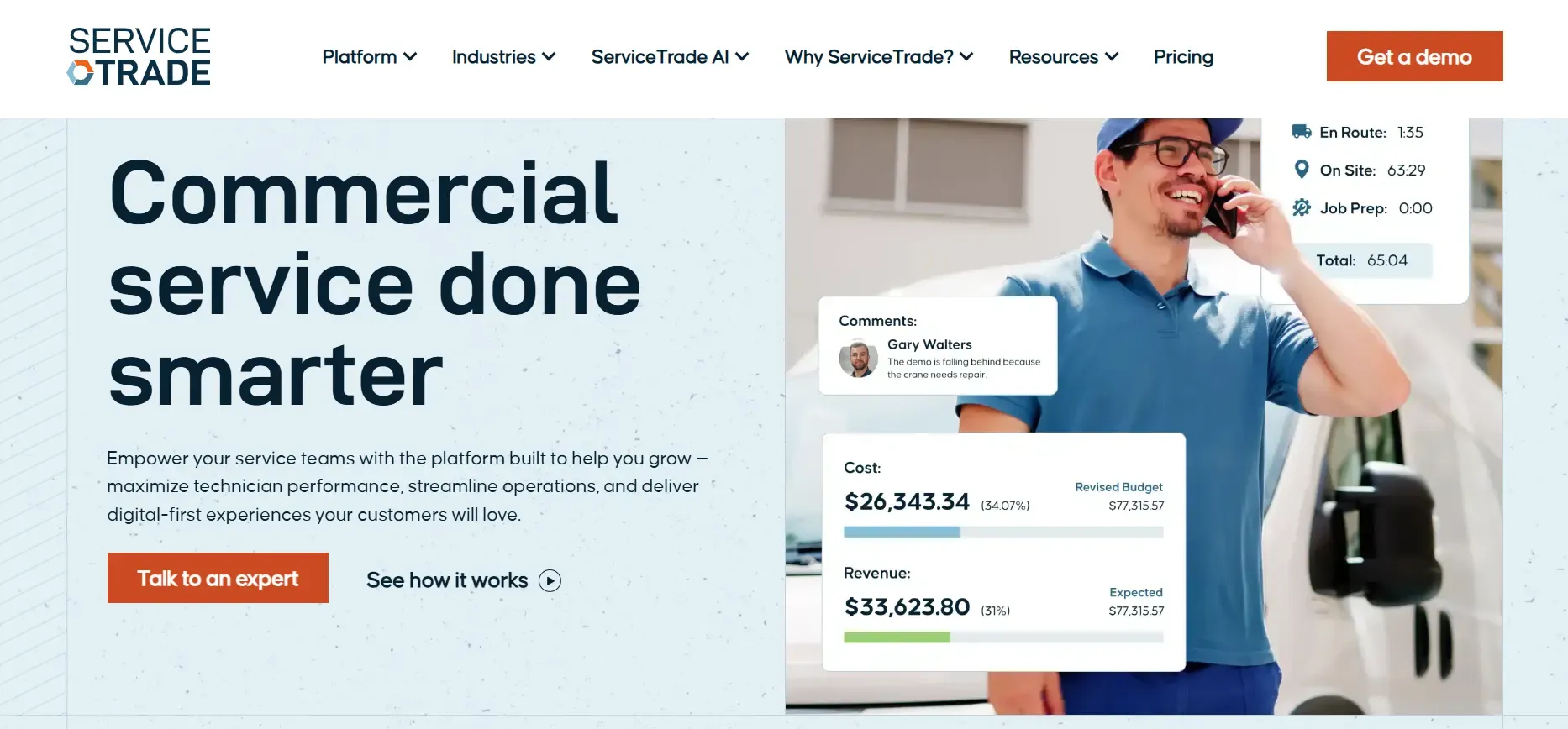
Residential or commercial? Residential service needs mobile pricebooks and on-site presentations. Commercial needs inspection workflows and project tracking.
Team size. Per-user pricing looks affordable at 5 techs. Calculate cost at 15-20 techs before committing.
Accounting integration. Confirm native sync with your accounting software. Manual CSV exports create errors.
Every work order app on this list helps manage jobs after they're booked. The best ones connect work orders to your entire operation. From call booking to payment collection. One system. Zero re-entry.
But none of them answer the phone. And every work order starts with a phone call. The call that comes in at 6 PM on a Friday. The emergency on a holiday weekend. The referral from a neighbor at 9 PM.
Crew answers 24/7. The work order starts with an answered call. Not a missed one. Every opportunity enters the system. Every job gets managed properly. From the first ring to the final payment, one connected workflow handles it all. That's what separates profitable service businesses from busy ones. Choose the right tool. Connect it to everything. And never let a call go unanswered.