CloseCrew is cloud-based FSM software for plumbing businesses. Scheduling and dispatching connect to call booking, CRM, invoicing, estimating, and AI-powered call answering. Web and mobile.
Call booking that builds customer trust
When a customer calls, your CSR can see who is calling before answering. If they're an existing customer, their complete history is available instantly, including past jobs, equipment details, open estimates, previous invoices, and property information.
That context helps CSRs personalize the conversation and book jobs faster. They can greet customers by name, understand the issue, and schedule the right service without putting anyone on hold or switching between spreadsheets and paperwork.
Call recordings add another layer of visibility. Supervisors can review conversations for quality and training, while technicians can access relevant recordings through the mobile app before arriving on-site. Everyone has the context they need before the job begins.
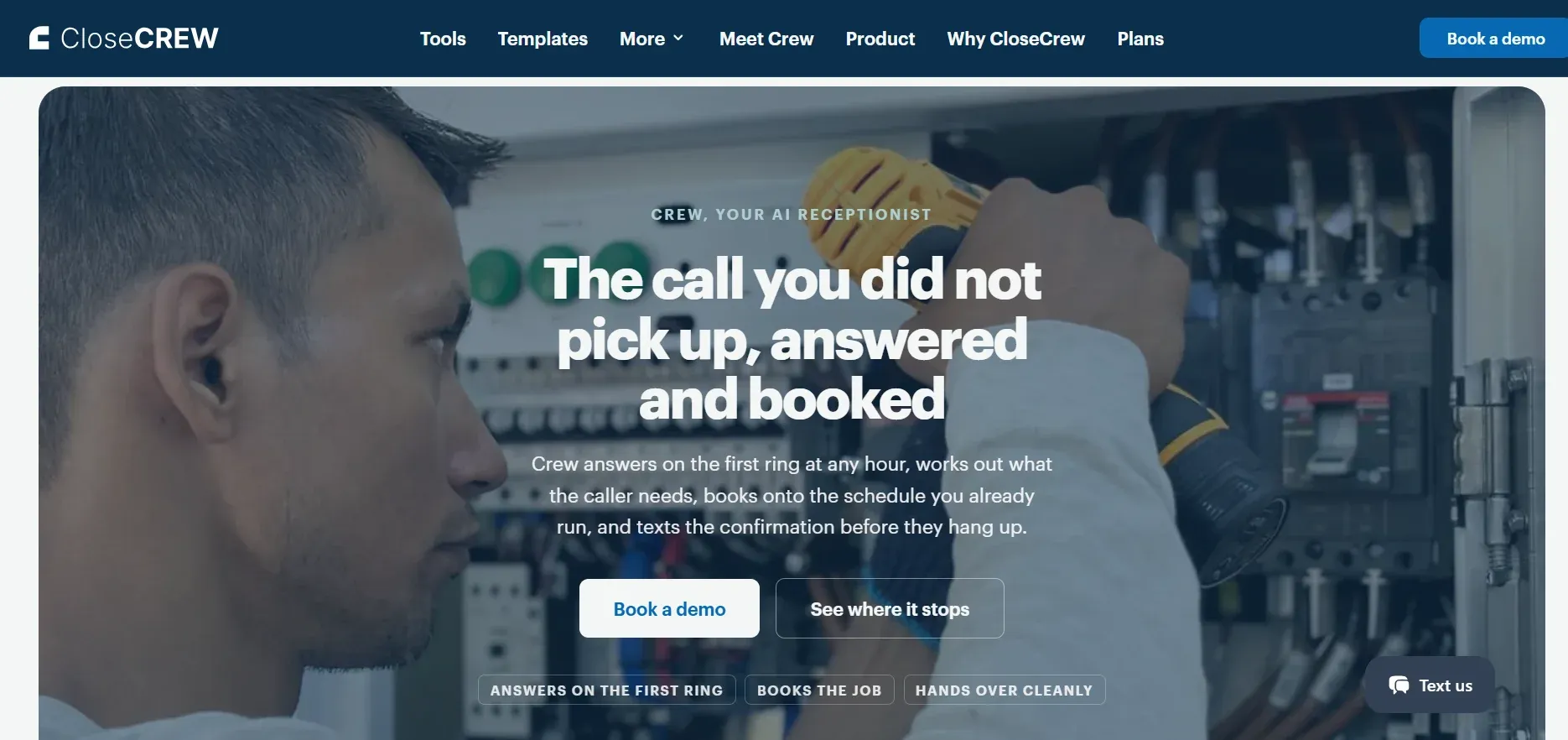
But CloseCrew goes further. CloseCrew's AI Employee answers calls your CSRs can't reach. After hours. During lunch rushes. When three calls hit at once.
41% of plumbing bookings come after hours. A homeowner with a burst pipe at 10 PM doesn't leave a polite voicemail. They call the next plumber. Larry makes sure the next plumber is always you.
Adjustable capacity planning
Set scheduling rules that protect profitability, not just technician availability.
Reduce maintenance slots during peak weeks. Reserve 20% of capacity for emergency drain and pipe calls. Increase maintenance appointments during slower months. Once these rules are set, your team can follow them consistently without relying on guesswork.
The system also matches jobs with technicians based on their skills. Drain calls go to drain specialists. Repipe jobs go to technicians with the right experience. Fewer mismatches mean fewer delays, callbacks, and wasted trips.
Once a job is booked, automated confirmations go out by text or email. The appointment instantly appears on the dispatch board and the technician's mobile schedule, keeping everyone on the same page.
AI schedule assistant
Manual scheduling gets complicated fast. Dispatchers jump between screens to check availability, technician skills, drive time, service zones, and current workloads. With 15 technicians and dozens of daily jobs, even experienced dispatchers can miss the best option.
CloseCrew's AI schedule assistant recommends the best date, time, and technician for each job. It considers skills, location, workload, and drive time to build a more efficient schedule.
Dispatchers can use it directly from the booking screen or dispatch board, without switching between tools.
For recurring service, the assistant also considers maintenance agreement schedules automatically. That helps keep recurring visits on track while reducing the manual work required to schedule them.
Visual dispatch board
Dispatchers control the entire day from one screen.
Drag-and-drop. Assign, reassign, confirm, or reschedule with a click
Live status feed. Real-time updates: arrived, working, paused, complete
Tech messaging. Direct message individual techs or the entire team
GPS tracking. See every tech's location. Track downtime.
Route optimization. Identify nearby jobs. Reroute to save drive time.
Alerts. Notifications for unusual activity or problems
Mobile app for field techs
Techs see their full schedule, customer data, and job details on their phone. Updates appear in real time as appointments change.
Listen to customer call recordings
View complete service history per address
Send arrival notifications to customers
Take and upload job photos
Create estimates with Good Better Best options
Order parts from the pricebook
Collect digital signatures
Process card and check payments
Help customers apply for financing
No calling the office for info. No driving back for paperwork.
Online booking
Customers schedule from your website. Real-time availability syncs with the dispatch board. Jobs confirm instantly. Cancellations and reschedules handled through text links.
Fully integrated. No API setup. No third-party booking tool.
Connected to your full operation
Dispatching integrates with everything else in CloseCrew:
Payroll. Time tracking syncs with dispatch. Overtime and commissions calculated automatically.
Accounting. QuickBooks sync. Every field transaction exports.
CRM. Complete customer profiles with history and equipment data.
Service agreements. Manage contracts. Schedule recurring visits.
Reporting. Track CSR metrics, tech performance, and revenue trends.
Reputation. Automated review requests after completed jobs.
For managing your plumbing CRM alongside dispatching, see our CRM guide.
Your dispatch board fills because Larry answers every call. Techs arrive prepared because the app gives full context. Invoices generate automatically. Accounting syncs in real time. One connected system.
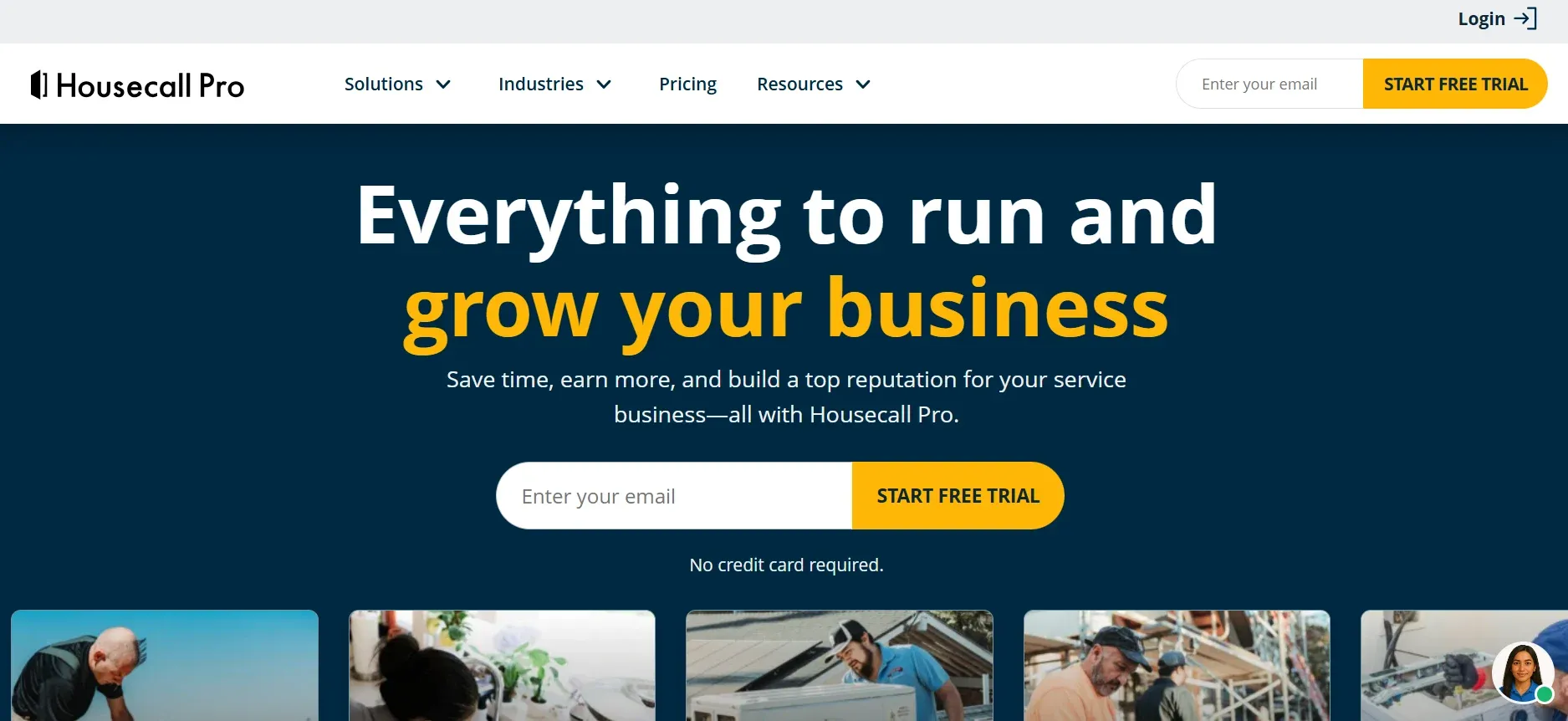
Housecall Pro includes scheduling, dispatching, invoicing, payment processing, and online booking in one platform. Its drag-and-drop calendar makes it easy to assign jobs, while automated reminders help reduce no-shows.
The platform balances simplicity with enough features for growing plumbing teams. Technicians can check routes, capture job photos, and process payments directly from their phones. QuickBooks integration also helps keep financial data connected.
For larger plumbing jobs, built-in financing gives customers more ways to pay for services such as repiping or water heater upgrades.
Best for: Small to medium residential plumbing shops (1-15 trucks).
Pricing: Basic $59/mo. Essentials $189/mo. Max $329/mo.
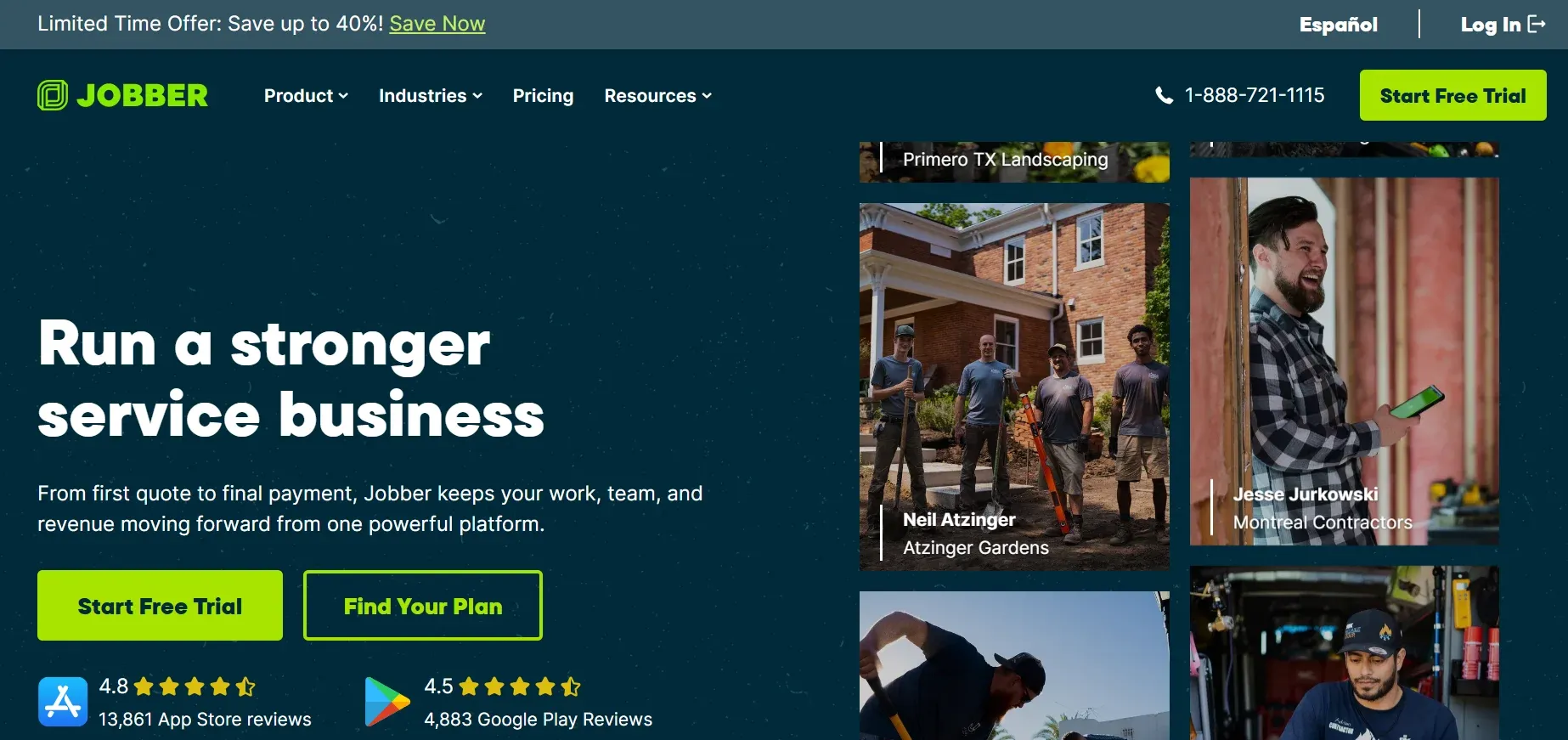
Jobber is an all-in-one field service management platform known for its user-friendly interface. It lets plumbing businesses schedule jobs, optimize routes, send quotes by text, and collect payments on-site. Its “Find a Time” feature also suggests available appointment slots automatically.
Most businesses can get the platform up and running quickly. The Client Hub gives customers self-service access to appointments, estimates, and invoices. They can approve quotes, check upcoming visits, and pay invoices without calling your office.
For growing plumbing teams, that means less back-and-forth for your office and a smoother experience for customers.
Best for: Small plumbing businesses wanting simplicity.
Pricing: Free tier. Paid from $69/mo.
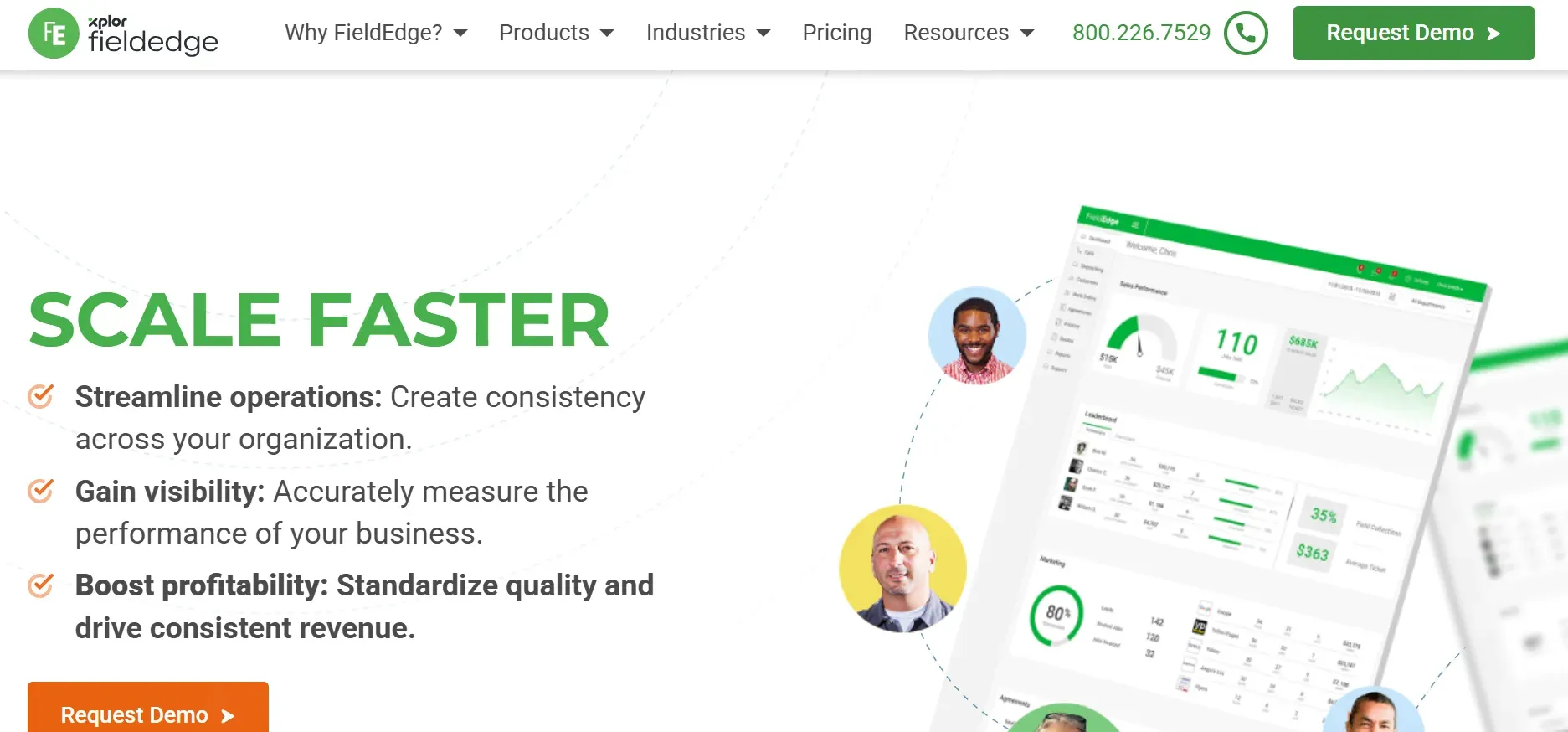
FieldEdge combines scheduling, dispatching, quotes, invoicing, and service agreements in one platform. Its dispatch board gives teams a real-time view of technician availability and job status, while QuickBooks integration keeps field and accounting data connected.
Its biggest advantage is the accounting sync. Dispatch updates, completed jobs, and field payments can flow into QuickBooks automatically, reducing manual data entry and reconciliation.
Technicians can also access customer history and job details by address before arriving on-site. That gives them more context and helps them prepare for the job before they reach the property.
Best for: QuickBooks-first plumbing shops.
Pricing: Tiered plans. Contact for pricing.
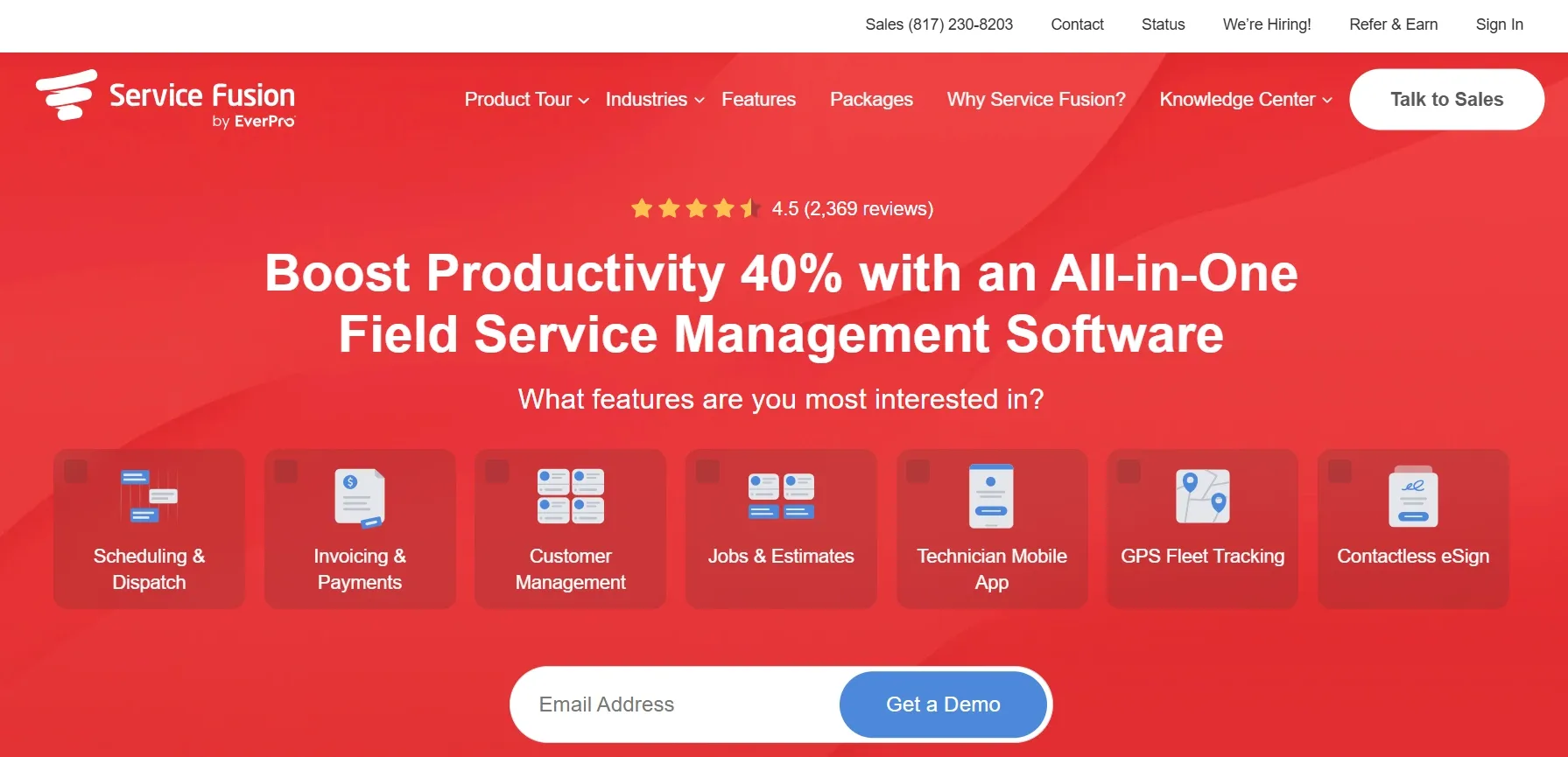
Service Fusion combines scheduling, dispatching, estimates, invoicing, and customer management in one platform. Its flat monthly pricing includes unlimited users, so you don't pay more each time you add another technician.
Whether your plumbing team has 5 technicians or 25, predictable pricing makes it easier to plan software costs as you grow. GPS fleet tracking also shows where your service vehicles are, while automated appointment confirmations help reduce no-shows.
For plumbing companies adding trucks and technicians regularly, this can prevent software costs from rising with every new user.
Best for: Growing plumbing teams wanting predictable costs.
Pricing: $225/mo (unlimited users).
FieldPulse is an all-in-one field service management platform built for small and midsize contractors. It combines scheduling, dispatching, estimating, CRM, and a customer portal in one system.
Its CRM features stand out for businesses that want more than basic dispatching. Teams can manage customer information, track interactions, and keep job details organized alongside their scheduling and field operations.
FieldPulse is a strong fit for smaller plumbing companies that want customer relationship tools without adopting a complex enterprise platform. Larger commercial plumbing businesses may need more advanced features and scalability.
Best for: Small plumbing shops (1-10 techs) wanting CRM with dispatching.
Pricing: Contact for pricing.
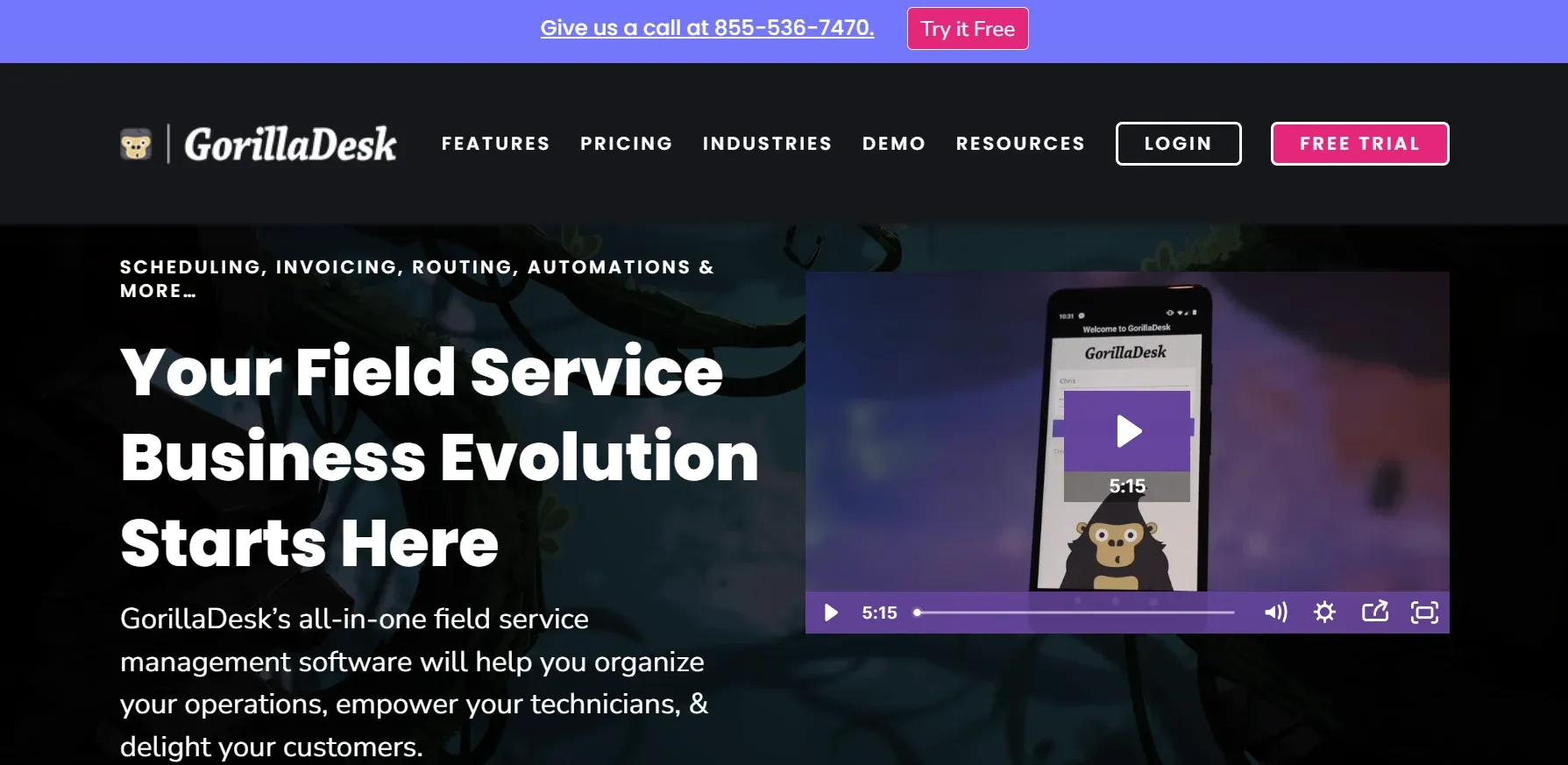
GorillaDesk is one of the simpler dispatch options for solo plumbers and small crews. Its clean interface, quick setup, and built-in route optimization make it easy to move away from paper schedules and spreadsheets.
The platform has a low learning curve, so small teams can start using it without spending days on training. For a solo plumber or a 2–3 person crew, that simplicity can be more valuable than a long list of advanced features.
GorillaDesk becomes less suitable as teams grow beyond roughly 5–7 technicians and need more advanced workflows. For smaller plumbing businesses, though, it offers a straightforward way to manage scheduling and dispatching at a lower cost.
Best for: Solo plumbers getting off paper.
Your dispatch app generates data. Use it. These metrics reveal whether dispatching improves or costs you money.
First-call resolution rate. What percentage of jobs get completed on the first visit? Low rates mean techs arrive without the right parts or skills. Fix this through better skill-based assignment.
Average drive time between jobs. Excessive drive time means poor routing. Track weekly. Optimized routing saves 30-60 minutes per tech per day. That's one extra job.
Technician utilization rate. What percentage of tech hours are billable? Target 75-85%. Below 70% signals scheduling gaps or excessive non-billable time.
Dispatch-to-arrival time. How fast do techs reach the job after dispatch? For emergency plumbing calls, speed wins customers. Track this weekly.
Callback rate. What percentage of jobs need a return visit? High callbacks signal wrong tech assignments or incomplete first visits. Below 5% is the target.
Revenue per dispatched job. Average ticket across all dispatched work. Track monthly. Increasing this metric means techs present options effectively.
Every app on this list organizes your schedule. Drag-and-drop. GPS tracking. Route optimization. Real-time updates. All solid.
But an organized board with empty slots is still empty.
A homeowner's toilet overflows at 8 PM. They search "emergency plumber." Find your listing. Call your number. Voicemail. They call the next plumber. That plumber answers. Books a $500 emergency call.
Your dispatch board had an open slot tomorrow morning. Your tech was available. Your van was stocked. But nobody answered the phone tonight.
Larry answers. Every ring. Every night. He qualifies the plumbing emergency. Books the job. It appears on your dispatch board before your team arrives in the morning.
Arctic Air saw 30% more revenue in one year. Premier Heating converted 3x more leads with response under 1 minute. Air Design added 13 extra appointments in 30 days.
Your dispatch app organizes the work. Larry generates it. Both sides of the equation matter. The shops that do both grow fastest.