CloseCrew is a complete plumbing platform. CRM, scheduling, dispatching, invoicing, reputation management, and AI-powered call answering. All in one system.
Most CRMs store customer data. CloseCrew creates it. Every call that comes in gets logged automatically. Every interaction gets recorded. Every customer profile builds itself from real conversations.
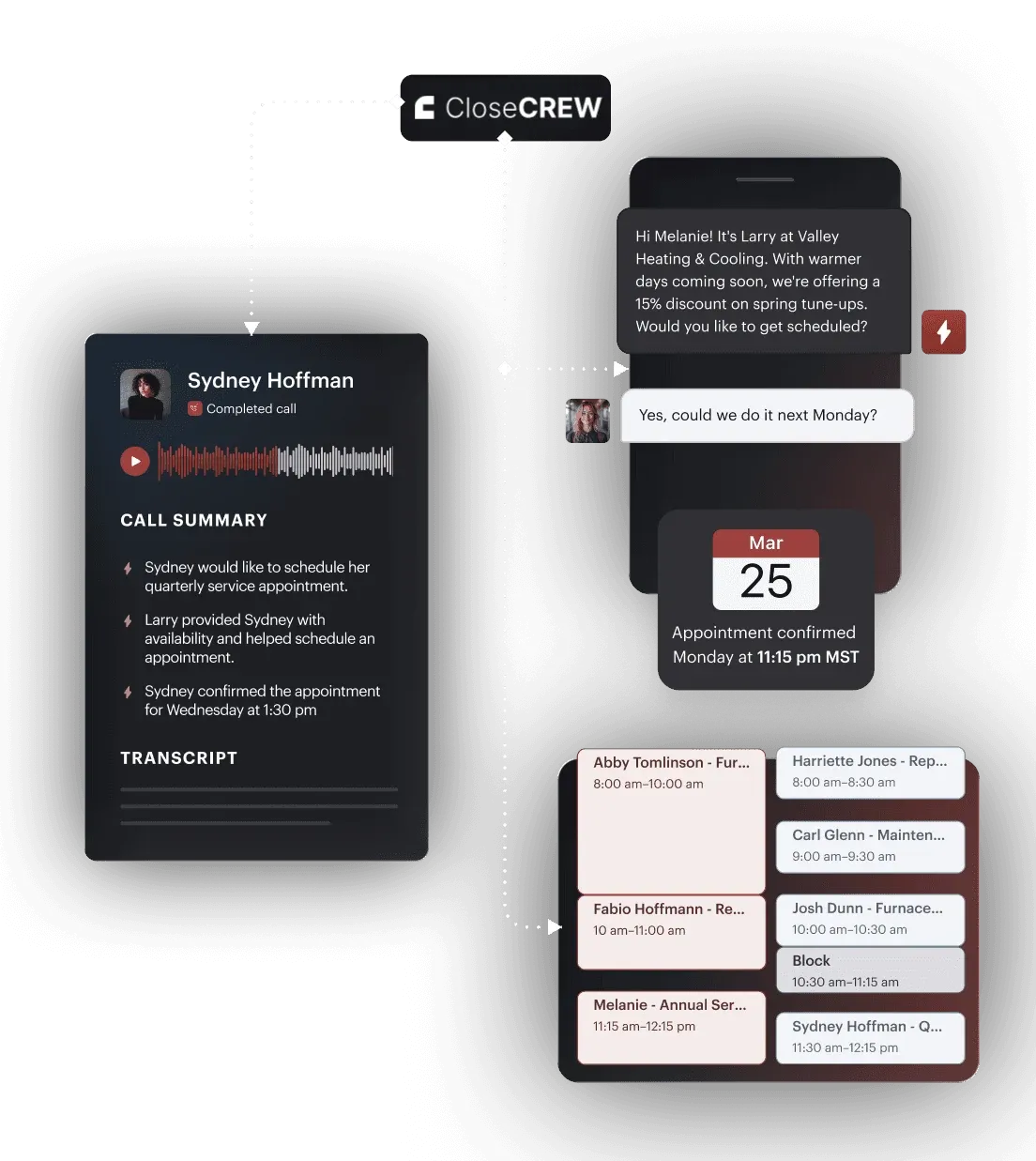
Here's how it works. A homeowner calls about a leaking water heater. Larry, CloseCrew's AI Employee, answers. He captures the problem description. The address. The equipment type. Access instructions. He creates the customer profile if they're new. He pulls up existing history if they're returning.
All of this happens before your team sees the lead. The CRM entry is complete. The appointment is booked. The tech opens the app and sees full context.
No CSR typed notes during a rushed phone call. No sticky note got lost between the desk and the van. No returning customer had to re-explain their problem.
Customer profiles that build themselves
Every interaction feeds the customer profile automatically. Call recordings. Text conversations. Webchat transcripts. Job photos. Estimates sent. Invoices paid. Equipment records. Membership status.
When a customer calls back six months later, Larry already knows who they are. He knows their equipment. Their service history. Their outstanding estimates. He picks up where the last conversation left off.
Your tech arrives at the job with full context. Past repairs. Declined estimates. Equipment age. Notes from the last visit. No more "so what's going on?" at the door.
Unified inbox across every channel
Plumbing leads come from calls, texts, webchats, Google, Angi, HomeAdvisor, and email. Most CRMs track one or two channels. The rest live in separate apps. You lose visibility.
CloseCrew consolidates everything. Every channel feeds one inbox. Every interaction ties to one customer profile. Your dispatcher sees the full picture. Larry handles the overflow when your team is busy.
Automated follow-up and re-engagement
Open estimates sit in most CRMs forever. Nobody checks them. Nobody follows up. The customer who "needed to think about it" hired someone else two weeks ago.
CloseCrew's AI follows up automatically. Text or call. 24-48 hours after the estimate. A gentle nudge. "Did you have questions about the repair options?" Many customers just needed a reminder.
The system also mines your database for re-engagement. Customers due for maintenance. Lapsed members. Past customers who haven't booked in 12+ months. Each gets a targeted outreach. No manual list building.
What contractors are saying
Arctic Air: 30% more revenue in one year. Added a truck.
Air Texas: $20,000 job booked after hours by Larry.
Premier Heating: Response time under 1 minute. 3x more leads converted.
Air Design: 13 extra appointments in 30 days. Conversions near 100%.
CRM profiles build automatically from every interaction
24/7 AI call answering logs to CRM in real time
Unified inbox across calls, texts, webchats, and third-party leads
Automated estimate follow-up and customer re-engagement
Reputation management with auto review requests
Most CRMs are filing cabinets. They store what you put in. CloseCrew is different. It captures, logs, follows up, and re-engages automatically. The CRM does the work. Not just holds the data.
A CRM full of customer data is only valuable if those customers actually book jobs. Most shops have hundreds of profiles sitting idle. Past customers who never got a follow-up call. Open estimates that expired without a nudge. Lapsed members who forgot to renew. That data represents tens of thousands in revenue. CloseCrew activates it.
Housecall Pro is the most popular CRM and FSM for small residential plumbing teams. Clean interface. Fast setup. Combines customer management with scheduling, estimates, and payments.
Customer profiles store contact info, job history, property details, and notes. Techs see everything on their phone before arriving. Automated appointment reminders reduce no-shows by up to 30%.
Online booking lets customers schedule from your website. The booking feeds directly into the CRM. No manual entry. Built-in financing helps customers afford bigger jobs.
Pros: Easy to learn. Fast deployment. Combines CRM with scheduling and payments. Good mobile app.
Cons: Limited for commercial work. Reporting thins past 15 trucks. Per-user pricing adds up.
Pricing: Basic $59/mo. Essentials $189/mo. Max $329/mo.
Jobber offers the cleanest CRM at the lowest price. Client hub gives customers self-service access. They view upcoming appointments. They approve estimates. They pay invoices online.
Customer profiles track contact info, job history, and communication logs. The "Find a Time" scheduling feature auto-suggests available slots. QuickBooks and Xero integration keeps accounting synced.
Pros: Most affordable all-in-one. Clean client portal. Simple interface. Fast setup.
Cons: Lacks plumbing-specific pricebooks. Basic reporting. Limited scalability.
Pricing: Free tier available. Paid from $69/mo.
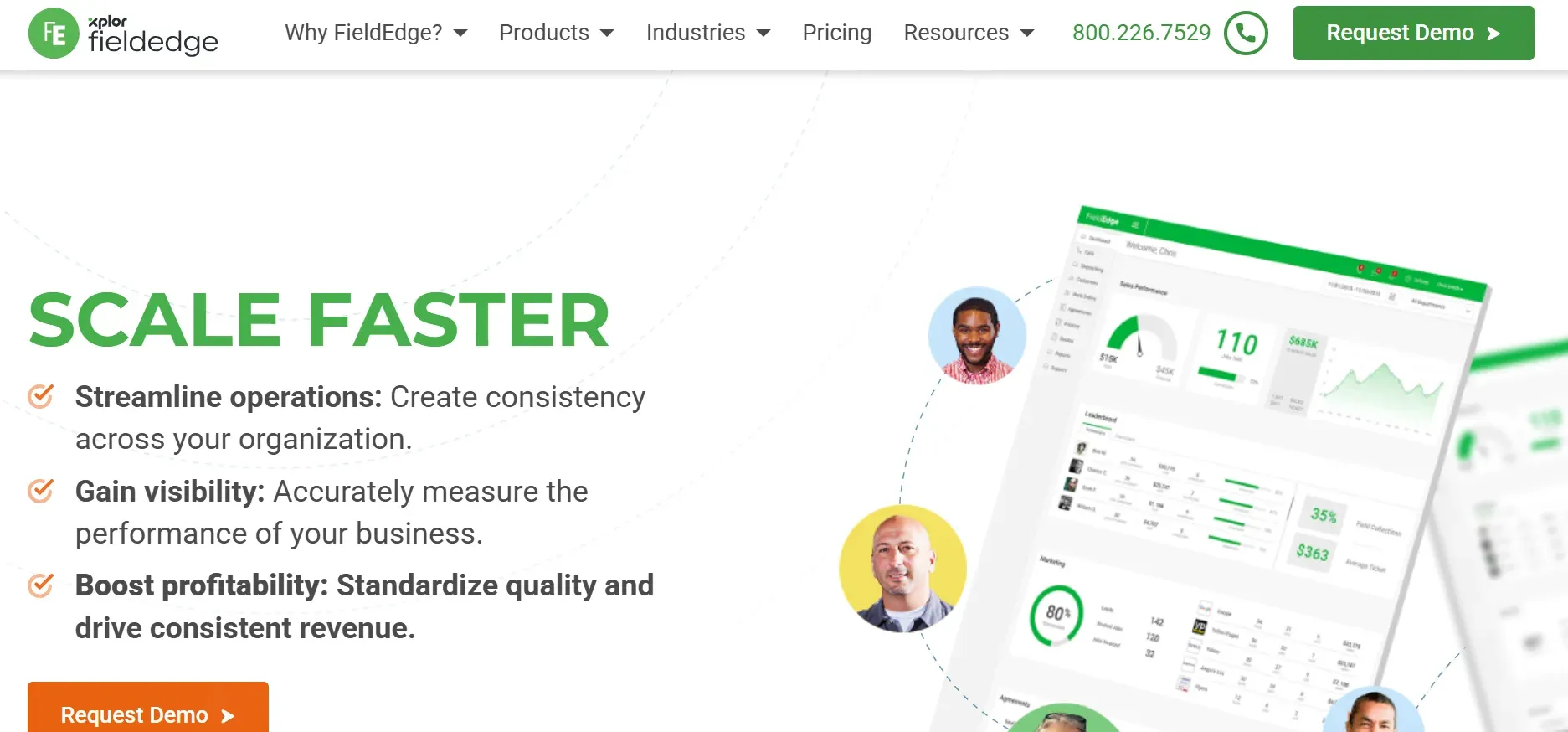
FieldEdge is the best CRM for shops that live in QuickBooks. Every customer interaction, estimate, and invoice syncs automatically. No duplicate data entry. No reconciliation headaches.
The CRM shows complete customer history per address. Past jobs. Declined estimates. Equipment details. When a tech arrives, they know everything without asking.
Real-time dispatch board shows tech locations and job status. Performance dashboards track revenue per tech and close rates.
Pros: Seamless QuickBooks integration. Deep customer history. Real-time dispatch.
Cons: Per-user pricing climbs. Advanced features behind higher tiers. Interface feels dated.
Pricing: Tiered plans. Contact for pricing.
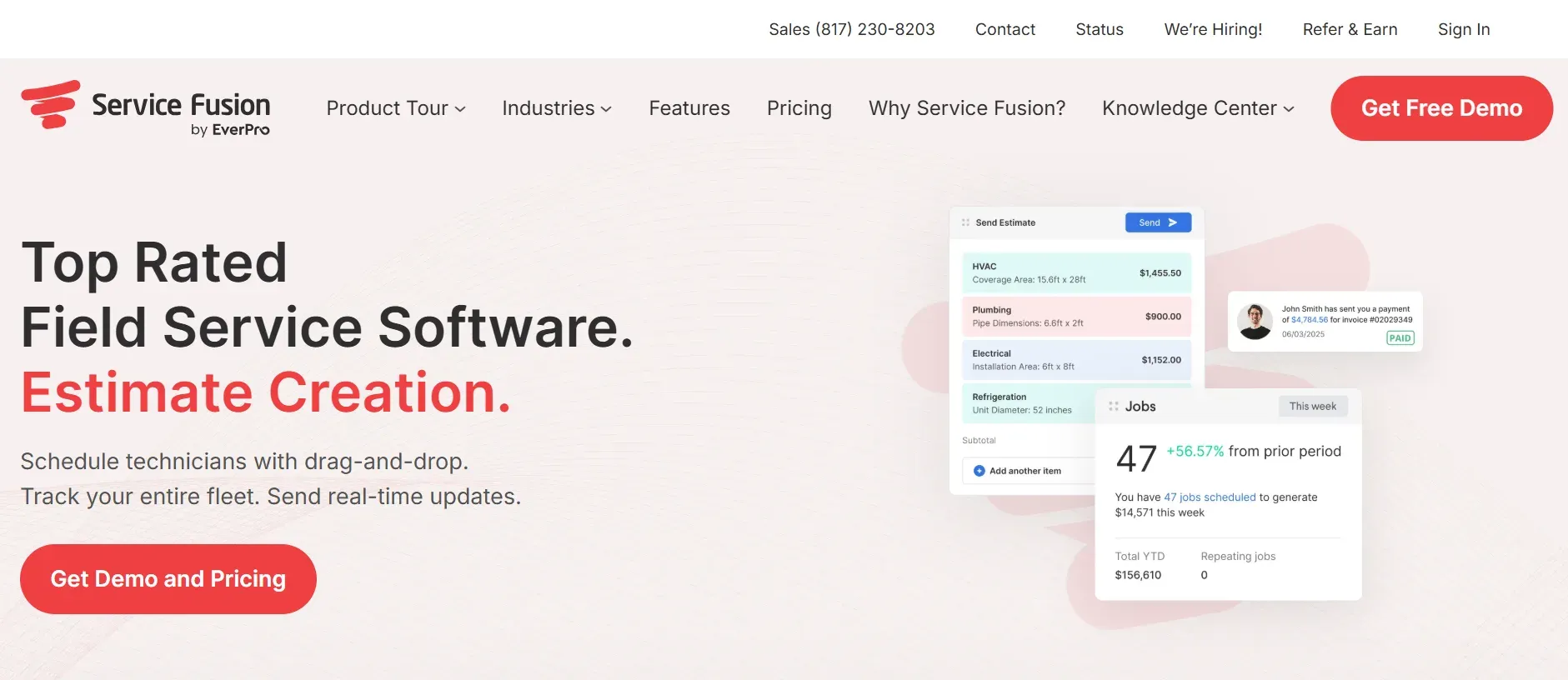
Service Fusion's CRM advantage is pricing. Unlimited users for $225/month flat. No per-seat fees. Whether you have 5 users or 25, CRM access costs the same.
Customer management tracks every interaction and job history per address. GPS fleet tracking integrates with customer appointments. Automated confirmations keep customers informed.
Pros: Flat pricing regardless of team size. GPS tracking. No per-user CRM fees.
Cons: Feature depth below Housecall Pro and FieldEdge. Mobile app gets mixed reviews.
Pricing: $225/mo (unlimited users).
Workiz differentiates with a built-in VoIP phone system. Every call is recorded and tied to the customer's CRM profile. When a customer calls, their profile pops up automatically. Past jobs, estimates, and notes visible instantly.
Lead source tracking shows which marketing channel generated each customer. This connects your marketing spend to actual booked revenue per channel.
Pros: Built-in phone system tied to CRM. Call recording. Lead source tracking. Pop-up customer profiles.
Cons: ~$100/technician. Phone billed per minute. Scheduling page has refresh delay.
Pricing: From $198/mo (2 users minimum).
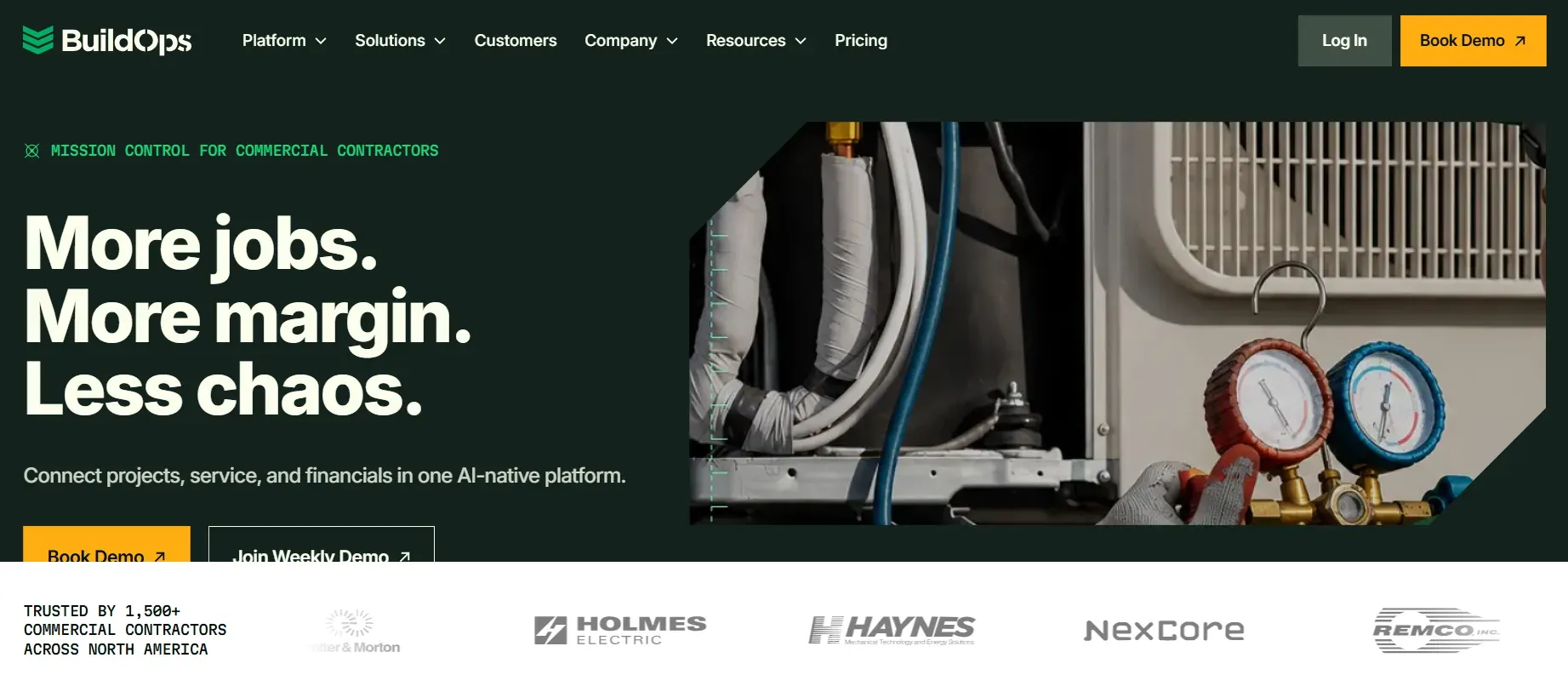
BuildOps is built for commercial plumbing contractors. The CRM handles project-level relationships. Multi-day jobs. Multiple contacts per customer. Change orders. Subcontractor coordination.
Real-time job costing tracks estimated vs actual costs per customer project. Proposal generation uses customizable templates.
Pros: Commercial-grade CRM. Multi-day project management. Real-time profitability per customer.
Cons: Commercial-focused. Custom pricing. Longer onboarding.
Pricing: Custom. Contact for demo.
Fergus puts job costing at the center of its CRM. Every customer profile shows profitability. Not just revenue. Actual margin per job, per customer.
Track labor, materials, and expenses as jobs progress. Connect estimates to completed costs. See which customers generate profit and which cost you money.
Pros: Profit tracking per customer. Cost visibility. Good for complex jobs.
Cons: More than solo plumbers need. Higher pricing for small teams.
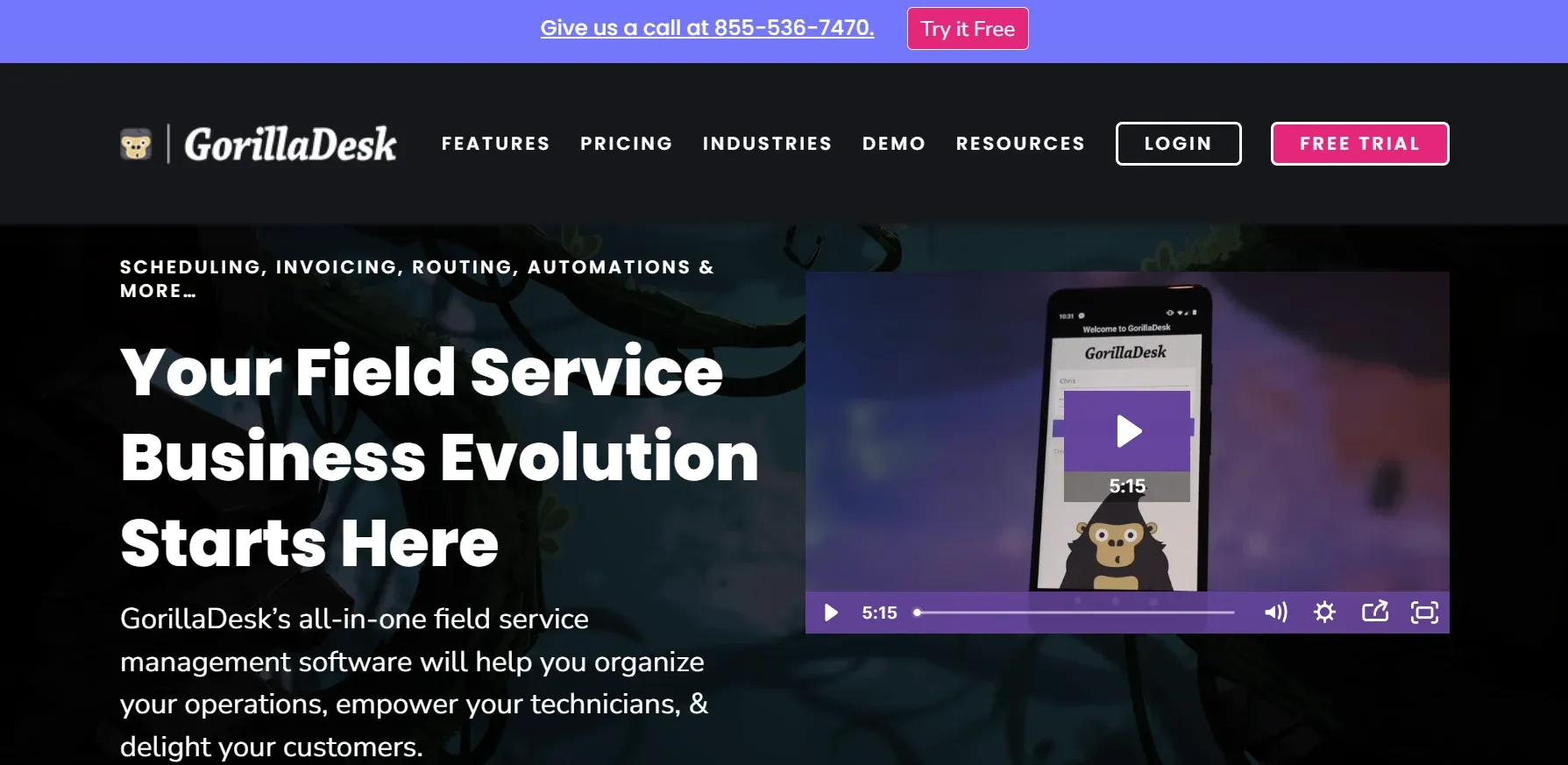
GorillaDesk is the simplest CRM on this list. Solo plumbers and 2-3 person crews. Zero learning curve. Same-day setup.
Basic customer profiles. Job notes. Scheduling. Invoicing. Route optimization. Everything a small shop needs. Nothing it doesn't.
Pros: Simplest interface. Fastest setup. Budget-friendly.
Cons: Limited scalability. Basic reporting. Few integrations.
Not all features carry equal weight. These separate useful CRMs from revenue-generating ones.
Complete customer history per address. Past jobs, equipment records, declined estimates, membership status, and communication logs. Techs arrive informed. Customers feel remembered. Both lead to higher tickets.
Mobile access for field techs. Every feature must work on a phone. Viewing customer profiles. Adding job notes. Sending estimates. Collecting payments. If it requires a desktop, your field team won't use it.
Automated follow-up on estimates. The single highest-ROI CRM feature. Open estimates represent unbooked revenue. Automation converts them without manual effort.
Lead source tracking. Know which marketing channels produce customers, not just calls. When you know Google Ads generated 18 customers last month and Yelp generated 2, you shift budget accordingly.
Review management. Automated review requests after completed jobs. Review monitoring across platforms. This connects your CRM to reputation growth.
Integration with scheduling and invoicing. CRM data should flow into dispatch, estimates, and invoices without rekeying. Separate systems create gaps where data gets lost.
Every tool on this list stores customer data well. They track jobs, estimates, and communication history. They work on mobile. They integrate with accounting.
None of them answer your phone at 9 PM.
Your CRM has 500 customer profiles. But the homeowner who called at 7 PM last Tuesday went to voicemail. They called a competitor. They became that competitor's customer. Your CRM never knew they existed.
The most complete CRM in the world can't track a customer who never got through. The data was never captured. The profile was never created. The revenue was never earned.
CloseCrew captures the data before your team ever sees it. Larry answers the call. Creates the profile. Logs the details. Books the job. The customer enters your CRM the moment they call. Not the morning after.
That's not a CRM feature. That's the difference between a static database and a growing one. Every day. Every night. Every weekend.
The best plumbing CRM captures data automatically. Follows up without reminders. Re-engages past customers on its own. And never lets a new lead hit voicemail.
CloseCrew does all four. Larry answers 24/7. Profiles build themselves. Estimates get followed up. Past customers get re-engaged. One system that turns data into revenue.
The shops with the best CRMs aren't the ones with the most features. They're the ones where every customer interaction gets captured. Every estimate gets followed up. Every past customer gets remembered.
That consistency turns a CRM from a filing cabinet into a growth engine.