CloseCrew connects work orders to every other business function automatically. No re-entry. No disconnected apps. One system from phone call to payment collection.
How work orders flow in CloseCrew
Call comes in. The call booking screen guides CSRs through collecting every detail. Job type. Priority. Summary. Marketing source. Property notes. Security codes. Pet warnings.
For existing customers, CSRs see complete job history. Property data. Open estimates. Membership status. Call recordings from previous interactions.
Work order creates automatically. All collected data populates the work order. Drop-down menus ensure nothing gets missed. Text fields capture specifics. No separate app needed.
Scheduling happens from the same screen. Available time slots display immediately based on job type. CSRs book the tech. The job appears on the dispatch board. Capacity planning prevents overbooking.
Customers receive automated confirmations by text or email. Online booking lets customers schedule without calling. Every detail still gets captured.
Dispatchers manage everything from one board. Drag-and-drop job assignment. Real-time job status (dispatched, working, paused, complete). GPS tracking shows tech locations. Activity feed for direct messaging. Route optimization reduces windshield time.
Techs arrive fully prepared. Mobile app shows customer history. CSR notes. Prior estimates. Equipment details. Call recordings. Property data. No surprises at the door.
Estimates build from work order data. Good Better Best proposals from the integrated pricebook. Photos and videos of damage. Written summaries. Financing options. Customers view on the tech's tablet. Accept and authorize on the spot.
Invoices generate automatically. Completed work order becomes an invoice with one click. Customer info, job details, and pricing already populated. Send by text, email, or collect payment on-site.
Payment collects immediately. Credit card. Check (photo deposit). Online portal. Google Pay. Apple Pay. Financing already approved through the estimate. No waiting for mailed invoices.
Beyond work orders
Payroll prep with automatic time tracking synced to dispatch
Accounting integration with QuickBooks
CRM tools for full customer relationship management
Service agreements for maintenance contract billing and scheduling
Reporting dashboards for KPIs, revenue trends, and tech performance
Marketing tools for email campaigns, review requests, and ad tracking
One platform. Every function connected. No data re-entry anywhere.
Best for: HVAC businesses wanting work orders connected to their entire operation.
Pricing: Custom based on business size and modules.
The best app in the world won't help if your work order process is broken. Follow these practices regardless of which tool you choose.
Capture every detail during call booking. Job type. Priority. Equipment details. Property notes. Access instructions. Pet warnings. The more detail captured upfront, the fewer surprises on-site.
Require photos before and after. Techs photograph the issue before repair and the completed work after. Photos protect against disputes. They also build estimate credibility for future jobs.
Attach equipment history. Link work orders to specific equipment records. Age. Model. Serial number. Prior service history. Techs who see the full picture diagnose faster and sell smarter.
Use conditional forms. Different job types need different checklists. An AC install work order shouldn't look like a drain cleaning work order. Conditional logic shows only relevant fields.
Close work orders completely. Every work order should end with: job summary, materials used, time logged, photos attached, customer signature captured, and payment collected. Incomplete work orders create billing gaps.
Review work orders weekly. Pull a report of completed work orders. Check for missing photos. Incomplete fields. Unsigned forms. Catch gaps before they become patterns.
Every work order that flows cleanly from call to payment protects your margins. Every work order with gaps leaks revenue.
A homeowner's AC fails during a heat wave. They call your number at 8 PM. Your CSR left at 5. Voicemail. That customer calls the next HVAC company. They answer. They create the work order. They dispatch the tech. They collect the payment.
Your dispatch board had open slots. Your techs had availability. Your pricebook had the estimate ready. Nobody answered the phone.
Crew, CloseCrew's AI Employee, answers every call 24/7. Qualifies the HVAC issue. Books the appointment. The work order creates automatically. Your tech arrives prepared. The job flows through your system from first ring to final payment.
Arctic Air saw 30% more revenue in one year. Premier Heating converted 3x more leads. Air Design added 13 extra appointments in 30 days.
Your work order system manages the job. Crew makes sure the job gets created.
Jobber offers field service scheduling, estimating, quoting, invoicing, and client management. One of the most user-friendly options in this category. Strong customer booking experience.
Pros: Affordable entry point ($29/mo). Polished booking experience. Easy to learn. Quick onboarding for small teams.
Cons vs CloseCrew: Less robust native pricebook. Limited reporting drill-down. No offline mobile functionality. Less customization for membership plans. Per-user pricing gets expensive at scale.
Service Fusion provides estimates, customer management, scheduling, and dispatch. Standout feature: flat monthly pricing with unlimited users. Growing teams don't pay more per tech added.
Pros: Unlimited users. Predictable costs as team grows. Broad feature set covering most FSM needs.
Cons vs CloseCrew: Membership billing automation costs extra. Scheduled report automation costs extra. Heavier onboarding than lighter competitors. No free trial to test before committing.
FieldEdge is built specifically for HVAC and plumbing contractors. Strong flat-rate pricebook through Coolfront integration. Deep QuickBooks sync. Capacity planning features.
Pros: Industry-leading pricebook. Google LSA integration. Membership info visible during call booking. Customer-specific pricing for commercial.
Cons vs CloseCrew: Mobile app and UI trail newer competitors. Multi-week onboarding process. Limited customer portal on base plan. Less granular real-time reporting.
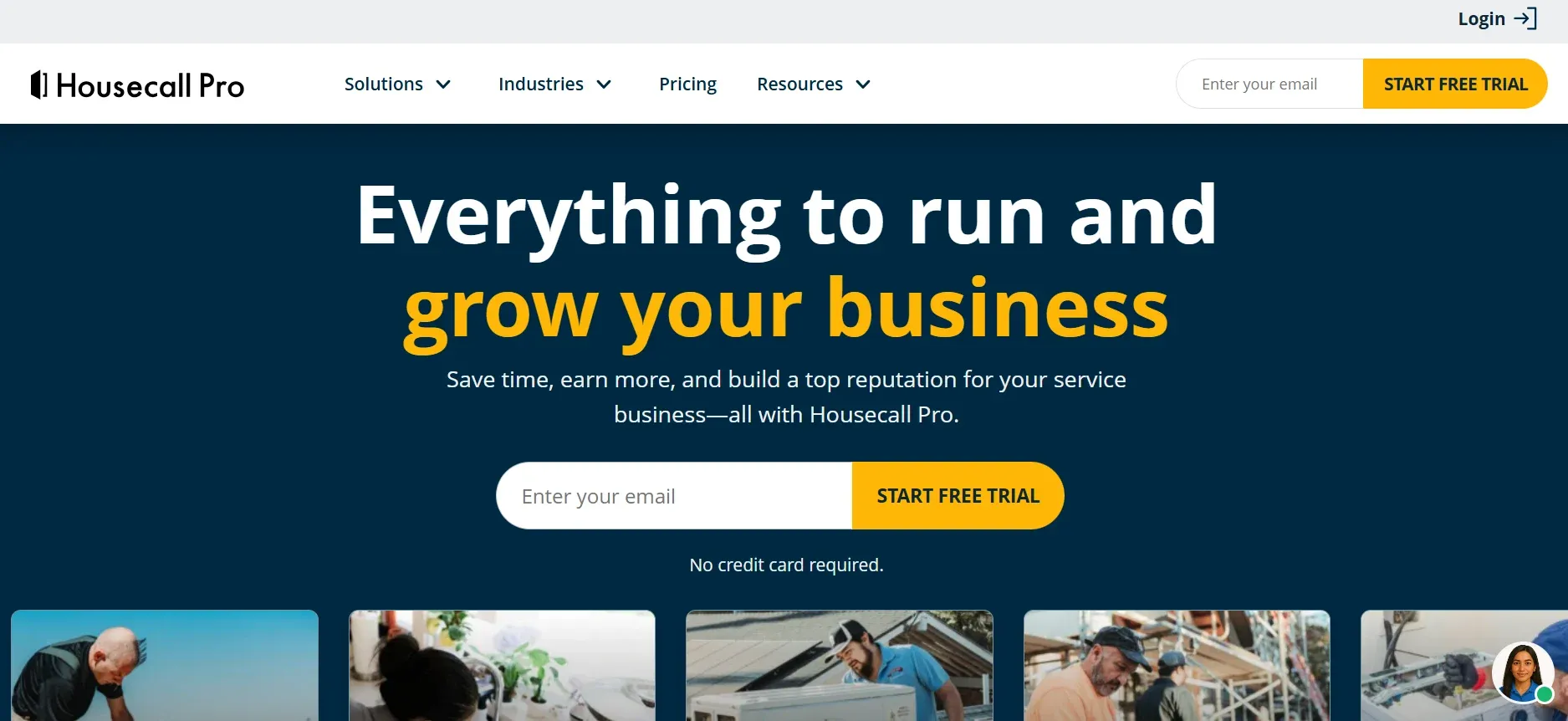
Housecall Pro is a mobile-first FSM for home service businesses. Marketing automation features (postcards, review requests) that many competitors lack.
Pros: Strong mobile app. Built-in marketing automation. Checklists on basic plan. 14-day free trial. No long-term contracts required.
Cons vs CloseCrew: Less pricebook depth. Limited reporting drill-down. No offline mobile functionality. GPS and proposals gated behind higher tiers. Add-on costs climb quickly.
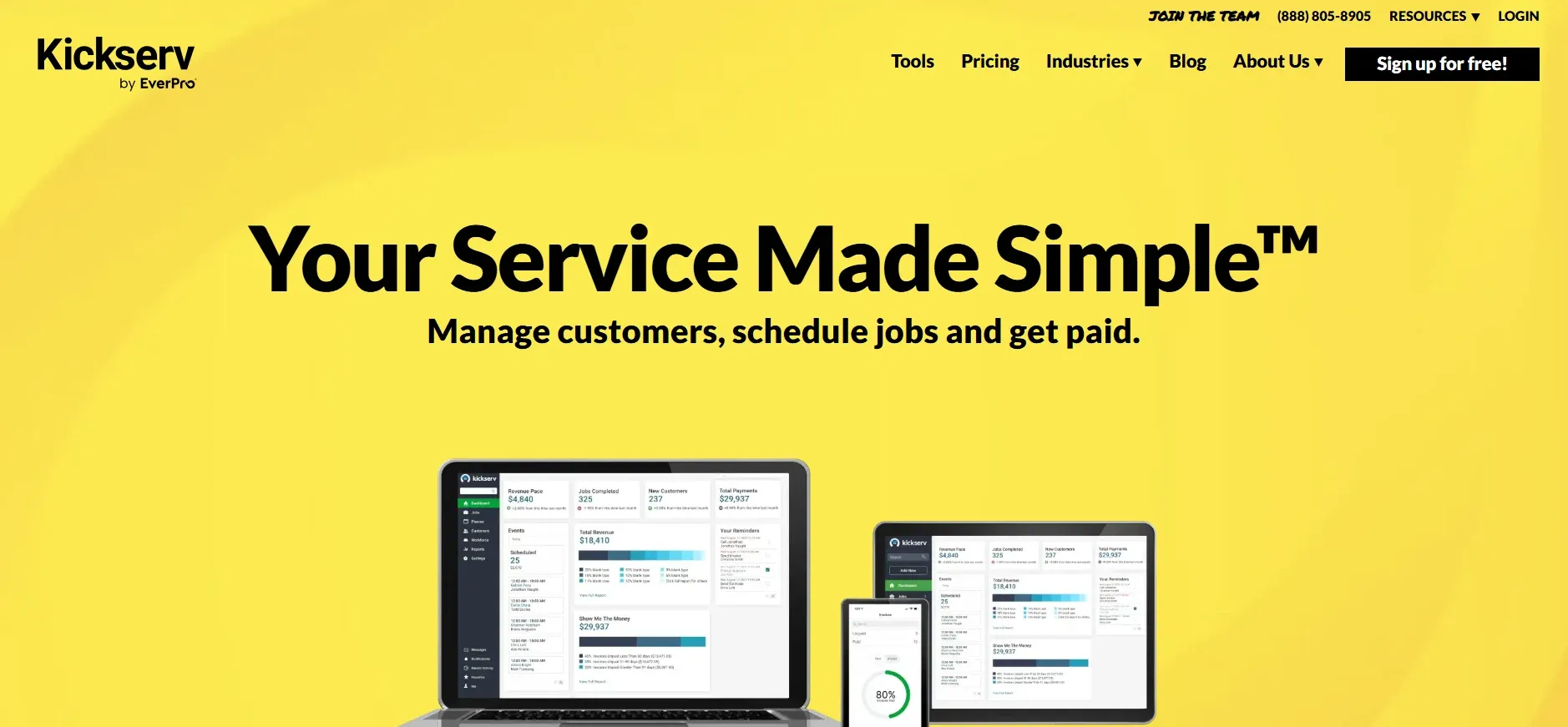
Kickserv is a cloud-based FSM for small to mid-size teams. Affordable pricing starting around 47-60/month.
Pros: Intuitive interface. Fast onboarding. QuickBooks, Stripe, and Xero integration.
Cons vs CloseCrew: Less customization. Limited reporting depth. No two-way SMS. No GPS tech tracking. No GBB estimate presentation.
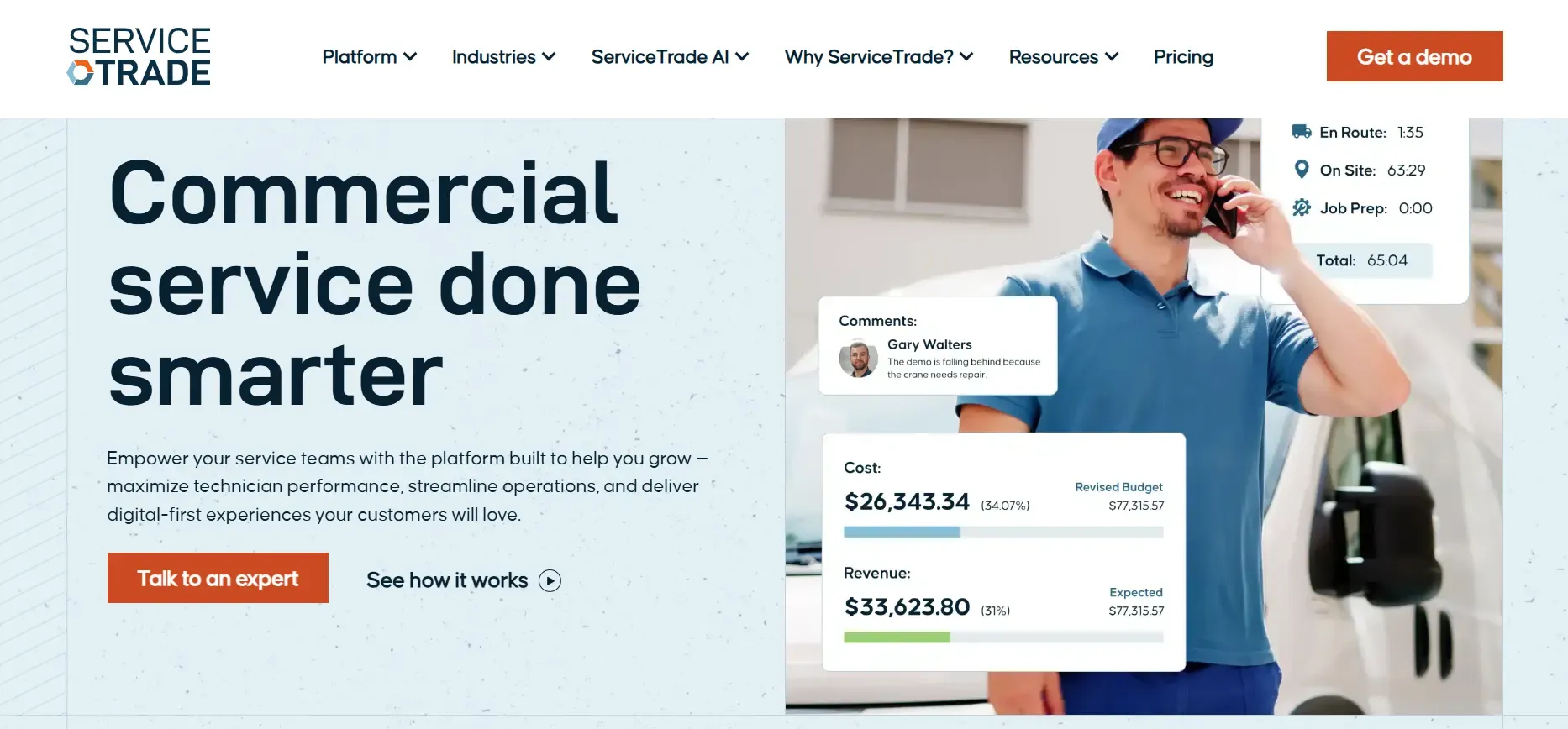
ServiceTrade specializes in commercial HVAC, mechanical, and fire protection. Inspection workflows. Project management.
Pros: Deep commercial focus. Digital inspections. Asset tracking. Contract management.
Cons vs CloseCrew: Commercial-only depth. Residential features underserved. Higher per-user pricing. Less built-in pricebook functionality.
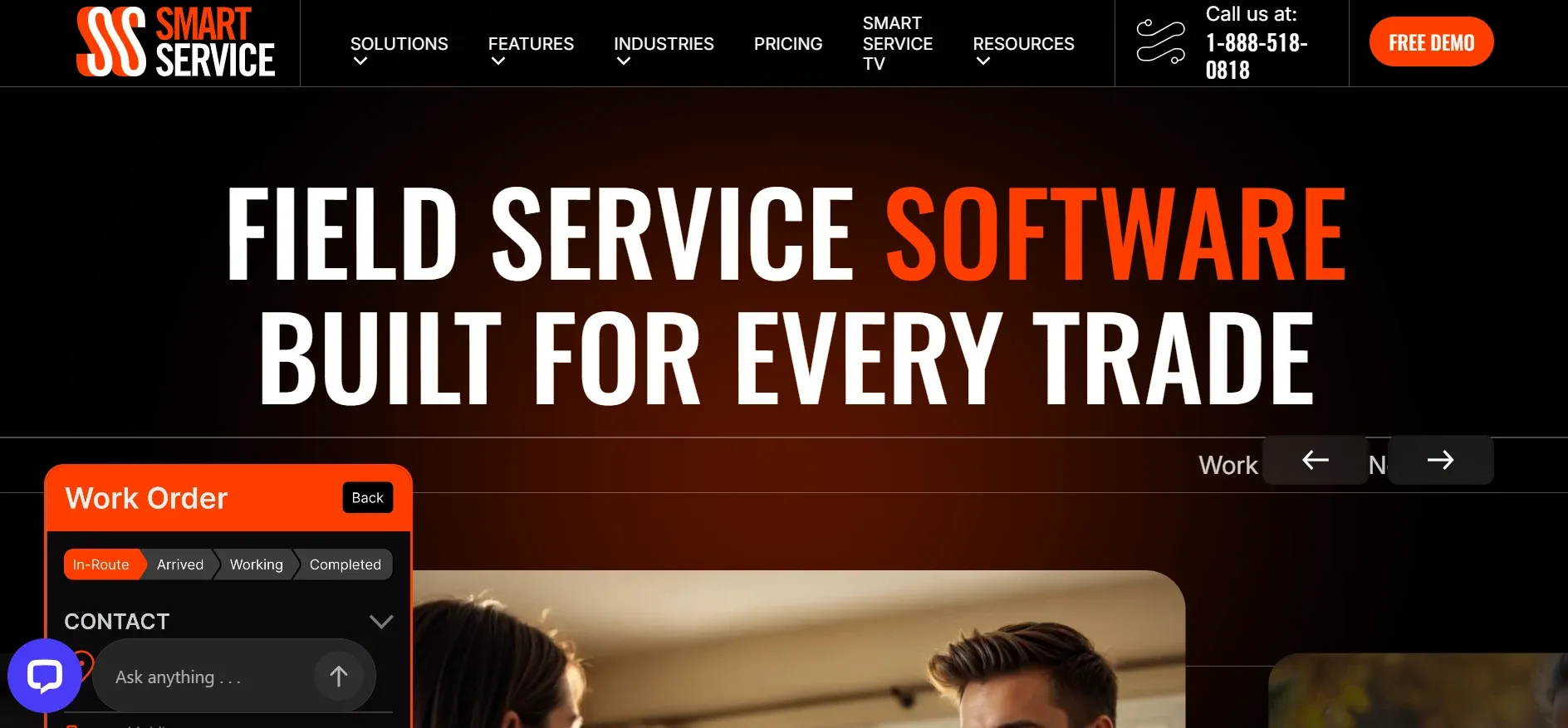
Smart Service is scheduling software built as a QuickBooks add-on. Layers dispatch, work orders, and invoicing on top of QuickBooks.
Pros: Native QuickBooks extension. No migration needed. Familiar interface for QB users.
Cons vs CloseCrew: Limited value without QuickBooks. Less standalone functionality. No native marketing tools.
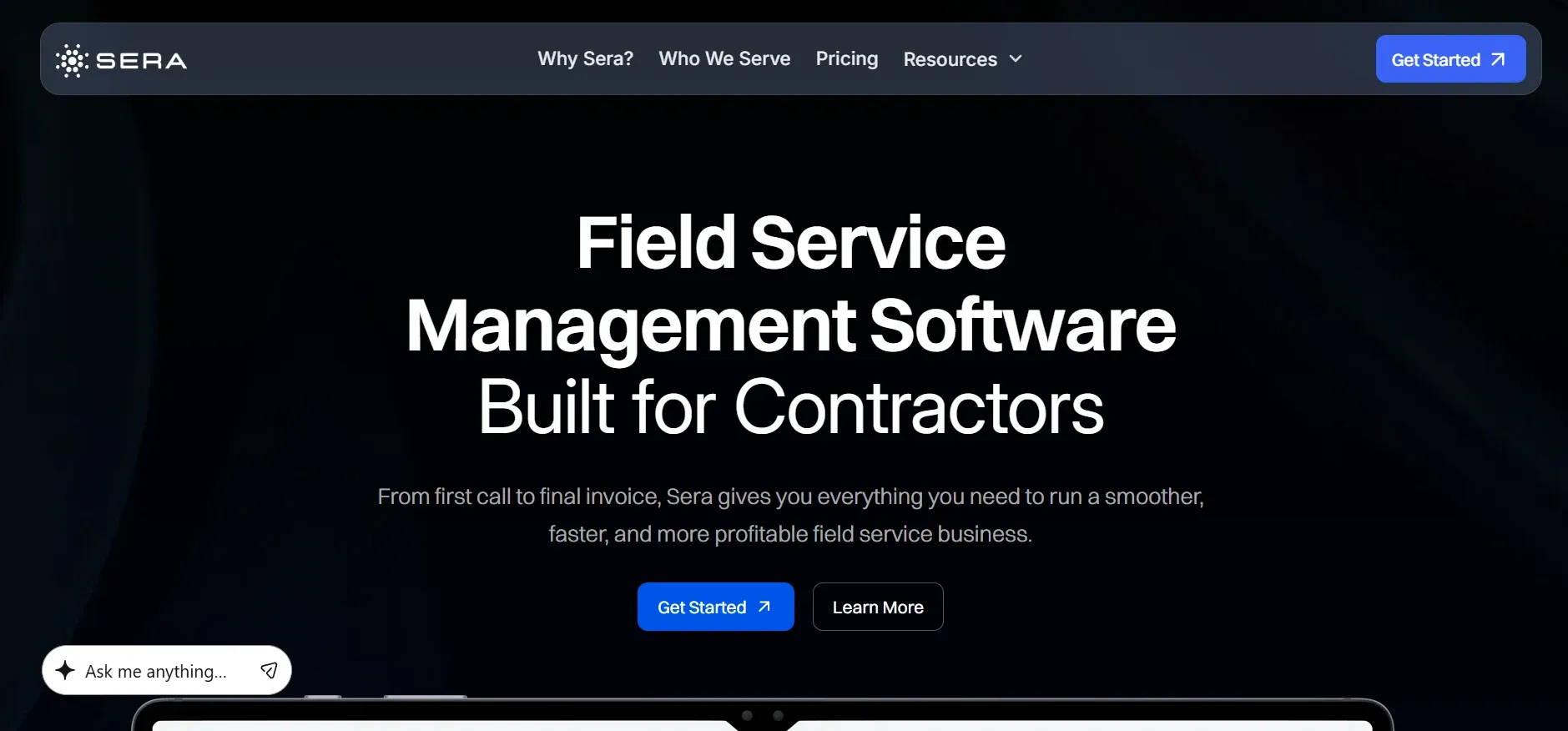
Sera focuses on financial health for home service businesses. KPI reporting baked into the core product.
Pros: Financial-first approach. Scheduling and dispatching included. Strong KPI focus.
Cons vs CloseCrew: No CSR call recordings. Less inventory management. No integrated customer financing. Newer, less established platform.
Point solution or all-in-one? If work order data needs to flow into scheduling, invoicing, and accounting, choose integrated. Standalone tools create data silos.
Residential or commercial? Residential needs mobile pricebooks and on-site presentations. Commercial needs inspection workflows and project tracking.
Team size. Per-user pricing adds up at 15+ techs. Calculate total annual cost before committing.
Accounting integration. Confirm native sync with QuickBooks or your accounting platform.
Mobile reliability. Test the app on a phone. In a basement. On a rooftop. Offline capability matters for HVAC techs.
Every app on this list manages jobs after they're created. The best ones connect work orders to your entire operation. From call booking to payment collection. One system. Zero re-entry. Full visibility.
But none of them answer the phone. And every work order starts with a customer calling your number. The call at 7 PM during a heat wave. The emergency on a Sunday morning. The referral from a neighbor at 9 PM.
Crew answers 24/7. The work order starts with an answered call. Not a missed one. Every opportunity enters your system. Every job flows through your workflow. Every dollar gets captured.