7 Best Plumbing Invoice Apps and How to Choose the Right One (2026)
There are two types of plumbing invoicing software: standalone apps and all-in-one platforms. This guide covers 7 options, explains why all-in-one beats standalone, and shows how integrated invoicing connects to faster payments, fewer errors, and more booked jobs.
There are two types of plumbing invoicing software to consider:
Invoicing-only apps. Built for invoicing alone. Generate estimates and invoices. Collect payments. That's it.
All-in-one plumbing software. Connects invoicing to scheduling, dispatching, estimating, CRM, payroll, and accounting. Everything in one system.
Standalone invoicing apps look cost-effective at first. But tying them into your other tools creates friction. Manual data transfer. Duplicate entry. Disconnected systems.
The most successful plumbing companies use all-in-one software. Invoicing integrates with every business process. No gaps. No re-keying. No lost data.
This guide covers 7 plumbing invoice apps. We start with a deep dive into CloseCrew, which offers a comprehensive solution. Then we cover 4 alternative all-in-one platforms and 2 standalone invoice apps.
The obvious advantage: no more pen-and-paper invoices.
Often lower sticker price than all-in-one solutions
Easy tracking of outstanding invoices
Digital signatures on the go
Estimating tie-ins in some cases
Cons of invoicing-only apps
Standalone apps disconnect invoicing from everything else.
No integration. They don't connect to dispatching, scheduling, payroll, or timesheets. Data lives in separate systems.
Time-consuming. Techs manually transfer info from work orders, spreadsheets, and other platforms. Every transfer takes time.
Error-prone. Disconnected tools create mistakes. Wrong amounts. Missing line items. Duplicate entries. Errors damage customer trust and reduce income.
Missing features. Many lack advanced mobile capabilities. No pricebook integration. No real-time syncing.
Actually more expensive. When you add the cost of separate CRM, dispatch, scheduling, and accounting tools, standalone invoicing costs more than all-in-one. You pay less per tool but more overall.
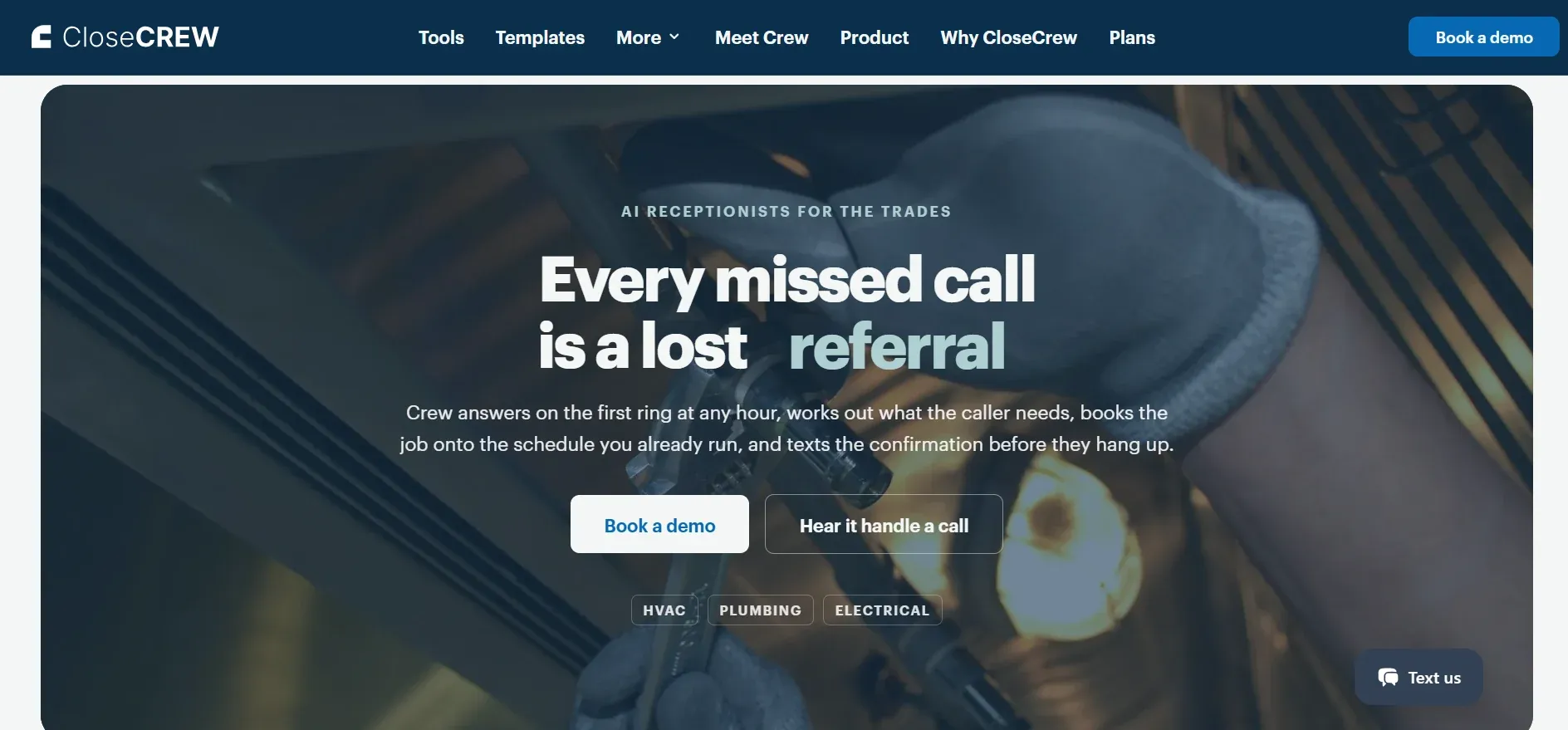
CloseCrew was built for trades. Invoicing integrates with call booking, dispatching, estimates, and CRM. Invoicing becomes a growth driver. Not just a billing step.
No manual math. No missed fields. Every variable accounted for on every invoice.
Key invoicing features
Mobile invoice creation. Techs generate custom invoices from their phone or tablet. Professional templates with payment terms and PO numbers. Text or email to customers on the spot. Printable for shops that prefer paper.
Real-time invoice approval. Business owners see invoice creation live. Sign off remotely. No waiting for techs to return to the office.
Digital signatures. Prompts tech and customer signatures. Minimizes disputes. Authorizes work and payment on-site.
Photo and video documentation. Attach labeled before-and-after photos. Water heater installs. Drain repairs. Visual proof of completed work builds trust and reduces callbacks.
Instant customer access. All customer details available with one tap. For commercial accounts, send invoices to landlord, property manager, and tenant simultaneously. Correct PO numbers assigned to each.
Built-in upselling. Optional fields for service suggestions. Warranty info. Membership promotions. Prompts techs to offer additional services from the job site. Increases average ticket without pressure.
Automated review requests. Trigger review requests on completed invoices. Delivered by text or email when the tech marks the job done. Fresh reviews build your reputation automatically. For full reputation strategy, see our plumbing reputation management guide.
Central invoice storage. Every invoice saves to the customer profile. Alongside job details, estimates, warranty info, and notes. Nothing gets lost. Full history available for every future visit.
Flexible payment options
Get paid fast. Multiple payment methods keep cash flowing.
Customer portal. Customers view job history and invoices. Pay online. Reduces demands on your team.
Mobile check deposit. Techs photograph checks and auto-deposit from the app.
Card payments. Bluetooth card reader. Tap, swipe, or insert.
Digital wallets. Google Pay and Apple Pay integration.
Financing. Customers apply and get approved through the estimate. Payment handled before the job starts.
Accounting integration
CloseCrew syncs with QuickBooks and other accounting platforms. All transactions export automatically. Purchase orders. Invoices. Field payments. No manual re-entry.
Every dollar captured in the field flows into your accounting system. No reconciliation headaches.
Track and follow up on unpaid invoices
Some invoices don't get paid immediately. CloseCrew's accounts receivable reporting shows every outstanding balance.
Filter by customer name. Outstanding amount. Aging brackets: under 30 days, 31-60 days, 61-90 days, 90+ days. Bulk-send payment reminders to all customers past due. One click. No individual chasing.
Mobile app. Full access on any device. Field or office
Invoicing isn't a separate step. It's the final piece of a connected workflow that starts with the phone ringing.
And that's the part most invoicing guides ignore. Your invoice can be perfect. Your payment options can be flexible. Your accounting can be seamless. But none of it matters if nobody booked the job in the first place.
Larry, CloseCrew's AI Employee, answers every call 24/7. He qualifies the plumbing issue. Books the appointment. The job gets dispatched. The tech arrives. The work gets done. The invoice generates automatically. Payment is collected on-site. The review request goes out.
That's the full cycle. From phone call to five-star review. One system. No gaps.
2. Housecall Pro
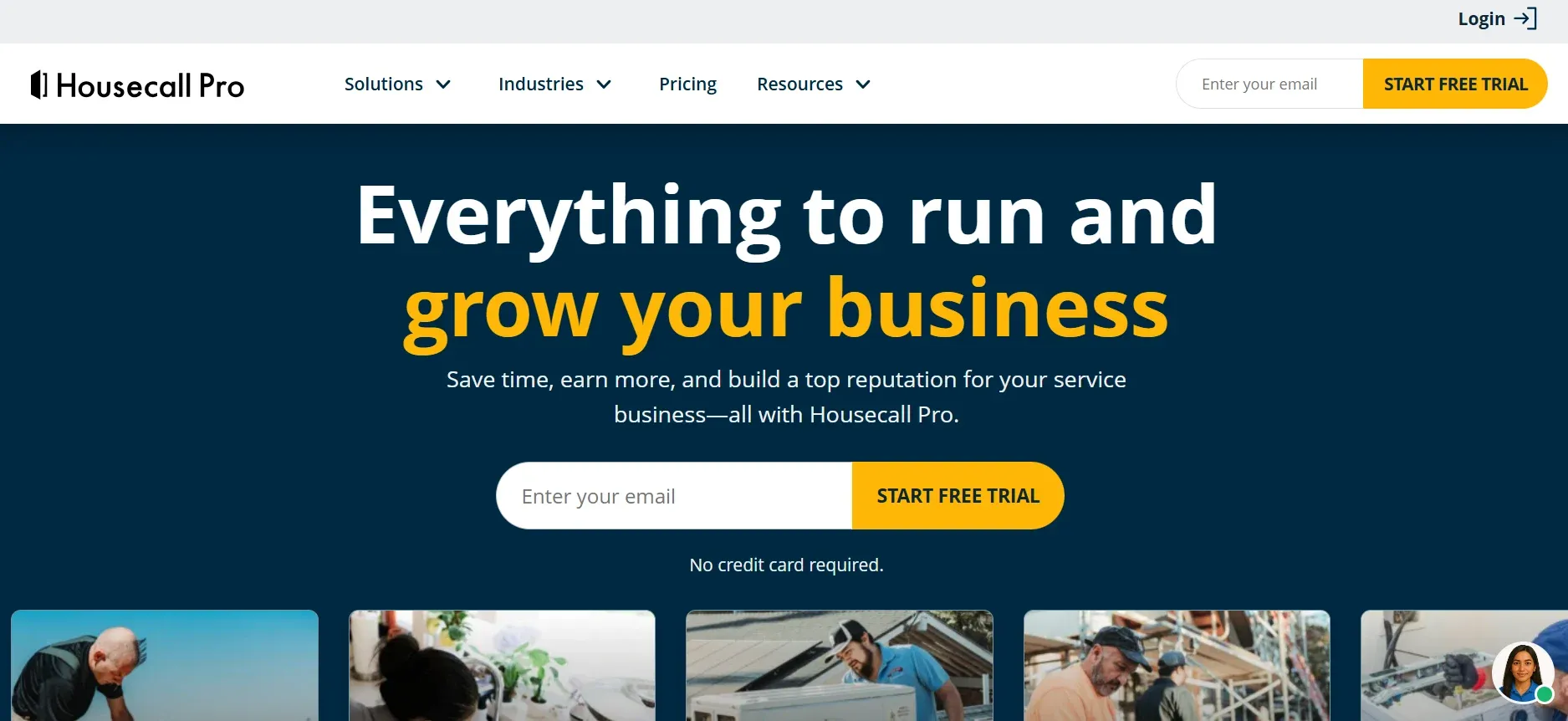
Housecall Pro is a holistic FSM solution for home service businesses. Offers scheduling, dispatching, estimates, invoicing, QuickBooks integration, and online booking.
Popular among small residential plumbing teams. Clean interface. Fast setup. Built-in financing helps customers afford larger jobs.
Best for: Shops with 1-15 trucks wanting simple invoicing alongside scheduling and payments.
Pricing: Basic $59/mo. Essentials $189/mo. Max $329/mo.
3. Jobber
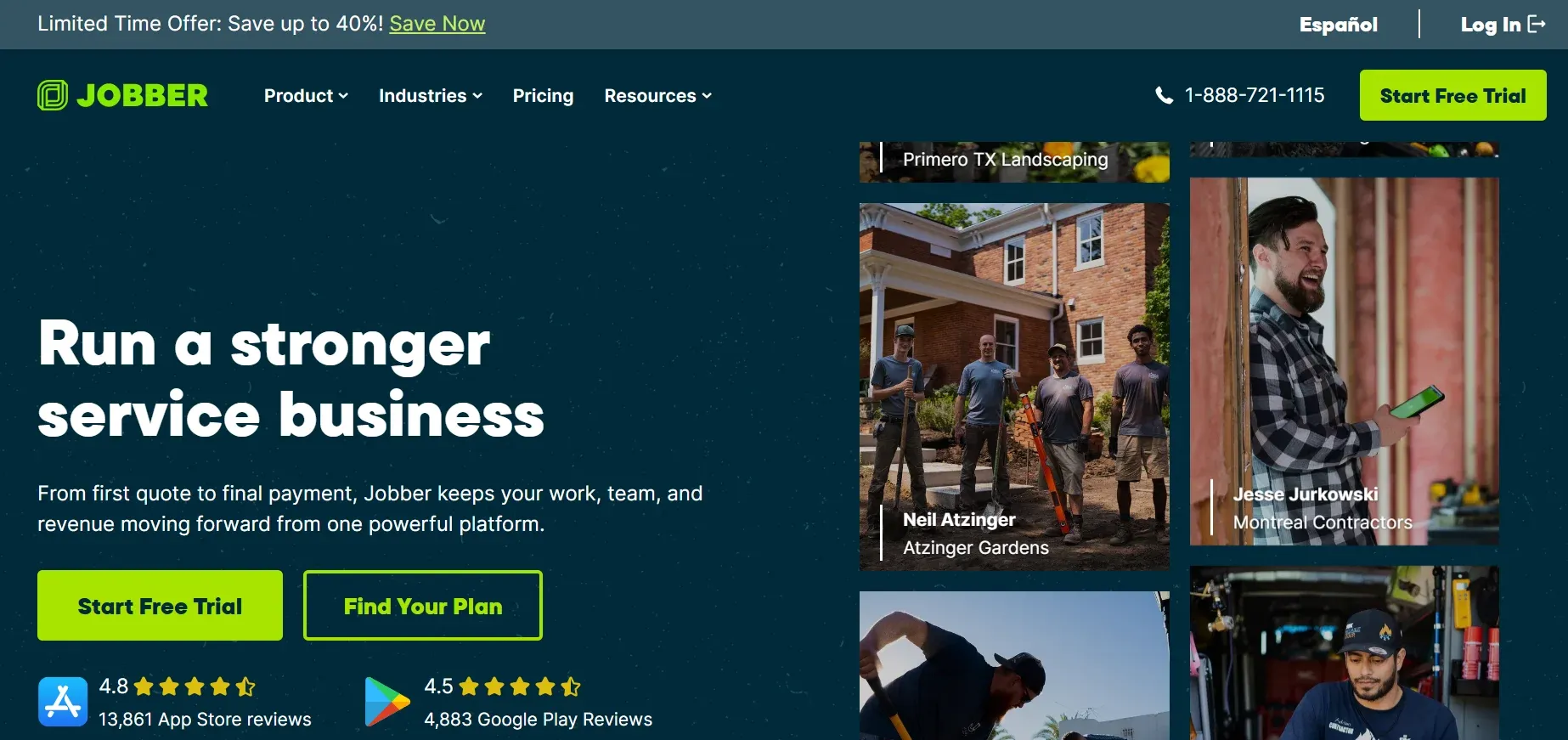
Jobber is field service scheduling software with broad feature coverage. Estimating, quotes, scheduling, invoicing, client portal, and batch invoicing.
Popular with small businesses wanting simplicity. Client hub lets customers view appointments and pay invoices online.
Best for: Small shops wanting an affordable all-in-one with minimal learning curve.
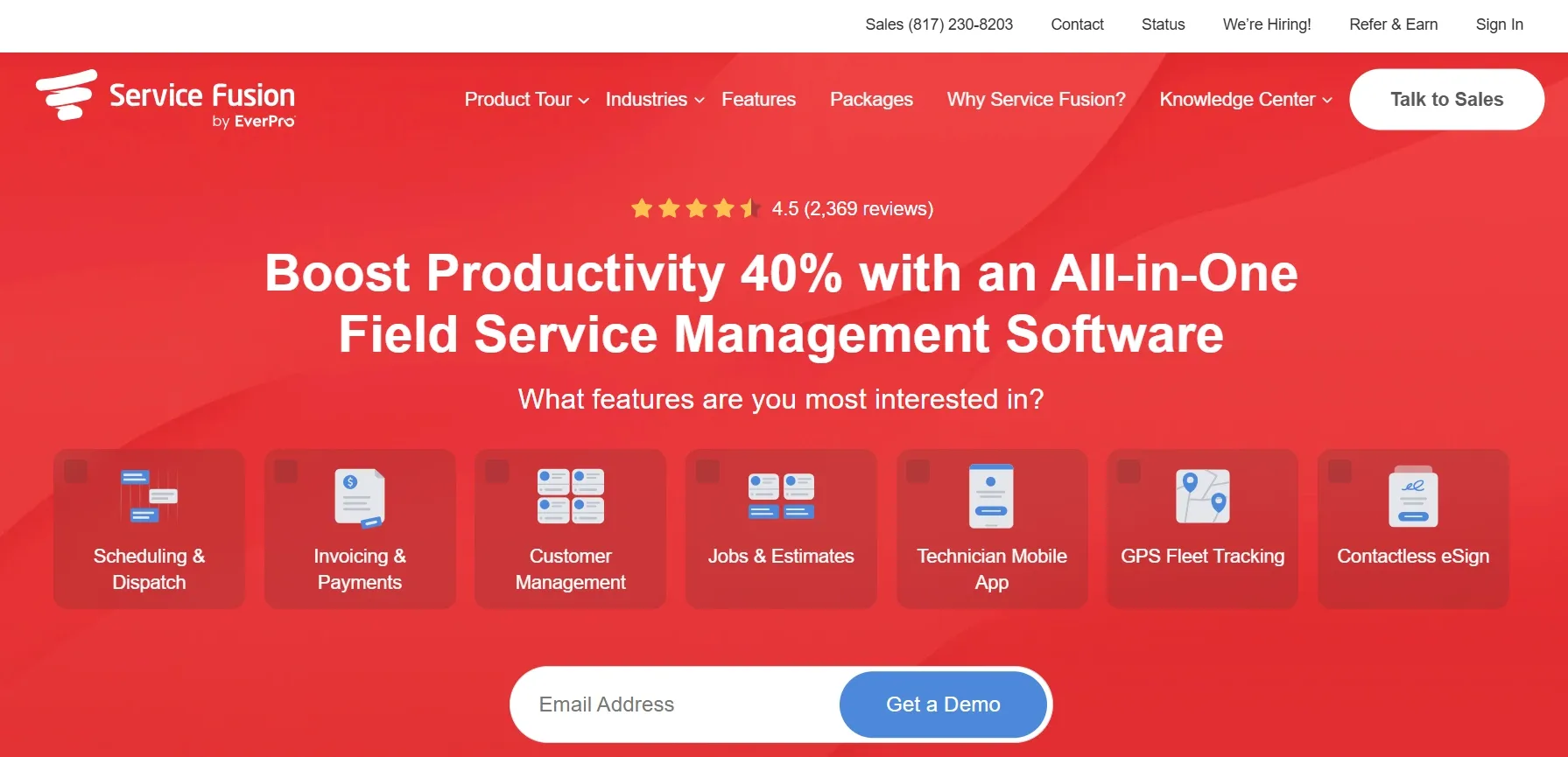
Service Fusion is an all-in-one FSM with estimates, invoicing, customer management, scheduling, and dispatching.
Standout feature: unlimited users at flat monthly pricing. No per-seat invoicing fees. Whether 5 users or 25, cost stays the same.
Best for: Growing teams wanting predictable software costs.
Pricing: $225/mo (unlimited users).
5. FieldEdge
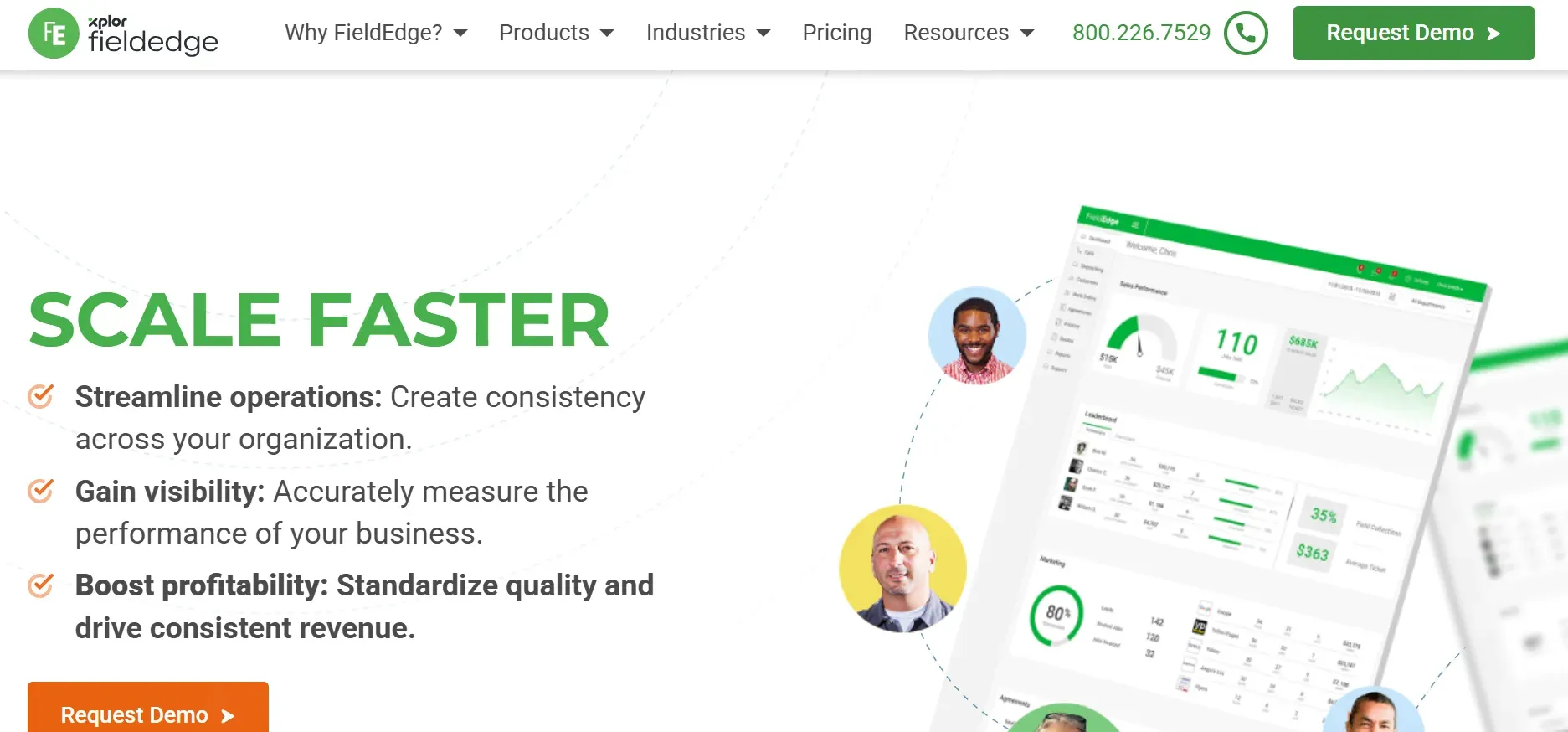
FieldEdge is FSM software with quotes, invoicing, scheduling, dispatching, and service agreements. Deep QuickBooks integration syncs every transaction automatically.
Best for: QuickBooks-first shops wanting seamless accounting sync.
Pricing: Tiered plans. Contact for pricing.
Standalone plumbing invoice apps
6
Joist
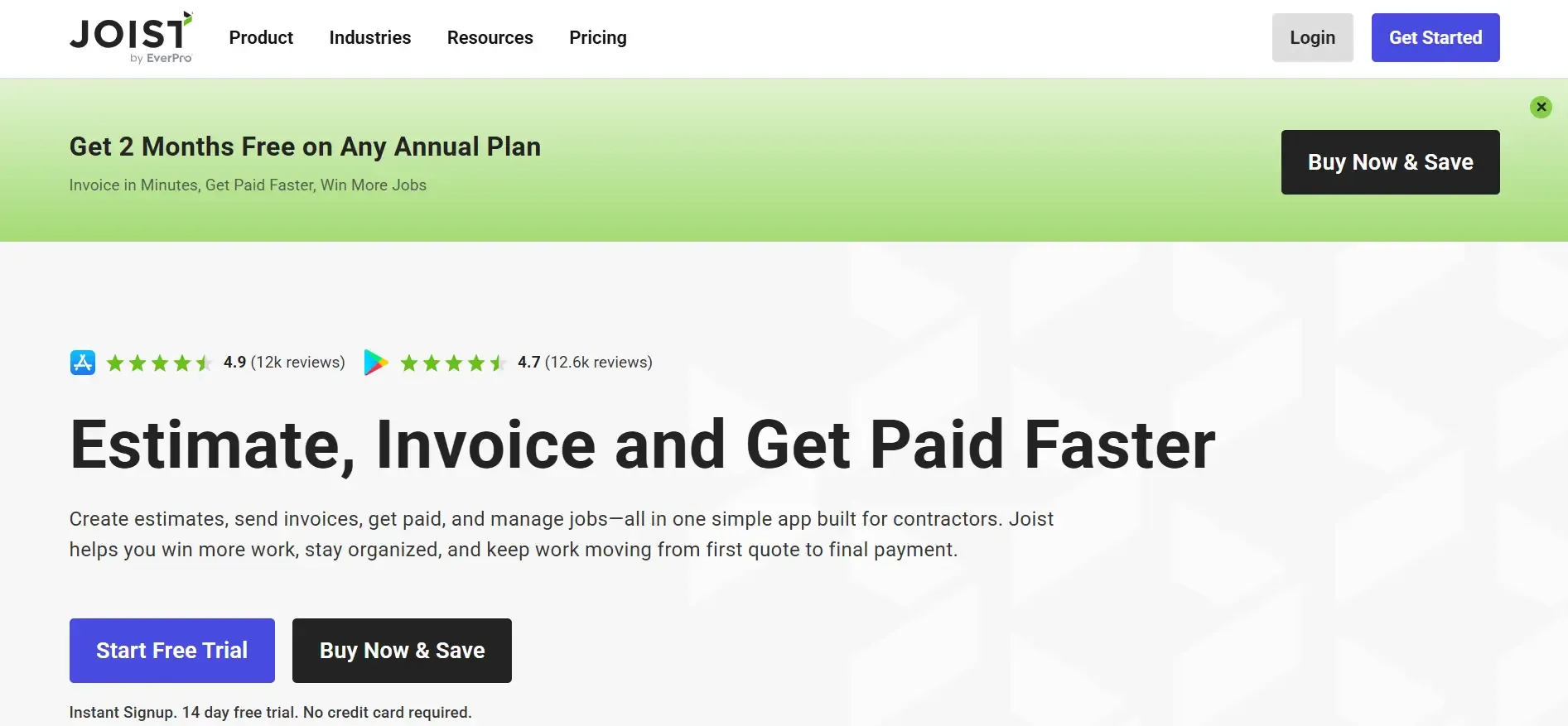
Joist specializes in estimating, invoicing, and payments. Mobile app for field use. QuickBooks integration syncs activity with accounting.
However, Joist is standalone. No scheduling. No dispatching. No maintenance agreements. No reporting. No marketing tools. Each missing feature requires a separate tool and separate cost.
Best for: Solo plumbers wanting basic invoicing without full FSM.
7
JobFLEX
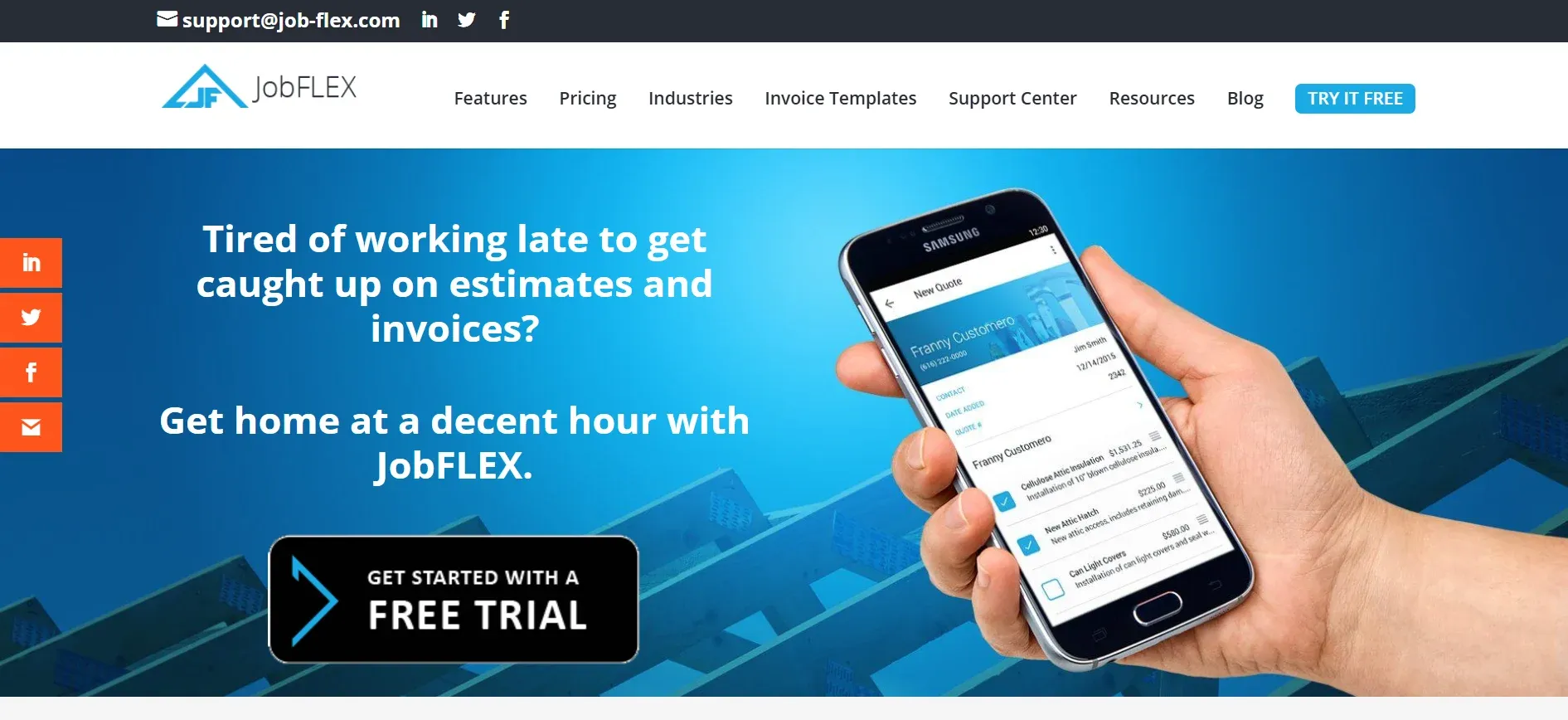
JobFLEX is an estimating and invoicing app for contractors. Mobile functionality. Create estimates and invoices in the field.
JobFLEX doesn't appear to offer payment processing. Like Joist, it doesn't connect to scheduling, dispatch, or CRM.
Best for: Contractors wanting estimate-to-invoice conversion only.
How to choose the right invoicing solution
If your shop...
Choose...
Wants invoicing + full business management
CloseCrew (all-in-one)
Runs 1-15 trucks, residential
Housecall Pro ($59/mo)
Needs the simplest affordable option
Jobber ($69/mo)
Adding trucks and wants flat pricing
Service Fusion ($225/mo)
Lives in QuickBooks
FieldEdge (seamless sync)
Solo plumber, invoicing only
Joist (standalone)
Needs estimates-to-invoices only
JobFLEX (standalone)
Why all-in-one beats standalone
Standalone apps separate invoicing from your business. That separation creates friction at every step.
Tech completes a job. Opens a separate invoicing app. Manually enters customer info. Manually enters line items. Manually calculates totals. Emails the invoice. Then opens a separate scheduling app to update job status. Then calls the office to confirm completion.
With CloseCrew, the tech marks the job complete. The invoice generates automatically from the pricebook. Payment is collected on-site. The customer profile updates. The review request sends. Accounting syncs. All in one tap.
That efficiency compounds across every job. Every tech. Every day. Over a year, the time saved equals thousands in recovered labor hours. The errors eliminated save thousands more in correct billing.
For managing your plumbing pricing alongside invoicing, see our pricing apps guide.
The invoice that never gets created
Your invoicing app is perfect. Templates are clean. Payments are fast. Accounting syncs automatically.
But the homeowner who called about a water heater at 7 PM never got through. Voicemail. They called the next plumber. That plumber booked the $3,500 replacement.
Your invoicing system was ready. Your pricebook was loaded. Your tech was available tomorrow. But nobody answered the phone.
Every invoice starts with a booked job. Every booked job starts with an answered call. Larry answers every call 24/7. He qualifies the issue. Books the appointment. The job gets dispatched. The work gets done. The invoice generates. Payment collects. The review request sends.
Arctic Air saw 30% more revenue in one year. Premier Heating converted 3x more leads. Air Design added 13 extra appointments in 30 days.
Your invoicing closes the loop. Larry opens it.
Your invoicing is ready. Is your phone?
The best invoicing app creates clean, accurate invoices. Collects payment on-site. Syncs with accounting. Follows up on unpaid balances.
But every invoice starts with a booked job. And every booked job starts with someone answering the phone. CloseCrew handles both sides. Larry books the job. Your system invoices it.
Frequently asked questions
What is the best plumbing invoice app?
CloseCrew for all-in-one invoicing integrated with scheduling, dispatch, and CRM. Housecall Pro and Jobber for simpler needs. Joist for standalone invoicing only.
Should I use a standalone invoicing app or all-in-one?
All-in-one for most plumbing businesses. Standalone apps cost less upfront but create disconnected workflows. The total cost of separate tools usually exceeds all-in-one pricing.
Can I create invoices from my phone?
Yes. Every all-in-one platform on this list supports mobile invoicing. CloseCrew, Housecall Pro, Jobber, Service Fusion, and FieldEdge all have mobile apps. Quality varies. Test on your actual phone.
How do I follow up on unpaid invoices?
CloseCrew's AR reporting shows every outstanding balance by aging bracket. Bulk-send payment reminders to all past-due customers in one click. No individual chasing.
How does invoicing connect to getting paid faster?
Digital invoicing with on-site payment collection gets you paid 2-3 weeks faster than paper. Offer multiple payment methods. Card, check photo, digital wallet, and financing. The more options, the faster you collect.
Related tools
Run the numbers before you update your price book or field software.
Free Plumbing Templates
Invoices, estimates, and flat-rate pricing sheets for plumbing contractors.
Trade shows give plumbing professionals the chance to see new products, network with peers, and earn continuing education. This guide covers 10 upcoming shows from late 2026 through early 2027 with verified dates, locations, and strategies for turning trade show connections into business growth.
Plumbing van wraps generate thousands of daily impressions at the lowest cost per impression of any advertising method. This guide covers wrap types, design best practices, costs, maintenance, and the strategy that turns daily impressions into actual booked revenue for your plumbing business.
Never miss a Plumbing service call again. Let Larry, your AI receptionist, book jobs while your crew is in the field.
We will run your numbers on the call and tell you if the maths does not work for a shop your size. That happens, and it is a cheaper conversation than finding out three months in.