The best software helps you run more jobs without adding office staff. It should support dispatchers, techs, owners, and back-office teams throughout the day.
Dispatch and scheduling depth
Dispatching breaks first when HVAC businesses grow. Emergency calls compete with installs and recurring maintenance every single day.
Look for software that helps you:
See the full schedule by day, week, or tech
Assign jobs by availability, location, or skill
Handle emergency calls without disrupting the calendar
Update techs in real time when jobs change
Track job status from booked to completed
Cut back-and-forth calls between office and field
A drag-and-drop calendar works for a few daily jobs. But multiple crews juggling installs, no-cool calls, and estimates need a real dispatch board.
HVAC-specific job details
HVAC work depends heavily on service history at each site. A tech arriving for a repeat call needs context fast.
Look for software that tracks:
Equipment history by customer or job site
Photos, notes, and attachments from prior visits
Maintenance agreements and recurring schedules
Estimates, proposals, and approval history
Job types, tags, and full service records
More information before arrival means faster diagnosis. It also means fewer calls back to the office.
Invoicing, estimates, and payments
Billing bottlenecks grow as job volume increases. Techs finish work but invoices sit until the office catches up.
Look for software that supports:
Mobile estimates created on site
On-site invoicing before the tech leaves
Digital payments by card, ACH, or mobile wallet
Customer approvals for estimates and change orders
QuickBooks or accounting software integrations
Price book or flat-rate pricing tools
The goal is simple and clear. Shorten the gap between finishing work and getting paid.
Mobile app quality for field techs
The mobile app determines daily success for techs. A bad app slows your entire field operation.
A good HVAC field service app should let techs:
View full job details before arriving
See customer and equipment history on site
Add notes, photos, and documentation easily
Build and send estimates from the field
Collect signatures and approvals digitally
Send invoices and take payments on site
Update job status in real time
Test the mobile workflow before you buy anything. Have a dispatcher and tech run a real job. A tool can look great in a demo but fail during actual service calls.
Pricing models
HVAC software pricing varies by company size and features. Some platforms publish monthly rates. Others require custom quotes for larger operations.
When comparing cost, ask:
Is pricing per user, per tech, or per company?
Are office users and field techs priced differently?
Are onboarding, training, or support fees extra?
Are payments, phone, or AI features add-ons?
Is there a free trial or demo available?
Does the contract lock you in long-term?
Integrations
Check integrations before you commit to any platform. Growing HVAC businesses need connections to accounting, payments, phone systems, and marketing tools.
QuickBooks integration matters most for daily accounting. But confirm the software connects with every tool your team actually uses today.
The right software depends on your biggest bottleneck today. Start there and work outward.
If your schedule is the problem, prioritize dispatch depth. Look for drag-and-drop boards with real-time updates and tech visibility.
If techs keep calling the office, prioritize mobile app quality. Look for full job history, equipment details, and photos on the mobile app.
If payments are slow, prioritize invoicing and payment tools. Look for same-day invoicing with multiple payment methods.
If recurring revenue matters, prioritize service agreement tools. Look for automated billing and maintenance scheduling.
Match software to your team size
A solo contractor or two-person team needs simplicity. Scheduling, estimates, invoices, and payments may cover everything at that stage.
Once several techs join, the owner loses track. Stronger dispatching, job statuses, mobile updates, and faster billing become essential at that point.
Larger companies need advanced reporting and controls. Price book management, performance dashboards, and multi-location visibility matter at scale.
Match software to your job volume
Job volume shapes how much dispatch control you need. Five daily jobs and 40 daily jobs require different systems entirely.
When a five-job day grows to 25, one missed dispatch update creates chaos. A tech drives across town while an emergency sits on the schedule.
Before choosing software, map your current workflow:
How does a job get booked today?
Who assigns the tech to each job?
How does the tech receive job details?
How are estimates created and approved?
When does the invoice actually go out?
How is payment collected from customers?
How are follow-ups and maintenance scheduled?
The best platform makes those steps easier for everyone.
Switch when your current tool creates more work than it saves.
Common signs you need a change:
Dispatchers manage too much by text or phone
Techs lack reliable job details in the field
Maintenance agreements get tracked manually
Invoices go out late after jobs complete
Customers call for updates you should automate
You cannot see job status across the team
Reports do not show what is actually happening
Your tool handles scheduling but not operations
Before switching, ask each provider:
How long does onboarding typically take?
What data can they import from your current tool?
Do they help migrate customers and job history?
How are techs trained on the mobile app?
Plan to migrate customer records and job history. Also migrate equipment details and maintenance agreements. Open estimates, unpaid invoices, and recurring appointments need transfer too.
These two categories serve different purposes entirely. Confusing them leads to buying the wrong tool.
Field service software manages operations after jobs are booked. Scheduling, dispatch, tech workflows, invoicing, payments, and service agreements all live here.
CRM software manages customer relationships and sales. Lead tracking, sales follow-up, marketing campaigns, and customer segmentation belong in CRM.
If your biggest issue is managing more crews and jobs, start with field service software. If your biggest issue is lead conversion, start with CRM.
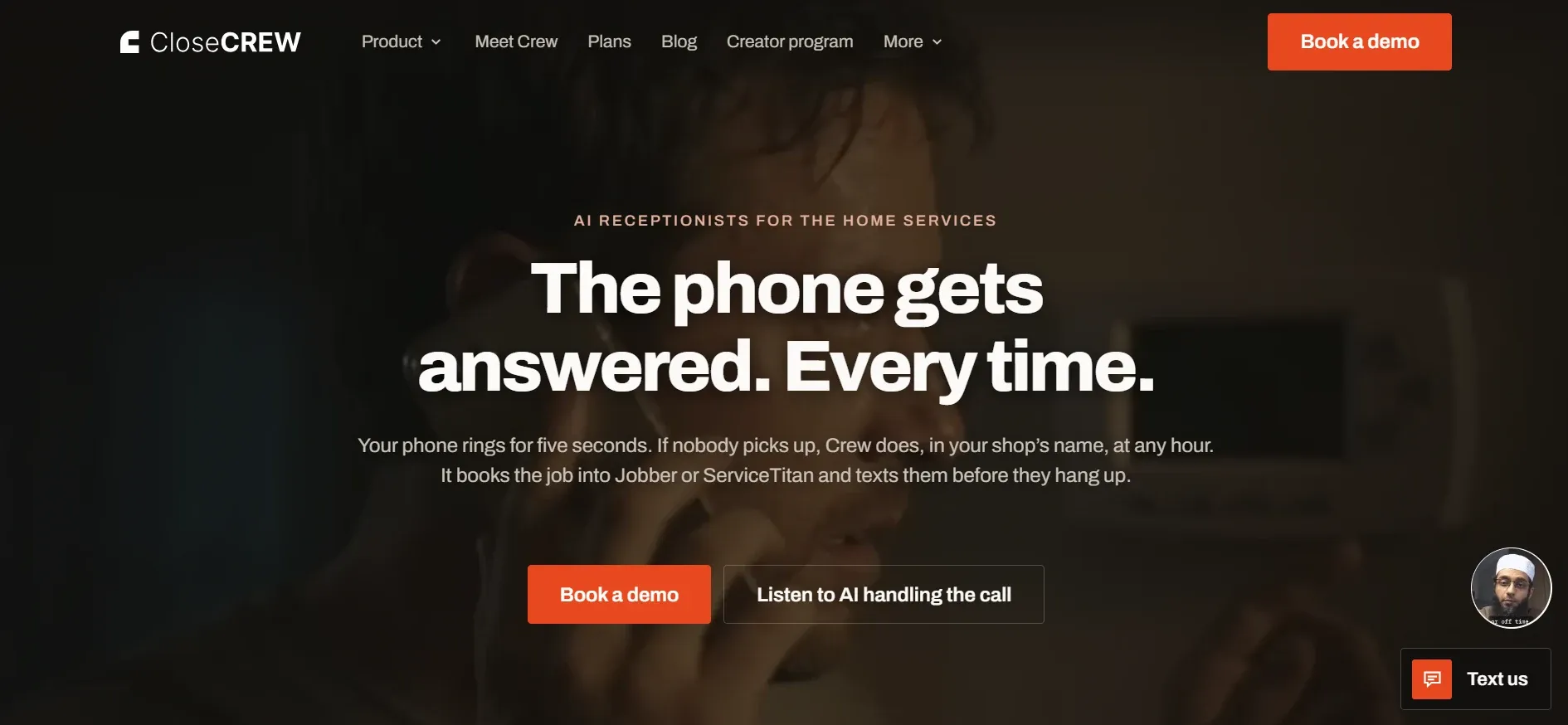
CloseCrew combines both in one platform. Operations and customer management live in the same system without separate tools.
Every platform on this list manages jobs and schedules. Only CloseCrew adds AI-powered call answering to the same system.
Crew, CloseCrew's AI Employee, answers every call around the clock. Crew qualifies the issue and books the appointment. It sends confirmation texts automatically. It creates customer records instantly. Your tech arrives and completes the work.
HVAC contractors miss 30% to 40% of inbound calls. Each missed call is a lost job and lost revenue. Crew eliminates that problem completely.
CloseCrew connects the entire workflow into one platform. Call answering flows into scheduling and dispatching. Dispatching flows into invoicing and payment collection. No gaps between systems means no gaps in revenue.
The faster your system works, the faster you grow.
The best HVAC field service software is not the longest feature list. It is the platform that helps your team handle more work without losing control.
Look for software that supports the full job cycle. Booking, dispatch, field work, estimates, invoicing, payments, service agreements, and follow-up should all connect.
CloseCrew gives growing HVAC businesses everything in one place. AI call answering, scheduling, dispatching, invoicing, and customer management are all included.